A lane board for the stand.
Three lanes on the attendant’s phone: Parked, Requested and At curb. Each ticket shows its number and the car colour. A requested car shows how long the guest has waited and turns red once it passes the target you set.
Valet parking tickets with a QR
Hand over a ticket with a QR. When the guest is ready to leave they tap Bring my car on their ticket page, the request lands on your lane board, and their phone knows the moment the car reaches the curb.

SOLO $19.99 A YEAR OR $49.99 ONCE · PRO $19.99 A MONTH OR $199.99 A YEAR
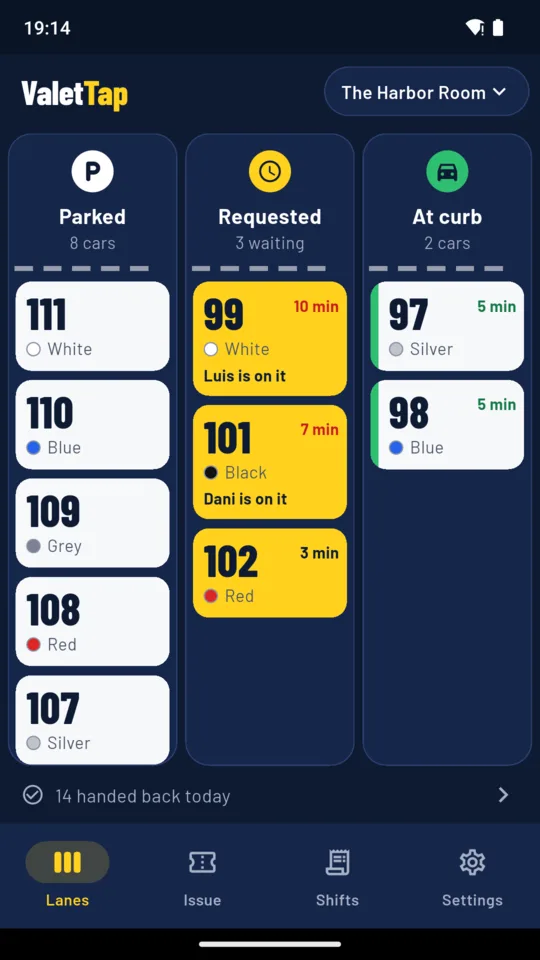
Three lanes on the attendant’s phone: Parked, Requested and At curb. Each ticket shows its number and the car colour. A requested car shows how long the guest has waited and turns red once it passes the target you set.
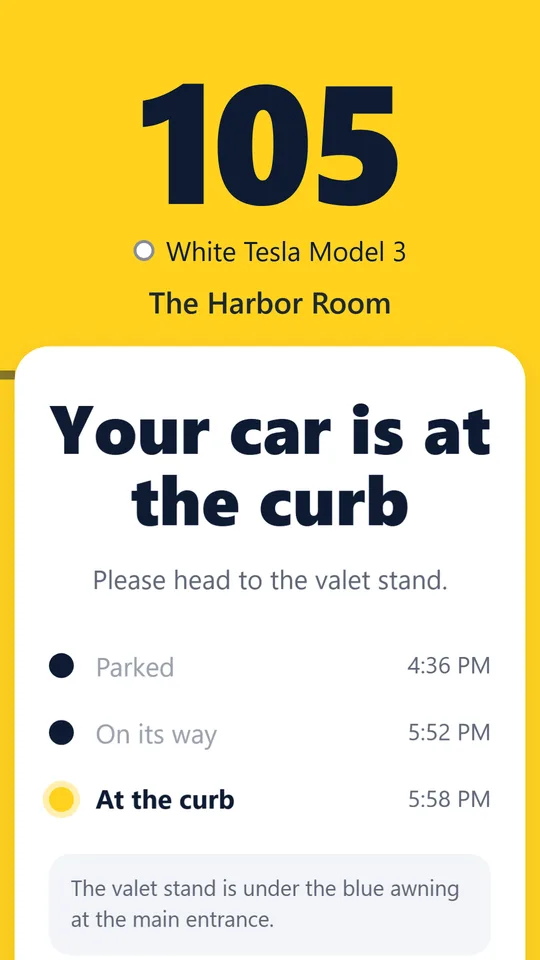
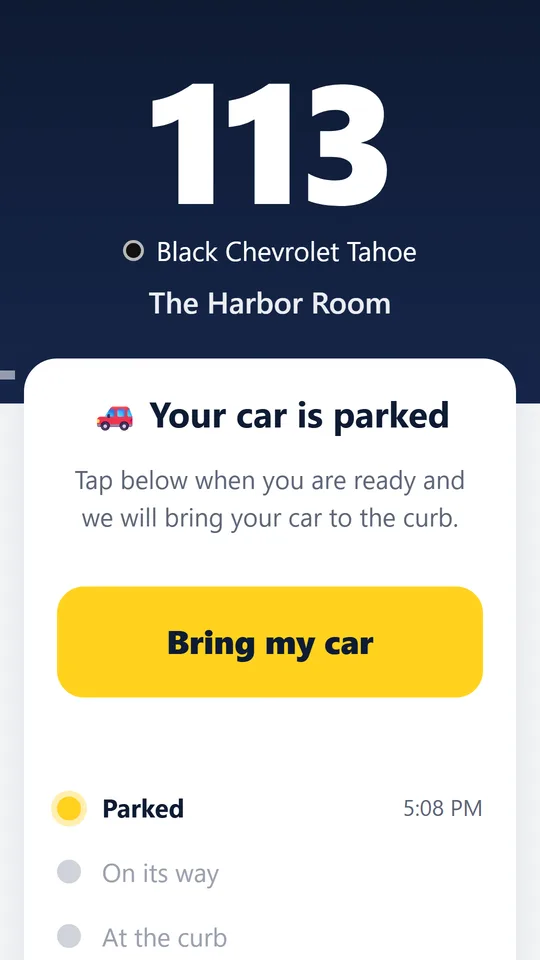
The guest scans the ticket QR and gets a web page with their number, their car and its progress. When they are ready to leave they tap Bring my car, and the request lands in your middle lane. They can take it back if they are not ready yet.
Move the car to At curb and the ticket page changes colour, with a chime and a vibration where the phone allows it. Guests who turned on notifications get one, even with the page in the background.
Pick the car colour, add the make, key tag, spot and plate if you want them, and issue. The server hands out the number, so two attendants never give out the same one. Write it on the key tag and the guest scans the QR off your screen.
Print numbered QR tickets two to a card with a tear line: the guest keeps the QR half, the keys get the number half. Type the number when you take the keys and that printed QR starts working at once.
Cars parked and handed back, the average and longest time from request to curb, cars by hour and the split by attendant, for today, yesterday or the last 7 days, as a PDF report or a CSV.
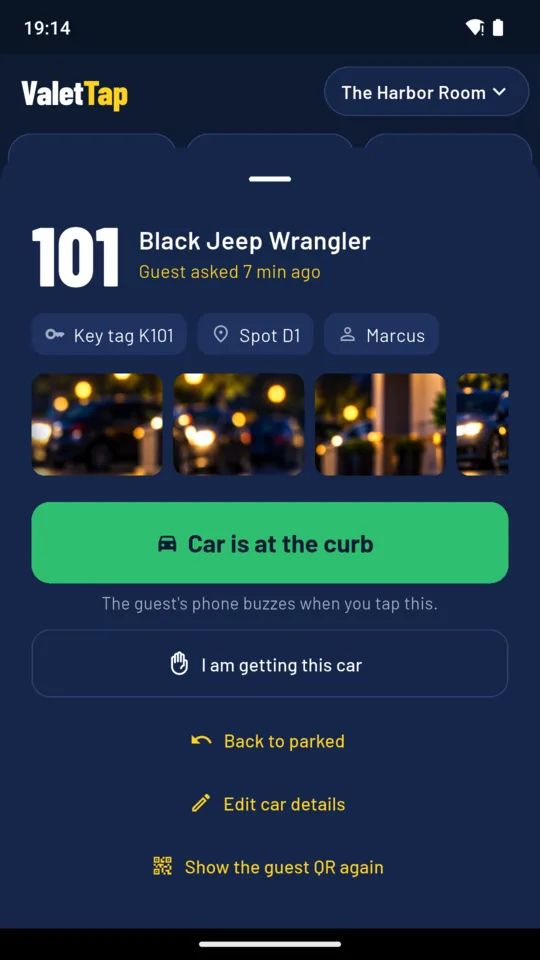
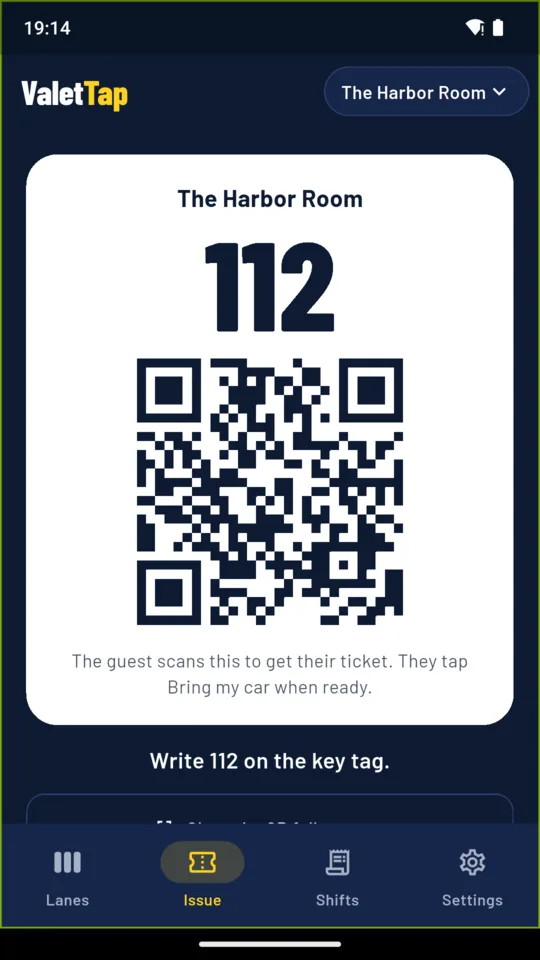
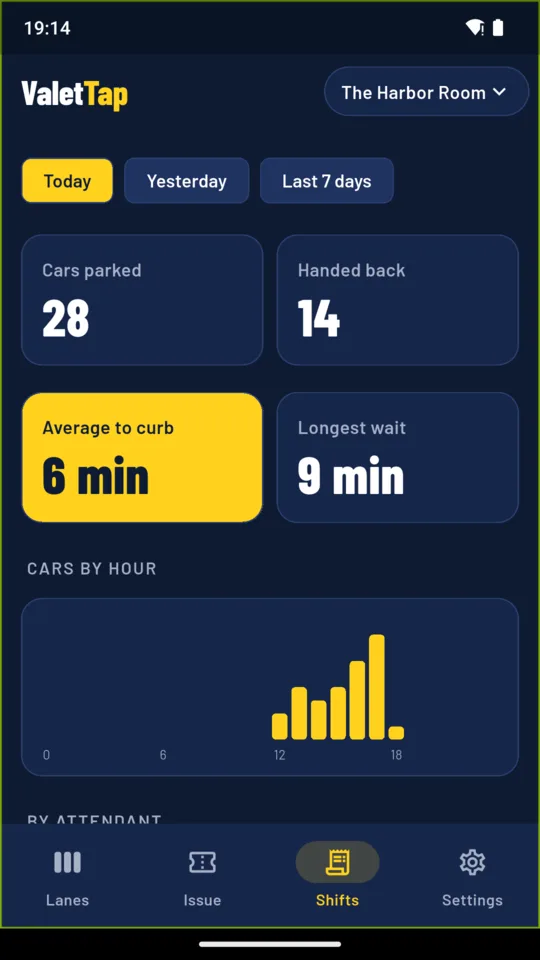
ValetTap reaches guests through their own browser, so there is no text message to pay for, no carrier registration and no phone number to store. Guests who allow notifications get one; everyone else keeps the page open and it buzzes.
On Pro, up to six people run the board live from their own phones, and a runner can claim a requested car so two people never fetch the same one. The board lives on ValetTap’s servers; the app sends an attendant’s moves when a short signal drop ends.
Guests give no name and no phone number. Their page shows their own ticket and nothing else, intake photos never leave the attendant’s phone, and closed tickets are deleted after 120 days.
Every ticket stays readable on every tier and exports as JSON at any time. If a paid plan ends, the stand keeps running on Standard with up to 30 tickets a day.
One lot with up to 30 tickets a day, the lane board, the ticket page for guests, intake photos and the JSON export.
A 14-day Pro trial is offered in the app; it starts only when you tap it.
No. Guests scan the QR on their ticket with their phone camera and get a web page. ValetTap never asks for their name or a phone number and sends no text messages.
They open their ticket page and tap Bring my car. The request appears in the Requested lane on every attendant’s phone with the minutes the guest has waited. If they tapped too early they can take it back.
Guests who turn on notifications can get one when the car reaches the curb, depending on their browser, permissions and phone settings. On supported iPhones, notifications work after the page is added to the Home Screen, and the page says how. A guest who keeps the page open sees it turn yellow either way.
Yes, on Solo. Print a ticket book from the app: each ticket has its own number and QR, two to a card with a tear line. Type the number when you take the keys and that printed QR works straight away.
No. ValetTap issues tickets and tracks cars. It does not take payments or tips.
Everything you recorded stays readable and exportable. The stand keeps working on Standard, with up to 30 tickets a day and the ticket page for guests.
Name your stand, issue the first ticket and move the car to the curb when the guest asks for it.