Do guests need an app or a phone number? +
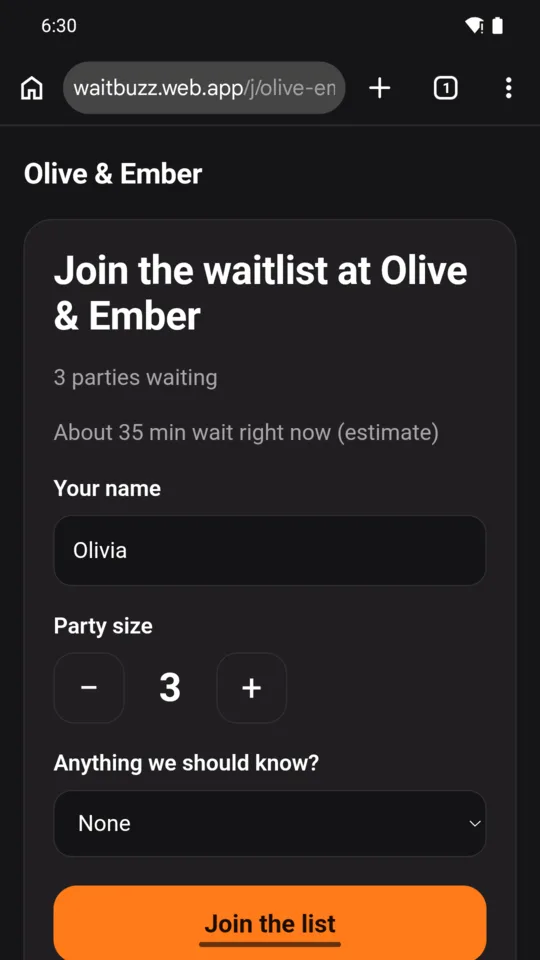
No. Guests scan the QR code with their phone camera and get a web page. They type a first name and their party size; WaitBuzz never asks for a phone number and sends no text messages.
What if a guest locks their phone? +
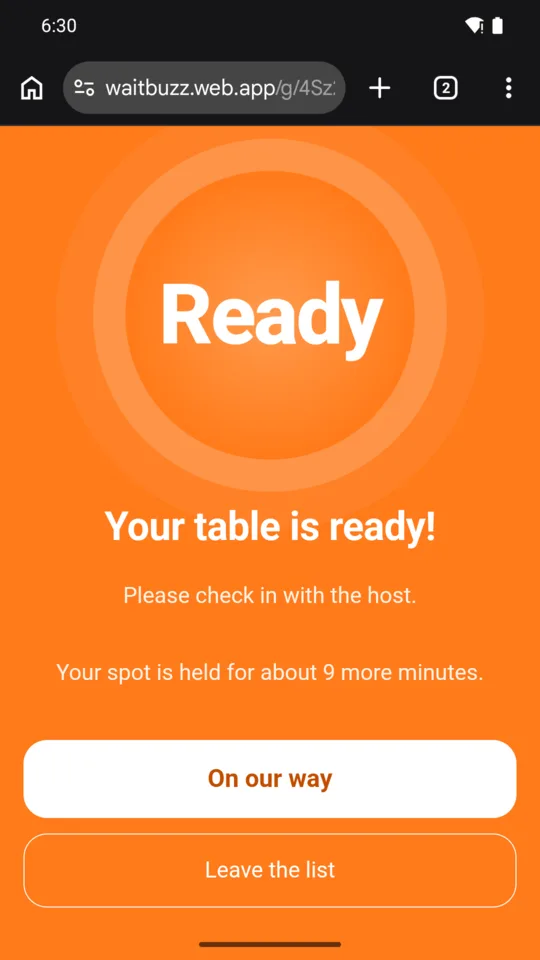
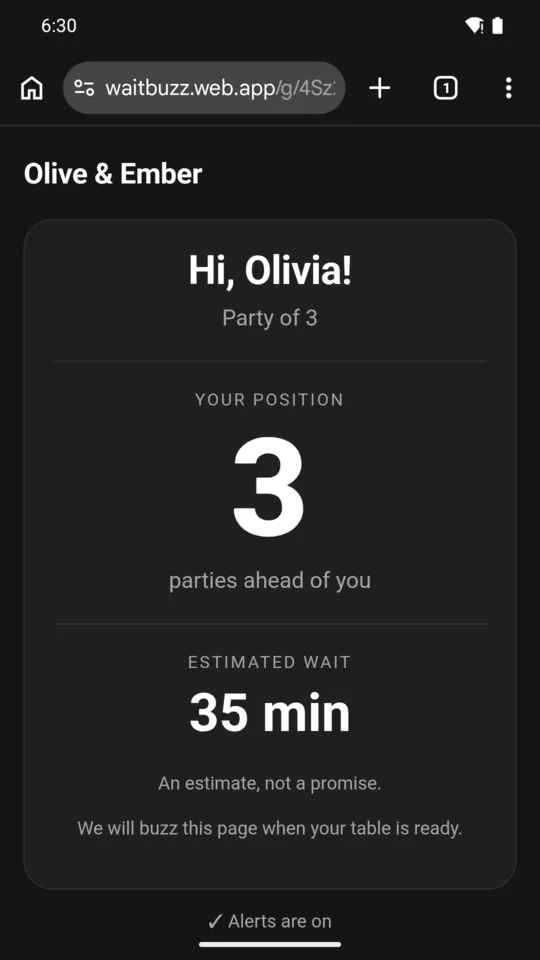
Guests who turn on alerts can get a notification when you call them, and a second one halfway through the hold time, depending on their browser, permissions and phone settings. On supported iPhones, alerts work after the page is added to the Home Screen, and the page says how. A guest who keeps the page open sees it turn orange either way.
How is the wait estimate worked out? +
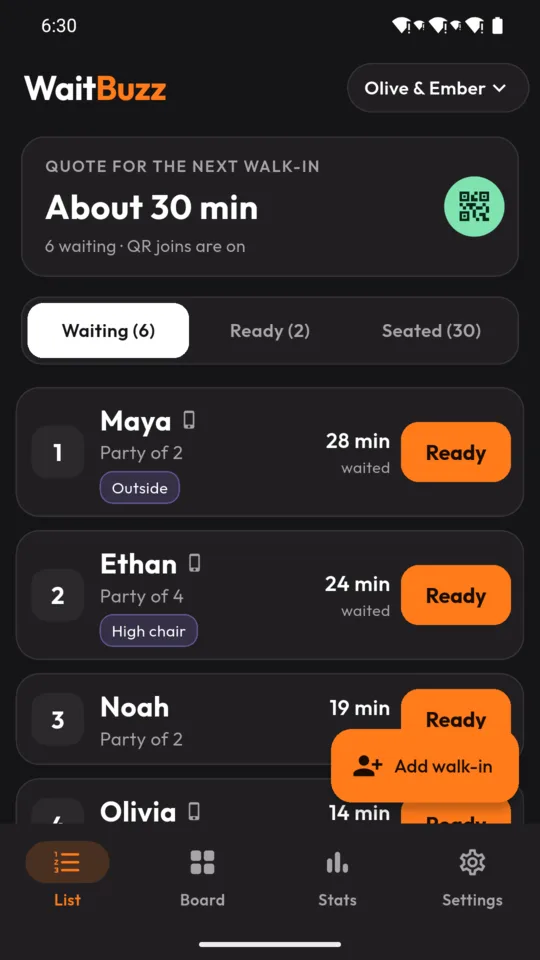
From the number of parties ahead and the pace of the day: the average time between recent seatings, once there are three of them, or the pace you set until then. Parties of five or more get a little longer. It is shown as an estimate, never a promise.
Does it take reservations or payments? +
No. WaitBuzz runs a walk-in list. It does not book tables in advance, take deposits or handle payments, and in a clinic it is a queue of first names, not patient records.
Can more than one host use it? +
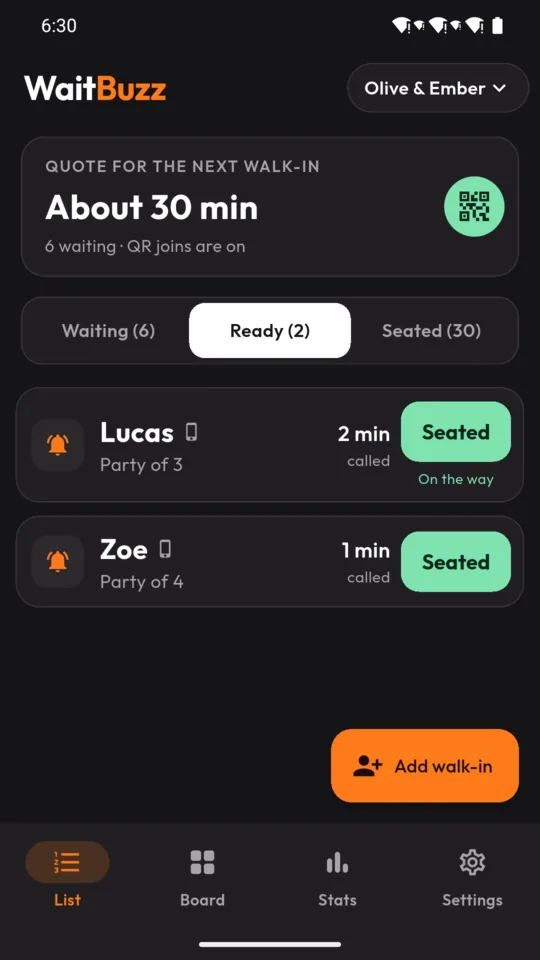
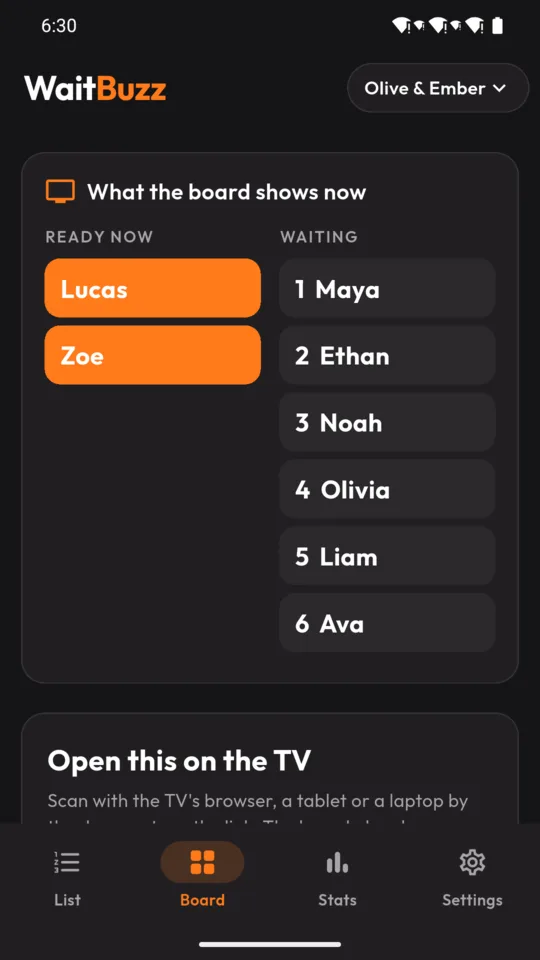
On Pro, yes. The owner invites up to four more hosts with single-use codes, and everyone sees the same list live. A host PIN keeps Stats and Settings locked on a shared tablet.
What happens when a subscription ends? +
Everything you recorded stays readable and exportable. The list keeps working on Standard, with up to 25 parties a day and the buzz page for guests.