Payday refill.
Type the cash you withdrew. Each spending jar is topped up to its target amount in your chosen order, so cash left from last time counts. Anything remaining is assigned to your buffer jar.

Cash envelope budget
Type the cash you took out on payday. CashJars assigns it across your jars and shows the exact notes for each envelope, so your cash binder and the jars on your phone stay in step.

UP TO 6 JARS STANDARD · PRO $1.99 A MONTH, $9.99 A YEAR OR $14.99 ONCE
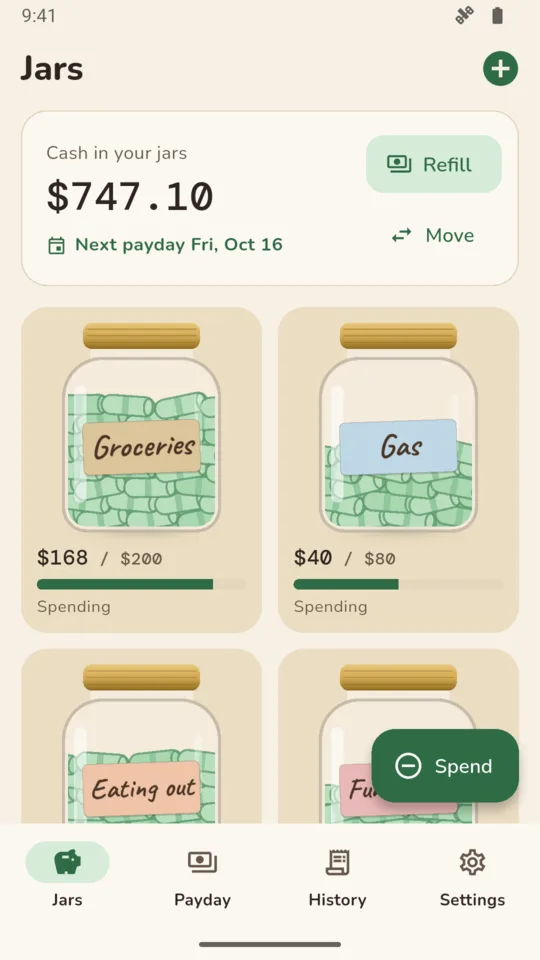
Type the cash you withdrew. Each spending jar is topped up to its target amount in your chosen order, so cash left from last time counts. Anything remaining is assigned to your buffer jar.
Each jar shows the notes to put in it, such as one $20, one $10 and two $1. One list totals the notes and coins for the whole withdrawal, so you know which denominations to ask for. Choose the notes and coins you use.
Tap an amount to change it, or long-press a jar and drop it on another. The payday entry is not saved until all of the withdrawn cash is assigned to a jar.
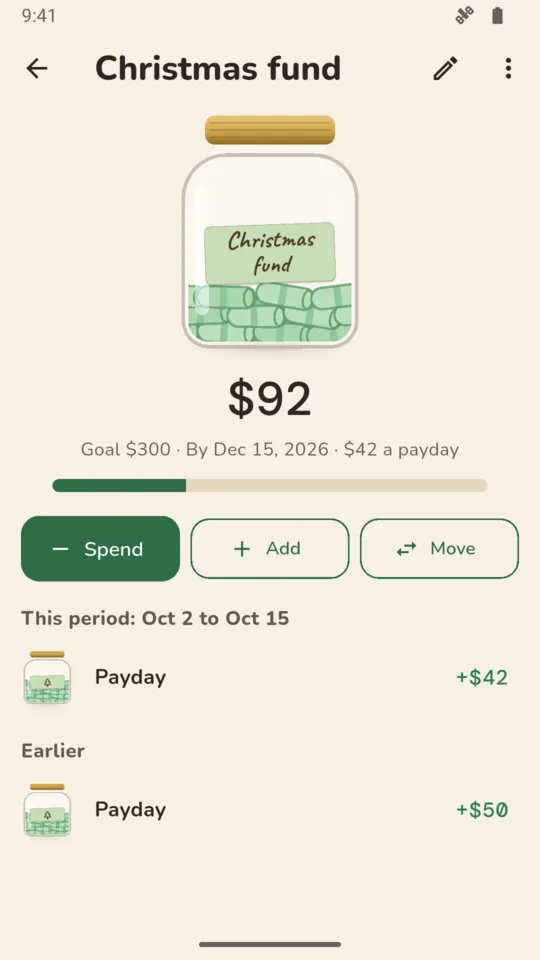
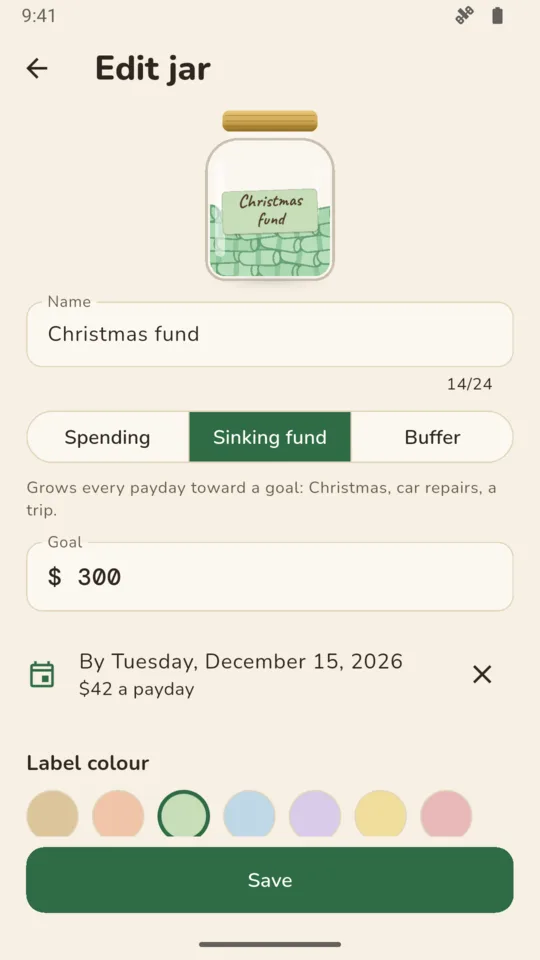
Christmas, car repairs, a trip. Set a goal and a date and CashJars calculates an amount to add each payday.
Spend from a jar with an amount and a note. When a jar runs short, record which jar covered the rest. Record cash moved between jars, cash returned to the bank, or a corrected balance after you count a jar.
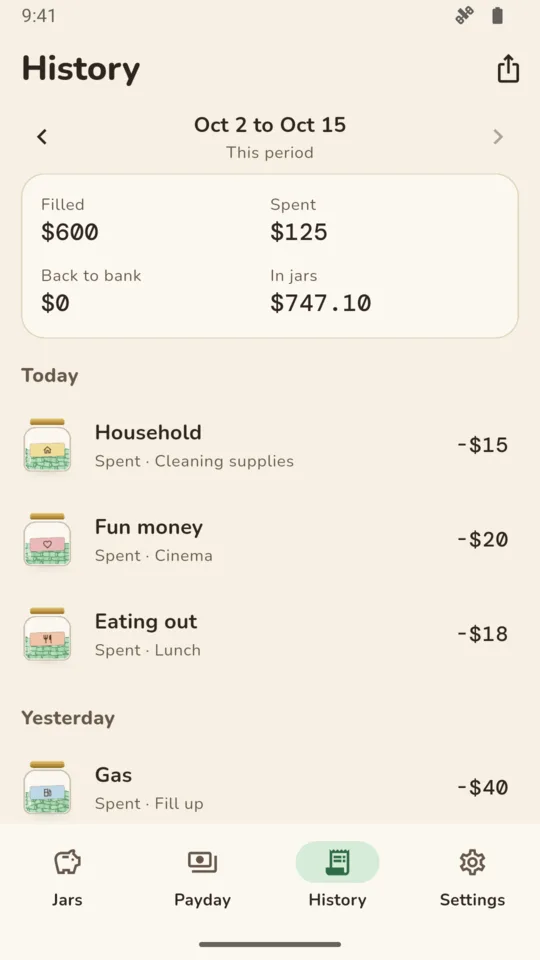
Record what happens to each jar's leftover cash: keep it there, assign it to the buffer jar, or mark it as returned to the bank. History shows every spend, move and payday a pay period at a time, with a PDF report and a CSV file for a spreadsheet.
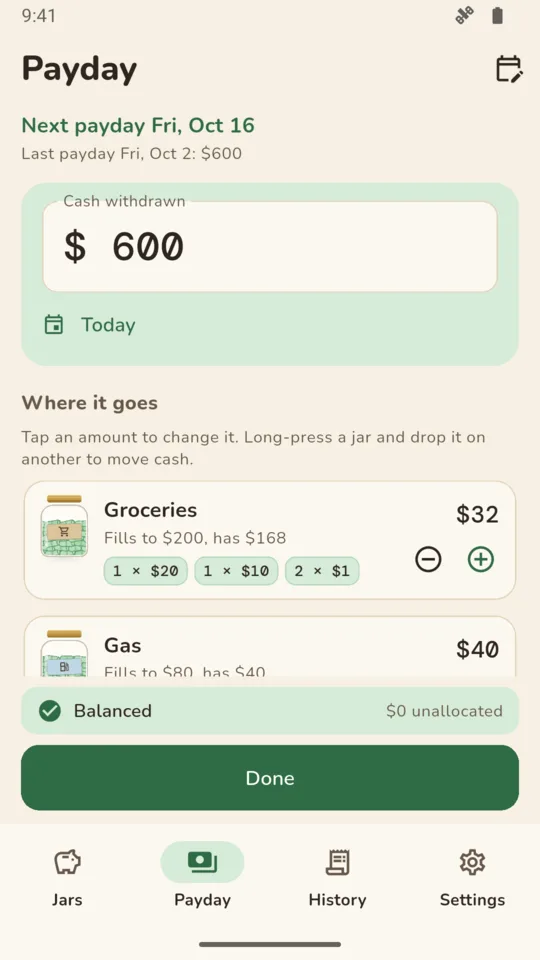
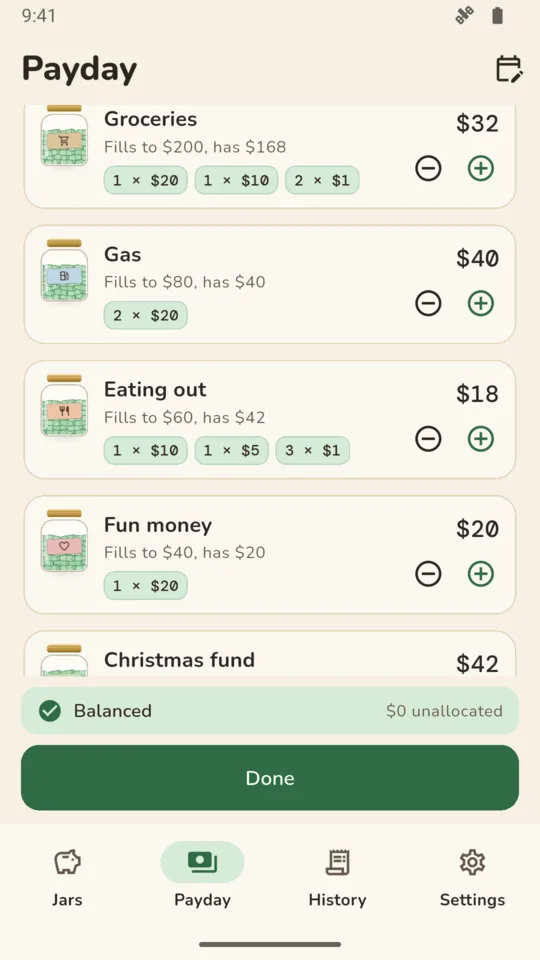
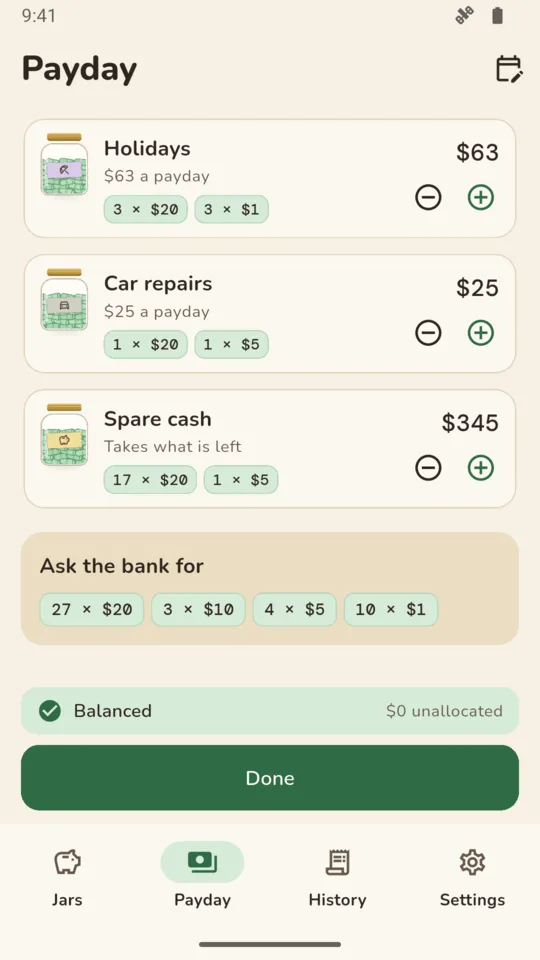
You type the cash you handle. Nothing connects to a bank, a card or a wallet, so there is nothing to sign in to.
You can make a backup file and restore it on another phone. Backup is included at every tier. Crash reports and usage statistics are sent to help fix problems; neither contains your jars.
Set your pay schedule and get an optional reminder that morning, plus a nudge the evening before to count your jars.
CashJars does not move or hold money and does not tell you what to spend. It keeps the count of the envelopes you already use.
Up to 6 jars, payday refills with the notes for each jar, spending, moving and counting cash, and this pay period's history. A banner ad on the History screen only.
An optional 14-day trial gives access to Pro features without requiring payment details. It starts only when you choose. Backup is included at every tier, and everything you enter stays readable whatever you choose.
No. There is no bank link, card link or account. You record the cash you withdraw and spend, and CashJars keeps the running totals.
Spending jars are filled up to their amount, so leftover cash counts toward the next payday. With Pro you can close a period and record leftovers as kept, assigned to the buffer jar or returned to the bank.
It splits each jar's amount into the notes and coins you picked, largest first. If you never use $5 notes, untick them in Settings.
A jar that grows toward a goal, like Christmas or car repairs. Give it a date and CashJars calculates how much to add each payday.
Yes. Make a backup file in Settings and restore it on the other phone. Backup is included in every tier.
25 currencies with their own notes, including the dollar, pound, euro, Canadian and Australian dollars, rupee, yen and won. Other currencies work with a note set you edit.
No. CashJars is a record of the cash you handle. It does not move or hold money and it does not tell you what to spend.
Set your payday, pick your jars, and type the cash you take out.