The map.
Each sheet is drawn to scale. Pieces carry their name and cut size, waste is hatched, and offcuts big enough to keep are outlined with their size. Pinch to zoom, or tap a piece to see what it is.
Plywood cut list and sheet layout
Type in your parts and the sheets you have. CutMap lays them out with the blade’s kerf allowed for, numbers every cut in a suggested order, and steps you through them one at a time.

$14.99 ONCE · OR $1.99/MO
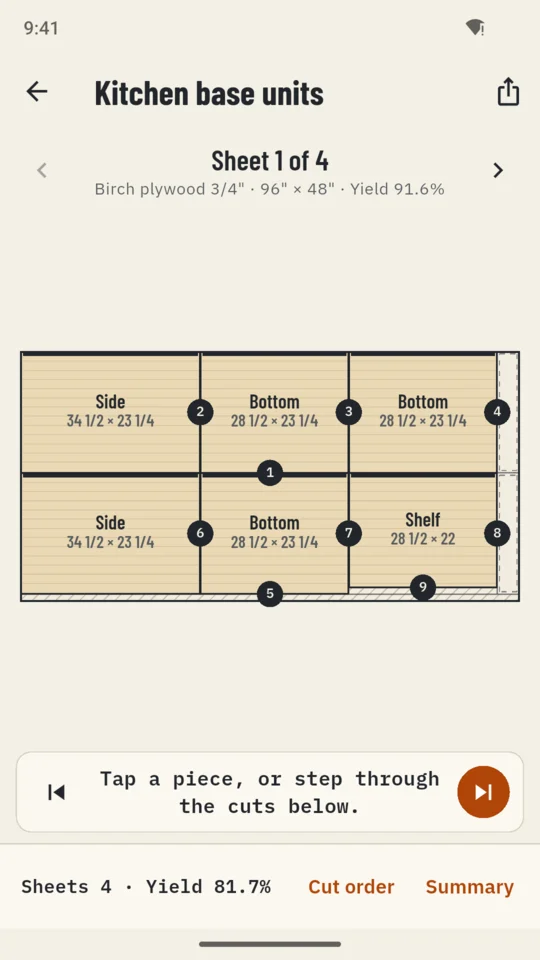
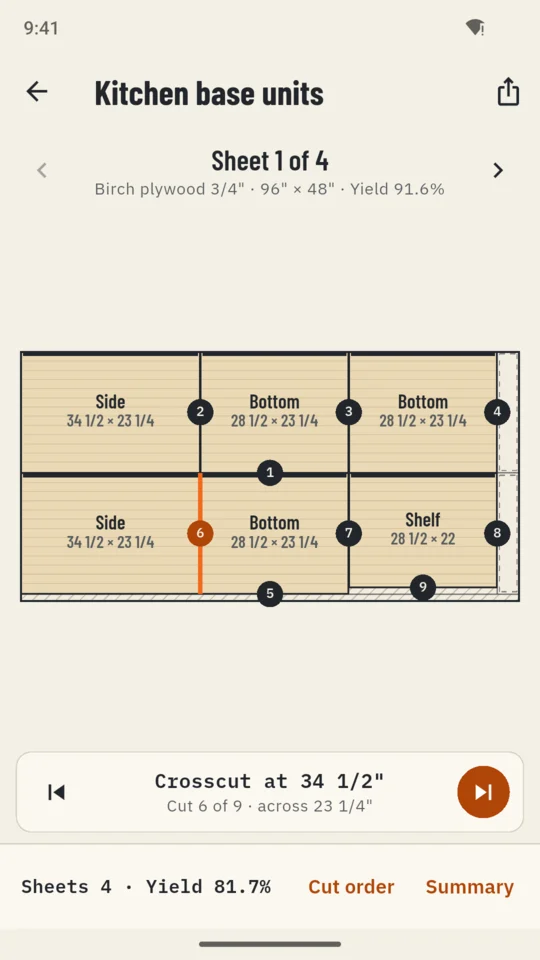
Each sheet is drawn to scale. Pieces carry their name and cut size, waste is hatched, and offcuts big enough to keep are outlined with their size. Pinch to zoom, or tap a piece to see what it is.
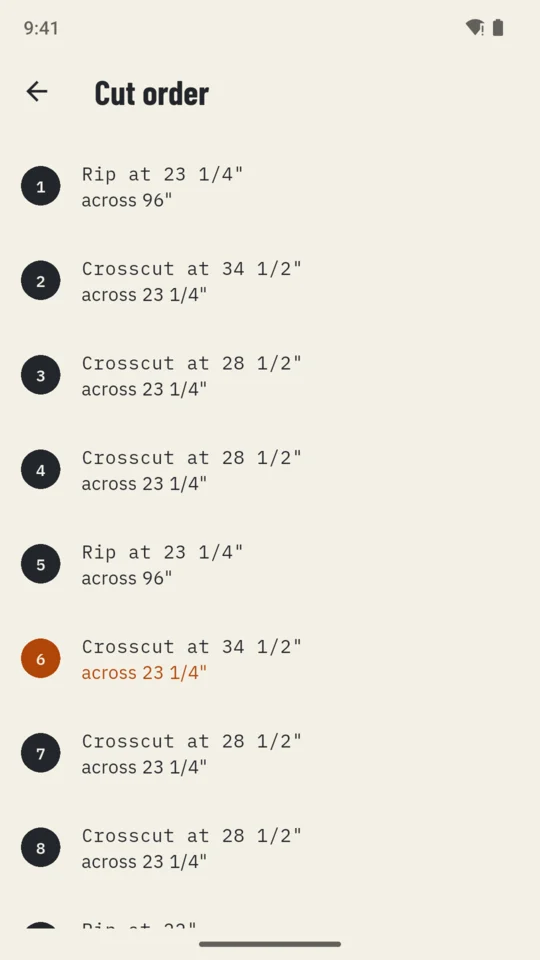
Every cut is numbered in a suggested order, and each one runs edge to edge of the piece you are holding, so the whole plan can be made on a table saw or with a track saw. Step through them at the saw: “Crosscut at 34 1/2", cut 6 of 9, across 23 1/4"”.
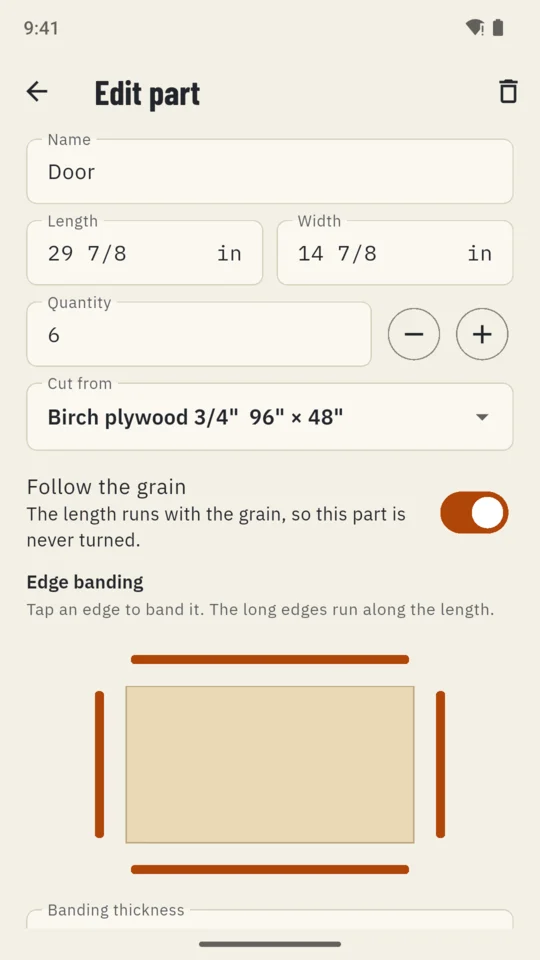
Set the blade kerf, a trim for factory edges that are not clean, and the smallest offcut worth keeping. Choose what the layout favours: fewest sheets, rips first or crosscuts first. Parts marked to follow the grain are never turned; the rest can turn to fit.
Tap the edges of a part that get banded and set the tape thickness. CutMap can take the tape thickness off the cut size, so the cut size allows for the banding.
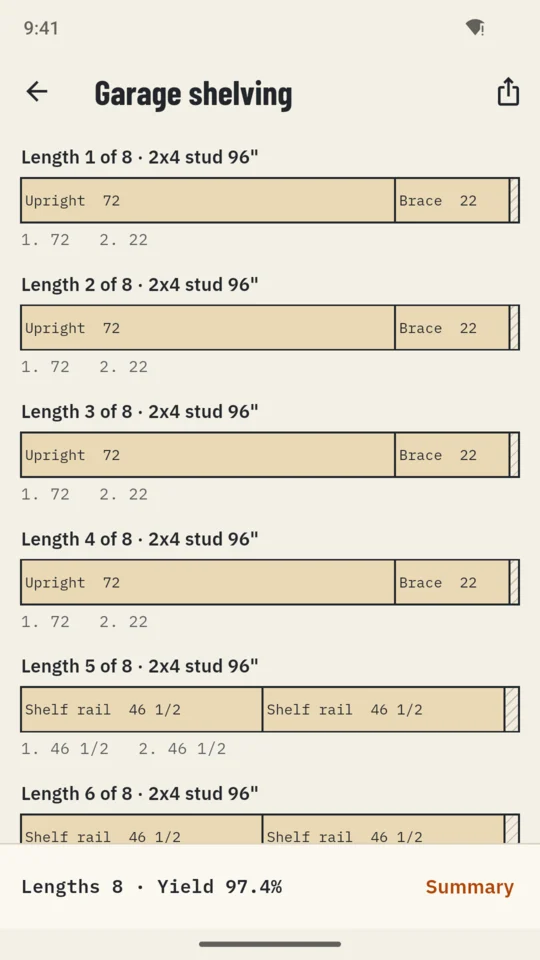
A lengths project lays parts along boards, studs, pipe or profiles, with the kerf between every cut and the offcut at the end.
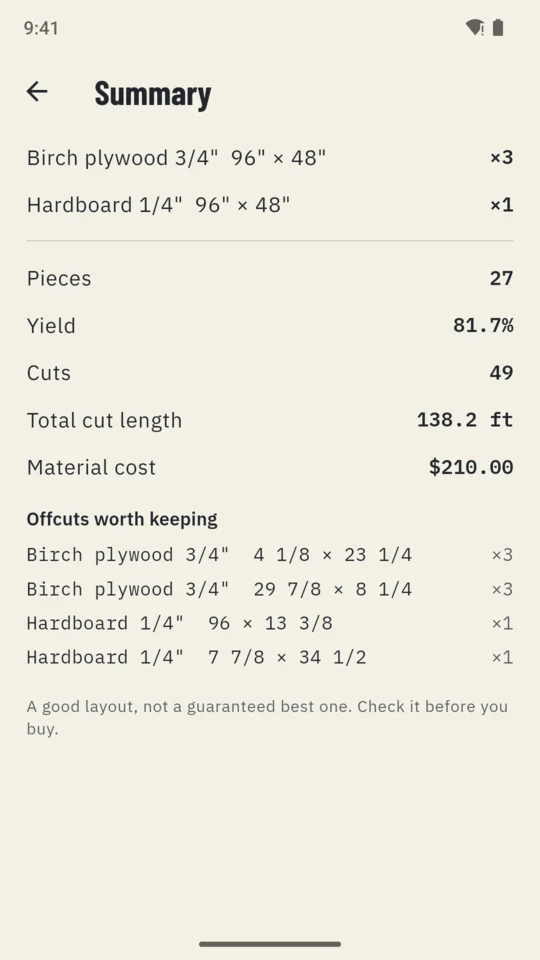
A summary per project: sheets or lengths used for each material, yield, number of cuts, total cut length, material cost from the prices you enter, and the offcuts left over. One project can mix materials, such as 3/4" plywood for the cases and 1/4" hardboard for the backs.
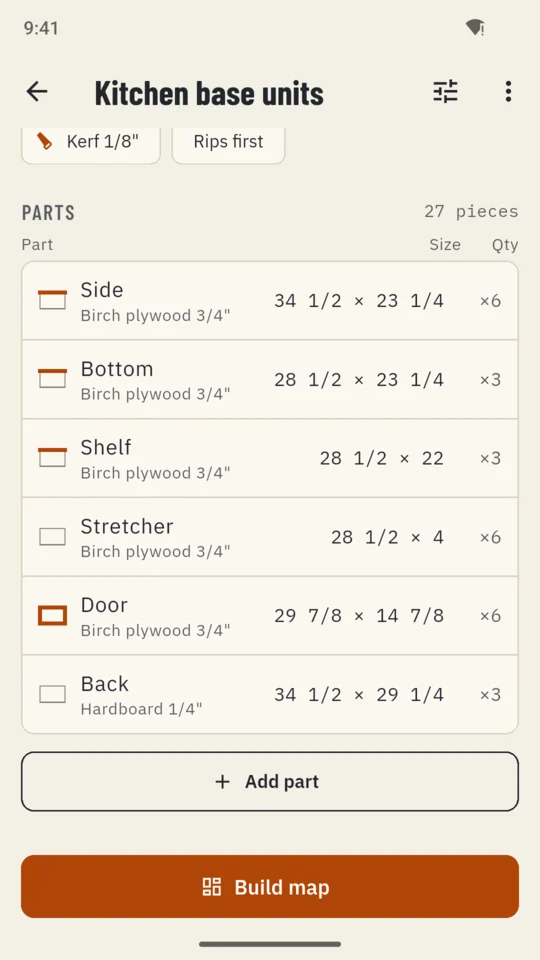
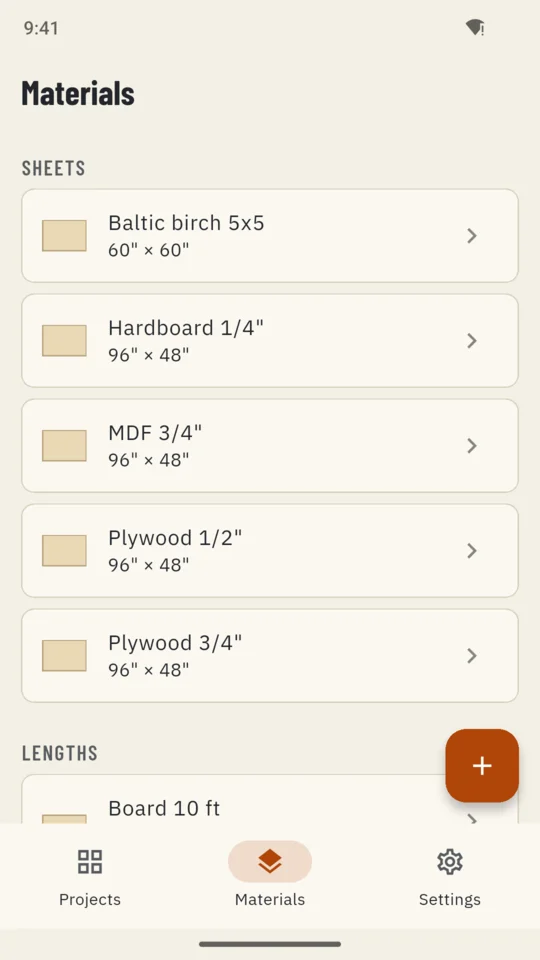
No connection needed and no account. Sizes go in as 48 1/2, 4' 6" or 1231 mm, with a row of fraction keys under the size box, and fractions round to 1/8, 1/16 or 1/32.
The layout tries many arrangements and keeps the one that uses the least stock among those it tries. That is a good layout, not a promise of the fewest sheets possible, so check the map before you buy or cut.
Every project can still be opened on every plan, and a project built past the standard limit still opens and still maps. Backup makes one file you can restore on another phone. Restoring removes nothing already there; a project on both takes the backup’s copy.
Up to 30 pieces per project, with the map, the cut order, the summary, lengths projects and CSV import. The standard tier shows a banner ad.
Unlimited pieces, cutting plans as PDF (map, parts list, cut list and offcuts), printable part labels (24 to an A4 page, 30 to Letter), layouts and parts as CSV, sharing a sheet as an image, and no ads.
An optional 14-day trial is offered in the app; it starts only when you tap it.
No tool can promise that for every job. CutMap tries many arrangements and keeps the one that uses the least stock among those it tries, then draws it so you can check it before you buy.
It is planned for one. Every cut runs edge to edge of the piece you are holding, the kind of cut a table saw or track saw makes. The order is a suggestion, not a safety procedure.
Yes. Use millimetres, centimetres, decimal inches or fractions rounded to 1/8, 1/16 or 1/32, and type sizes like 48 1/2 or 4' 6".
Yes. Import a CSV with name, length, width and quantity columns, plus grain and banding if you have them. Import works on every plan, up to the standard piece limit.
The part name, its size, which sheet it comes from, its copy number such as 2 of 6, the banded edges and the project name.
No. CutMap works offline and asks for no account. Your projects stay on your phone, and a backup file moves them to another one.
Type the parts for your next job and see every sheet before you cut.