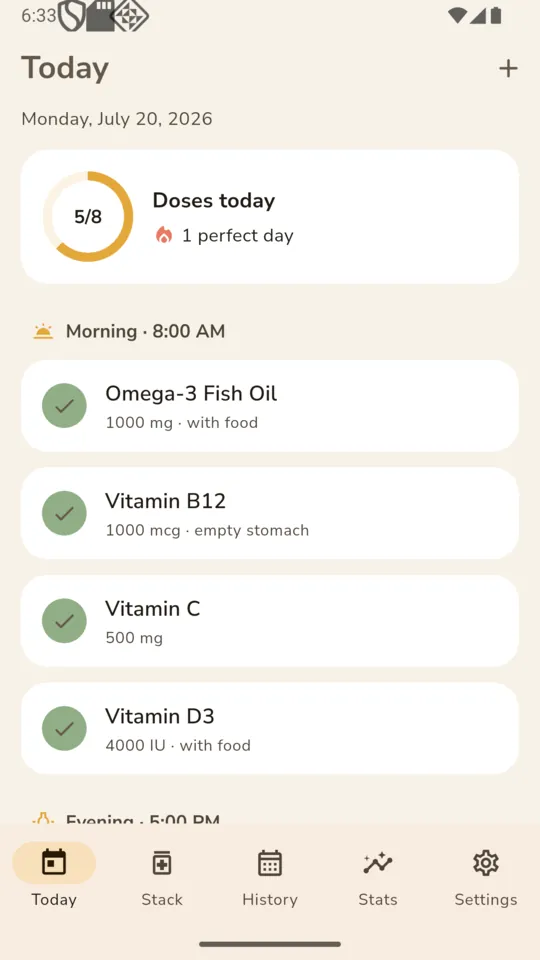
Check a dose off, skip it, or push it back half an hour
Each slot has three honest outcomes: taken, skipped, or nothing yet. Skipping is recorded as skipping, not as a failure. Snooze re-fires the reminder in thirty minutes for that one dose.
SUPPLEMENT TRACKER
DailyStack
Supplement Tracker
DailyStack holds the stack you actually take, prompts you at each dose time, and keeps the record of what you took and what you did not. It is a log and a reminder, nothing more medical than that.

Eight supplements free.
$24.99 once for the rest.
REFILLS
Most trackers ask you to guess a refill date and then nag you on it. DailyStack asks a different question: how many are in the bottle. It already knows how many you take a day, which days you skip by design, and where you are in a cycle, so the date falls out of the arithmetic rather than out of your estimate.
You set the point at which you want to hear about it. The alert fires once for that bottle and does not repeat every morning until you top it up.
A worked example. Your own numbers come from the schedule you set.
A daily checkbox only describes one of these. The other two are why people give up on checklist apps by week three.
The plain case. Vitamin D every morning, magnesium every night.
Pick the days it belongs on. The other days simply show nothing scheduled.
Set how many days on and how many off, and the date the current cycle started. Off-days are not counted as missed.
Each slot has three honest outcomes: taken, skipped, or nothing yet. Skipping is recorded as skipping, not as a failure. Snooze re-fires the reminder in thirty minutes for that one dose.
Everything due at 8am arrives as a single reminder listing what is in that slot. Reminders are scheduled a week ahead and rebuilt whenever your stack changes.
Photograph the bottle so you know which brand and batch you are on, and add an expiry date to anything that goes off. Photos stay on the phone.
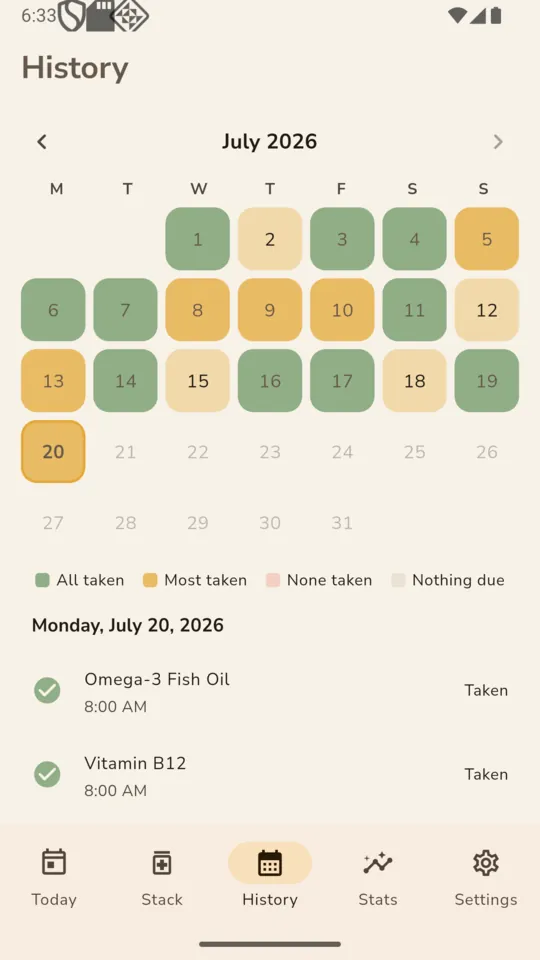
The history calendar tints each day by how much of that day’s stack you took, and tapping a day lists exactly which doses were taken, skipped or missed.
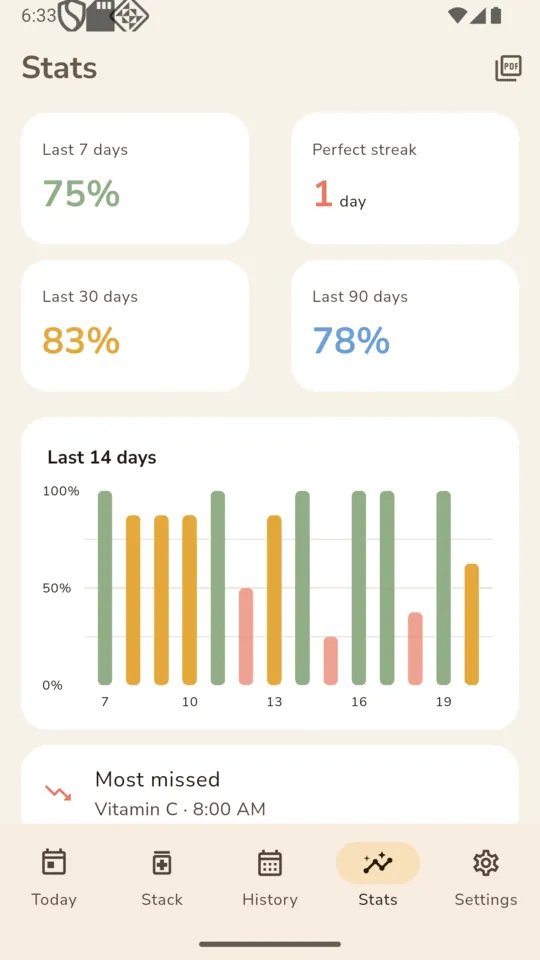
Percentages over three windows, a 14-day bar chart, a perfect-day count, and the dose most often missed with its time of day.
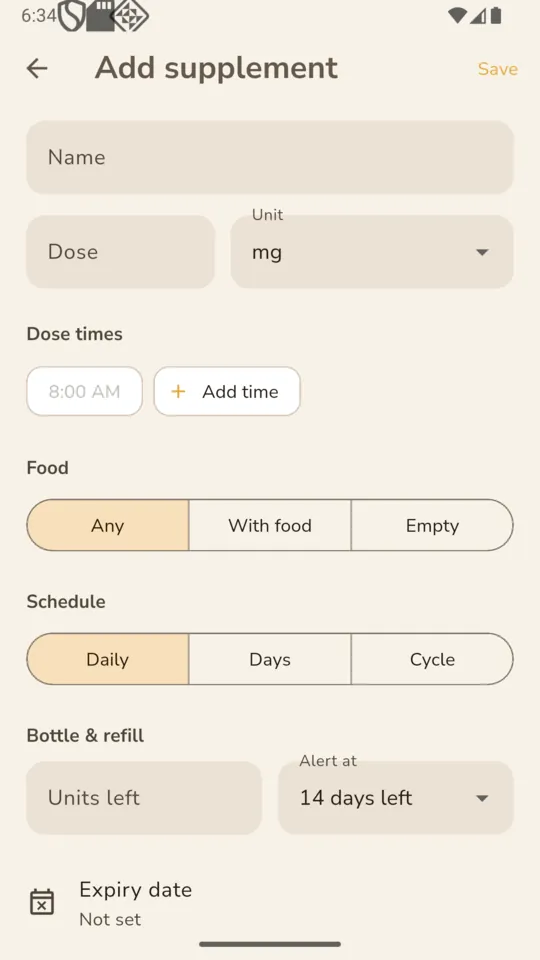
mg, mcg, IU, g, ml, capsules, tablets, drops and scoops, with an optional note on whether it goes with food or on an empty stomach.
Scroll sideways, or use the arrow keys
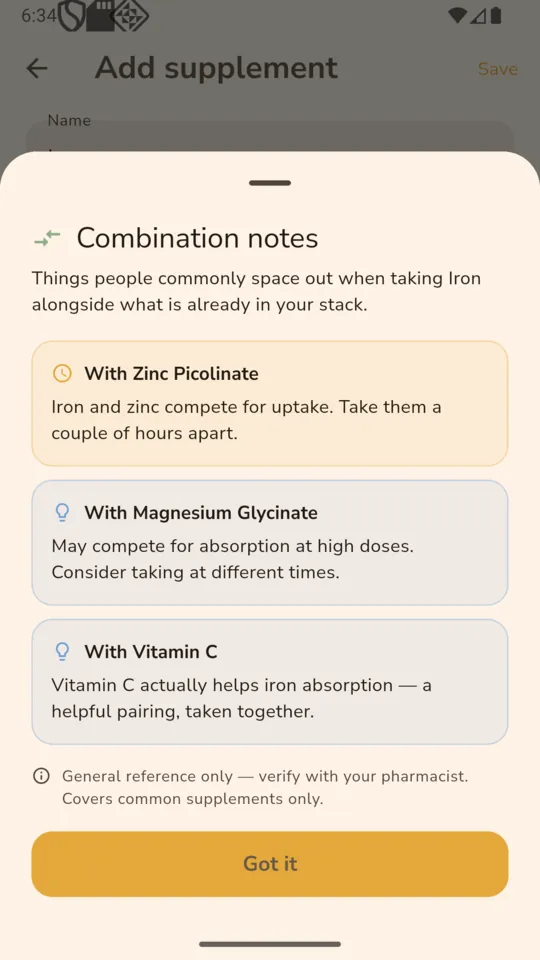
When you add something to your stack, DailyStack checks it against what is already there and shows a short note if there is one. It is a small, deliberately limited reference, and it is worth being exact about its edges.
Calcium and iron, zinc and copper, that sort of thing. It is not an exhaustive reference and it will have nothing to say about most combinations.
DailyStack is for supplements. There are no drug classes in the dataset and it does not check anything against a prescription.
A note is either general information or a caution worth spacing doses around. Nothing flashes red and nothing blocks you from adding what you want.
Every note carries that line, and so does the app as a whole. DailyStack does not replace the person behind the counter.
Built on the phone and handed to the Android share sheet, so it can go to email or your own files. Useful when someone asks what you have been taking and for how long, and you would rather not answer from memory.
The same line the app shows: a log, not medical advice.
One figure, or a note that there is not enough data yet.
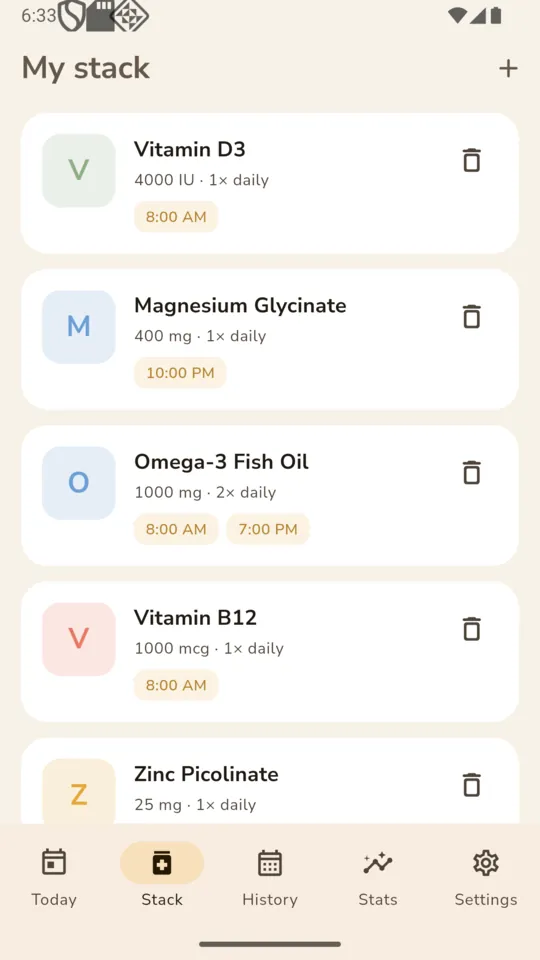
Each supplement with its dose, how many times a day, and whether it goes with food.
Date, doses due, taken, skipped, missed, and the adherence figure for that day.
PRICING
$24.99one-time
Or $1.99 a month, or $9.99 a year. Everything is open for the first 14 days after install, with no card. After that the free tier holds eight supplements and shows ads.
No. It is a log and a reminder tool. It does not diagnose, treat, or tell you what to take. The app says so on its own screens: do not start, stop or change supplements or medications based on it — talk to your doctor or pharmacist.
No. It carries 43 general notes about pairs of common supplements, such as calcium reducing iron absorption. There are no prescription medicines in that dataset, and every note is marked as reference only, to verify with your pharmacist.
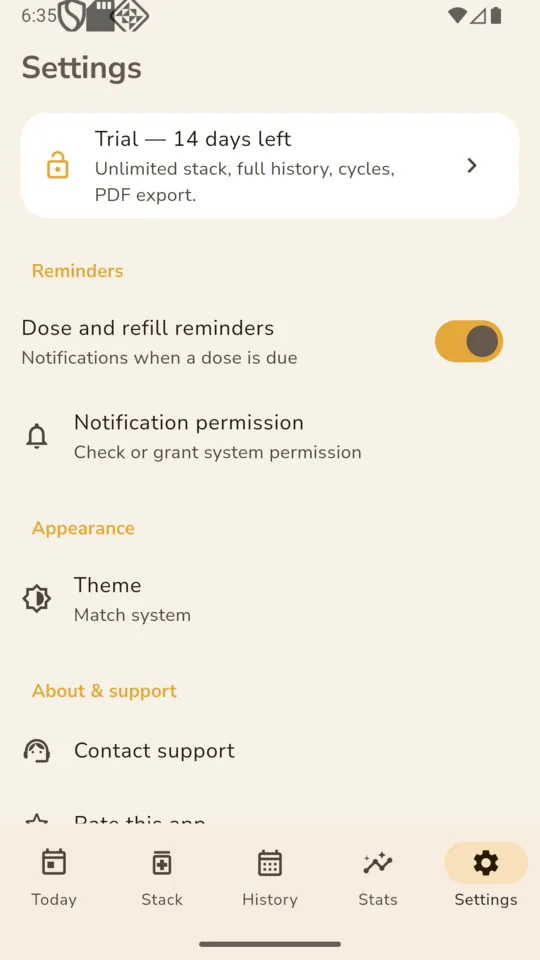
Everything is open for 14 days from install. After that the free tier holds up to eight supplements and shows ads. $1.99 a month, $9.99 a year or $24.99 once removes the cap and the ads and adds cycles, the 30 and 90-day figures, and the PDF export.
Yes. Supplements, dose logs, photos, statistics and the PDF are all held and built on the phone. A connection is only used to serve ads on the free tier.
Yes. The PDF covers the last 30 days: your current stack with doses and timing, then a day-by-day table of doses due, taken, skipped and missed, with the adherence figure for each day.
The whole interface is translated into ten languages: English, Spanish, French, German, Portuguese, Hindi, Arabic, Japanese, Korean and Simplified Chinese. It follows your phone’s language setting.
Add what is on the shelf, set the times, and the rest is a tap a day.