CAR DETAILING LOG

DetailProof
Before and after proof for mobile detailers
The chip was there when the car arrived. Now you have the photo that says so.
DetailProof records a job the way a dispute later asks about it: what the car looked like when you got there, what you marked on the diagram, what you did, and what the customer signed. It runs on the phone, offline, with no account.

14-day trial, no card.
$1.99/mo · $9.99/yr · $24.99 lifetime.
Two moments, recorded the same way
Everything in a DetailProof job hangs off one of two points in time. The report puts them next to each other.
BEFORE YOU TOUCH THE CAR
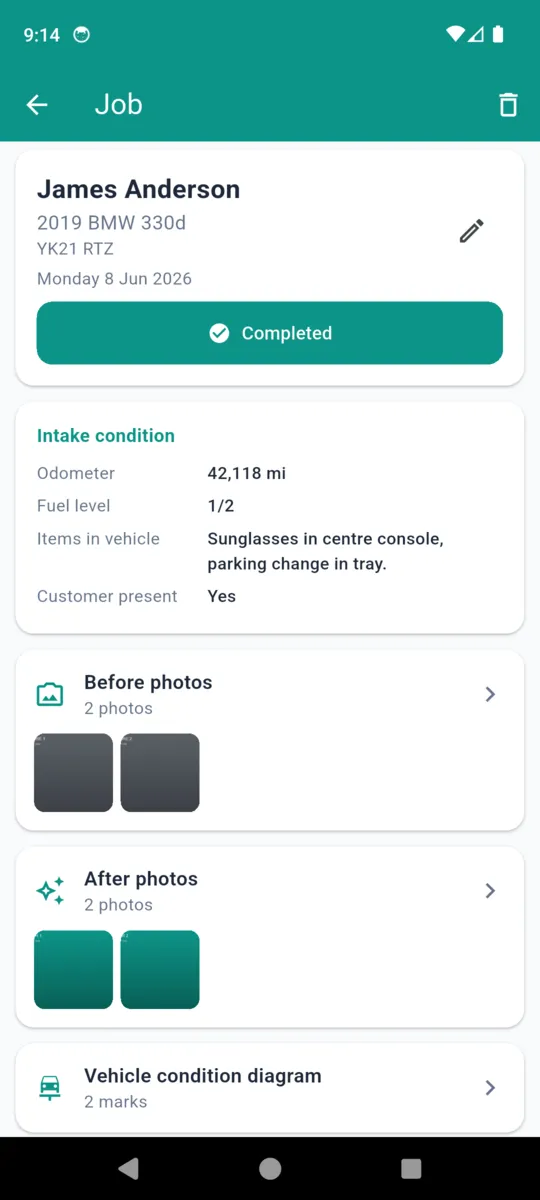
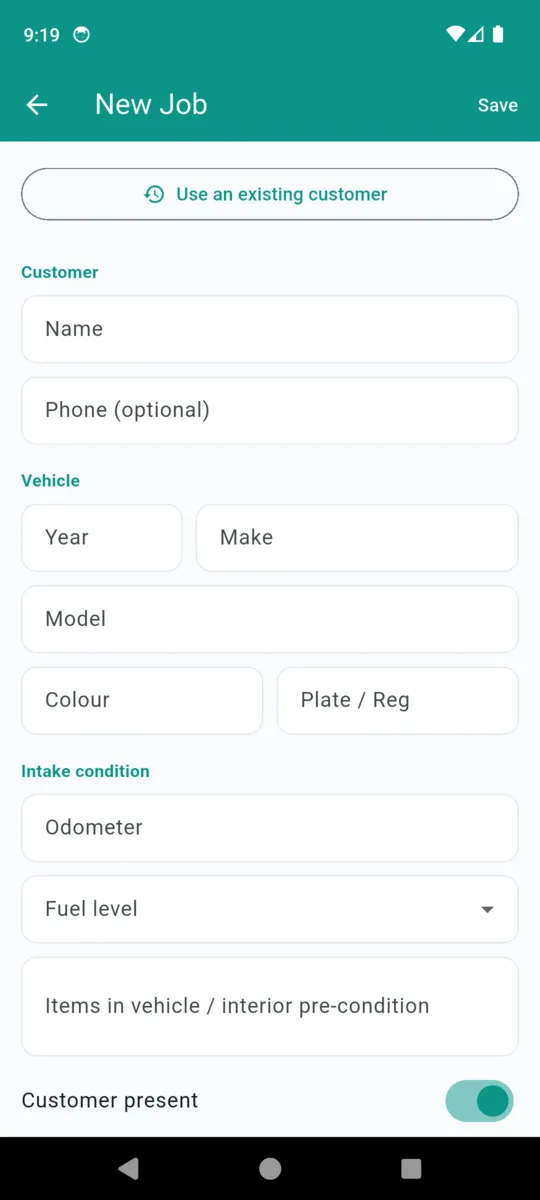
- Intake condition
- Odometer, fuel level, what is loose inside the car, whether the customer was there and who handed you the keys.
- Pre-existing damage
- Tap a panel — front, rear, left side, right side, roof — and drop a mark exactly where the scratch, dent, chip or scuff is, with a note beside it.
- Before photos
- As many as the car needs, each stamped with the date and time it was taken, and with a GPS position if you turned that on for the job.
AFTER YOU FINISH
- After photos
- Shot the same way, filed to the same job, so the pair sits side by side in the report instead of scattered through a camera roll.
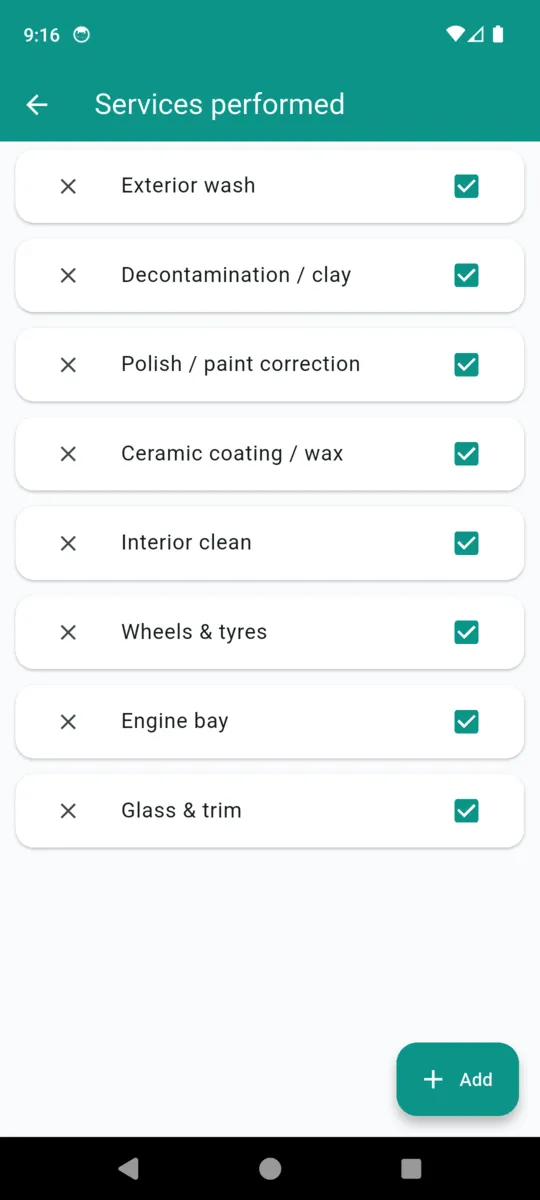
- Services performed
- Eight defaults out of the box, from decontamination and clay through to engine bay and glass. Edit the list once in your business profile and it follows every job.
- Quote and sign-off
- Line items with unit prices and a total, then the customer signs on the phone. If they were not there, the app records that instead and the PDF can go out for acknowledgment afterwards.
WHAT TRAVELS WITH EACH PHOTO
The stamp, and the limits of it
Every photo carries the moment it was taken and which half of the job it belongs to. Location is separate, opt-in and asked per job. Decline it and the photo still saves, just without a position.
- Time The date and time of capture, printed under the photo in the report.
- Phase Before or after, which is what pairs the two sets in the PDF.
- Area An optional label so you know which part of the car you were shooting.
- Position Latitude and longitude, only while you are taking photos, only if you allow it.
Screens from the app
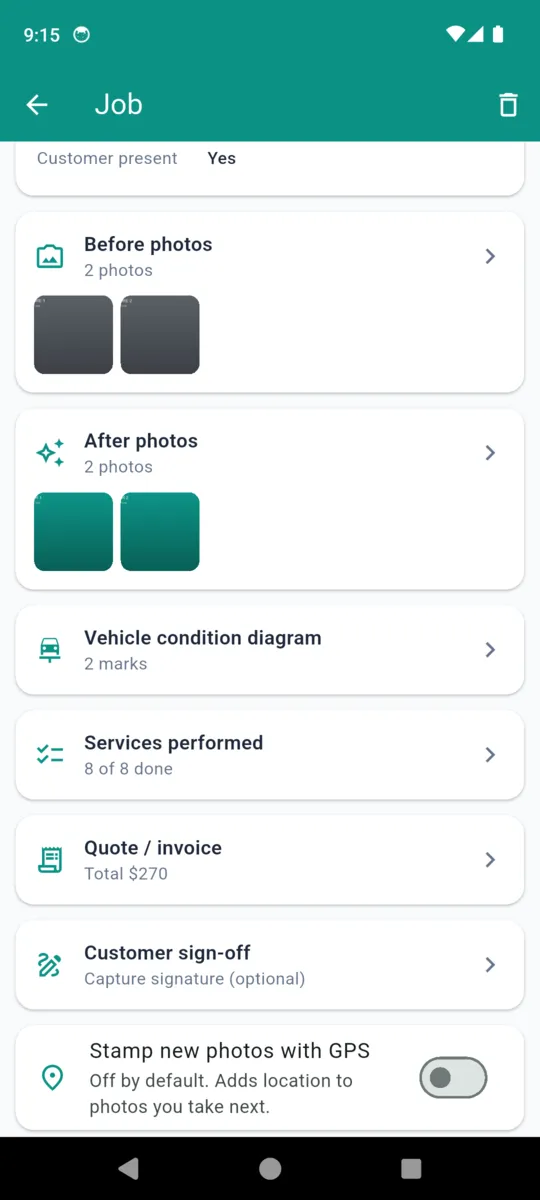
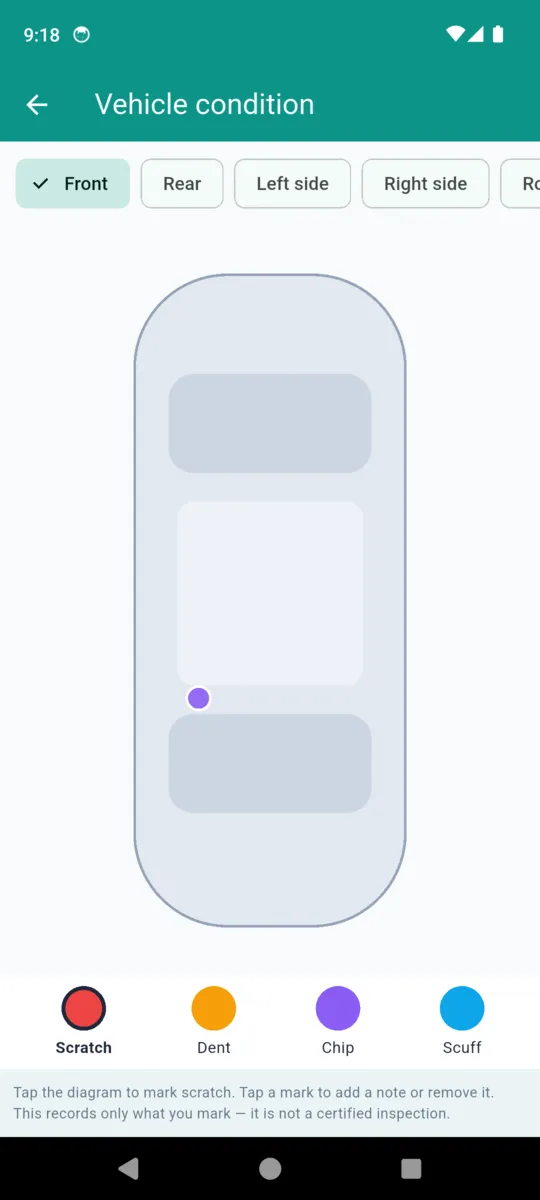
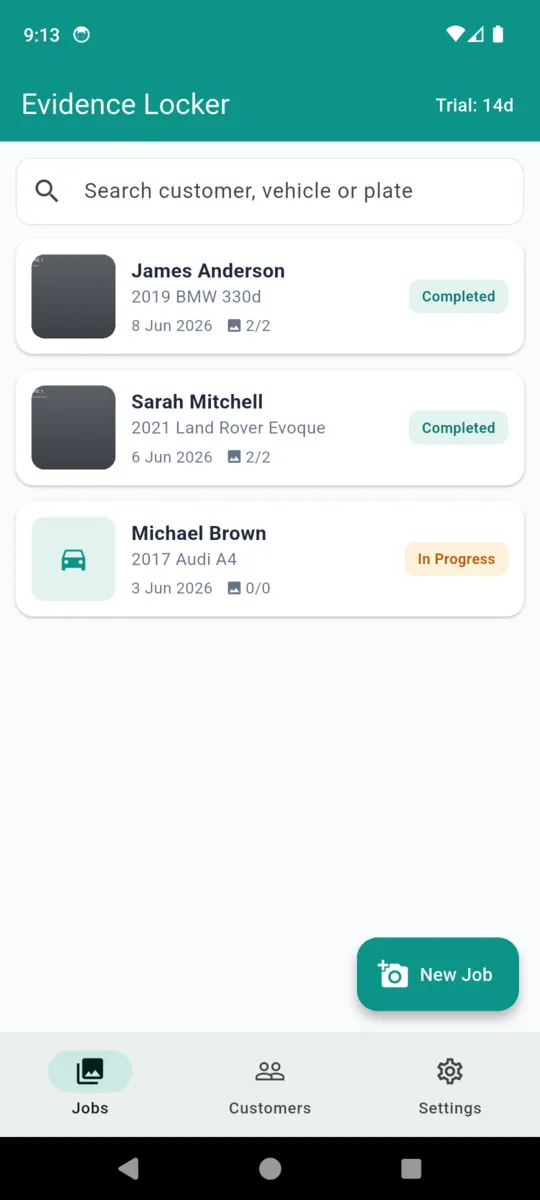
Customers, vehicles and plates in these screens are the app's built-in sample data, not real jobs.
THE THING YOU HAND OVER
Vehicle Condition & Service Report
One PDF per job, generated on the phone, carrying your business name and logo. Print it, email it, or keep it. On the free tier it goes out with a small DetailProof mark on it.
- Your business name and logo across the header of every page
- Customer and phone, vehicle, plate or registration, and colour
- Intake condition: odometer, fuel level, items in the vehicle, who handed over the keys
- Pre-existing damage marked, by panel, with type and note
- Before and after photos, each captioned with its date, time and GPS position if stamped
- Services performed, ticked from your own checklist
- Quote or invoice lines with the total
- Customer acknowledgment, with the signature or a note that they were not present
What this is, and what it is not
It is
Your own business record: dated photographs, the marks you placed on the diagram, the services you ticked, and a signature if the customer gave one. A record like that reduces the room for argument about how a car arrived.
It is not
Legal advice, and not a guarantee that any document will be accepted in any dispute. The diagram and the checklist hold only what you marked and ticked — they are not a certified or exhaustive inspection of the vehicle.
How it behaves on the drive
- No signal needed. Underground car parks and rural driveways still work.
- No account. No sign-up, no email, no password. Customer data stays on your phone.
- Location stays off. The GPS stamp is opt-in, per job, and foreground-only.
- Your branding, not ours. Business name, logo, currency and default services, set once.
- Old jobs stay readable. Nothing you have saved is hidden if a trial ends.
- Ten currencies. Quote in the one you actually invoice in.
PRICING
$24.99lifetime
Or $1.99 a month, or $9.99 a year. A 14-day trial on install, no card. Lifetime owners keep what they paid for.
- Unlimited saved jobs
- PDF reports with no watermark
- Full customer and vehicle history
- Condition diagrams and signatures
- No ads
Questions
Does a DetailProof report prove anything in a dispute?
No. It is your own business record of what you saw and what you did. DetailProof does not give legal advice and cannot guarantee any document is accepted anywhere. What a dated, photographed record does is reduce the room for argument about the condition a car arrived in.
What is actually stamped on a photo?
The date and time it was taken, whether it belongs to the before or after set, and its area label. A GPS position is added only if you switch the stamp on, which is off by default and asked per job.
Is there a free version?
Yes. The free tier holds three jobs, shows a banner ad, and puts a small DetailProof mark on the PDF. Paying removes all three.
Does it work with no signal?
Yes. Jobs, photos, diagrams and signatures are stored on the phone. There is no sign-up and no account, and nothing syncs to a server. A connection is only used for the banner ad on the free tier.
Can I put my own business on the report?
Yes. Set your business name, logo, currency and default service list once in the business profile and every report carries them.
What does it cost?
$1.99 a month, $9.99 a year, or $24.99 once for lifetime access. Every install starts with a 14-day trial and no card. Jobs you have already saved stay readable whatever you decide.
Photograph the next car before you start
Three jobs are free. That is enough to find out whether having the record changes the conversation.