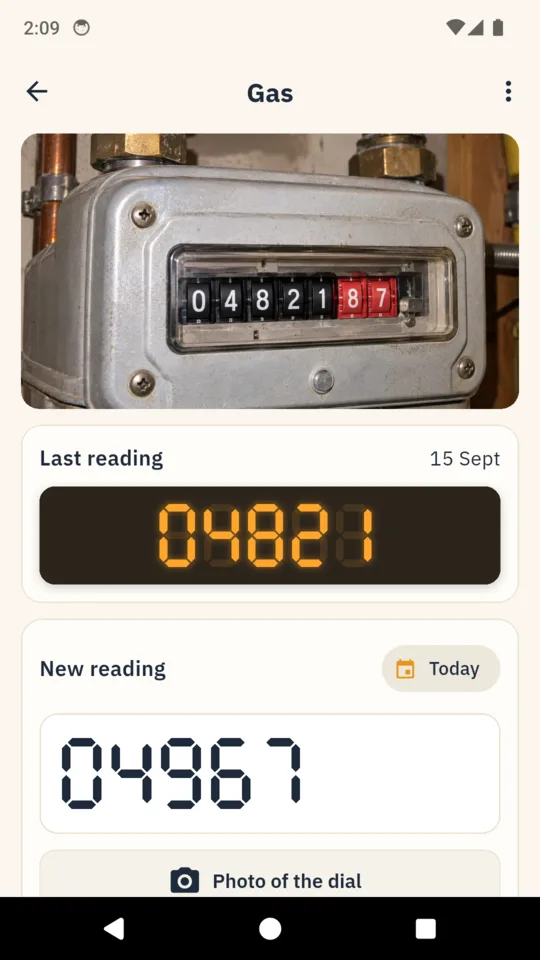
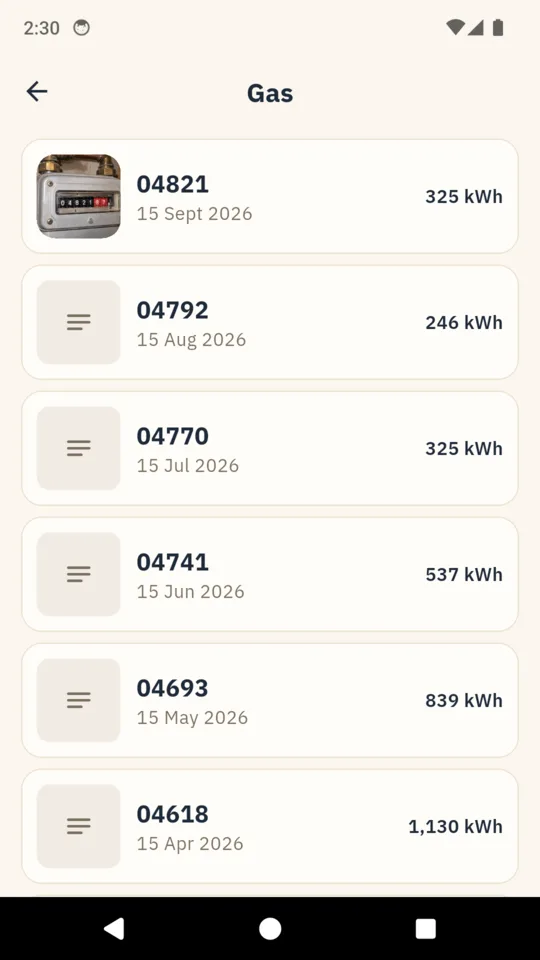
Last month’s dial, above today’s.
The reading screen opens on the photo you took last time and the number you typed under it. Type today’s number on the large readout, take a photo of the dial, and DialDay shows how much you used since the last reading before you save.
Odd readings checked before saving.
If a number is lower than last time, DialDay asks whether the dial went past its top number and started again from zero, or a new meter was fitted. A reading three times your usual use, or with more digits than the dial has, gets a second look before it is saved.
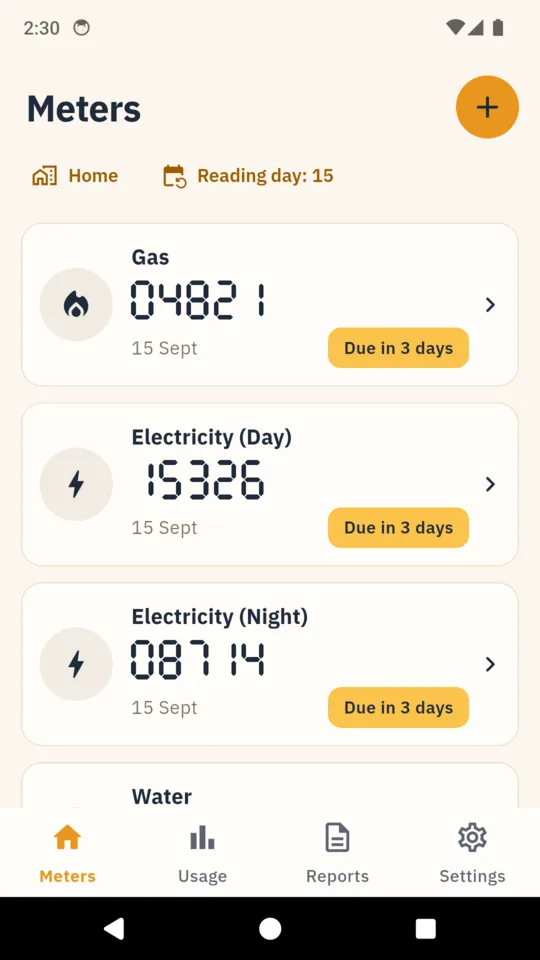
Every meter in the house.
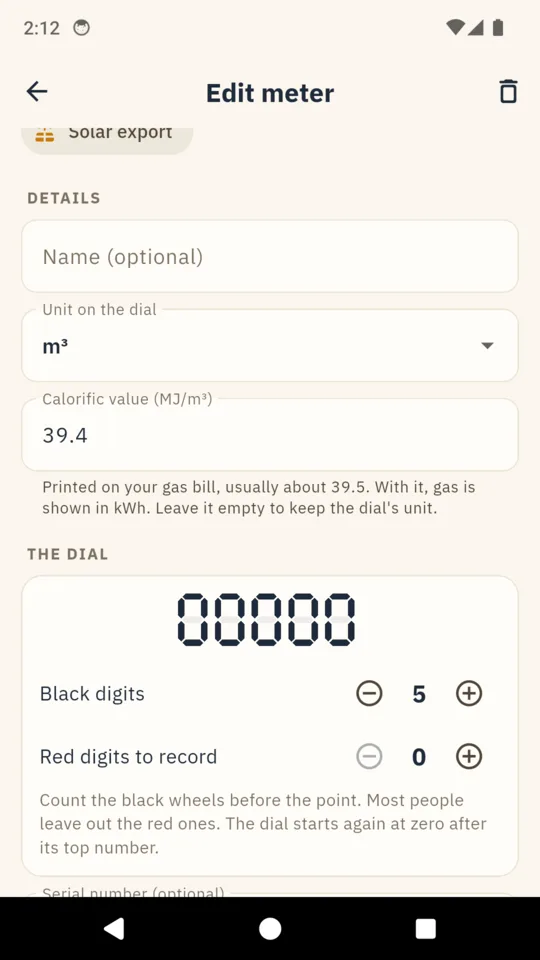
Gas, electricity, water, heating oil, LPG, heat meters and solar export. A meter with day and night registers gets a reading for each. Gas read in cubic metres or hundreds of cubic feet can show kWh, using the calorific value printed on your bill.
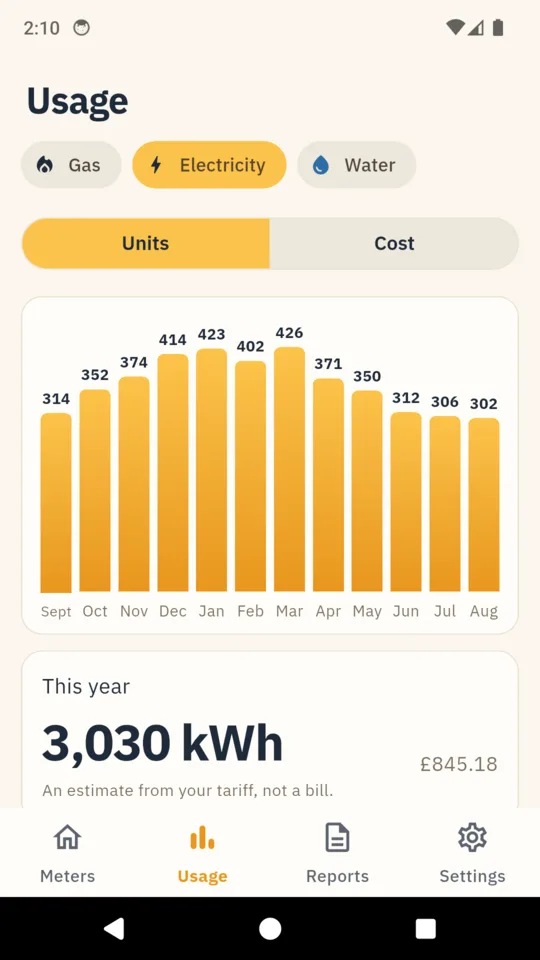
Use by month.
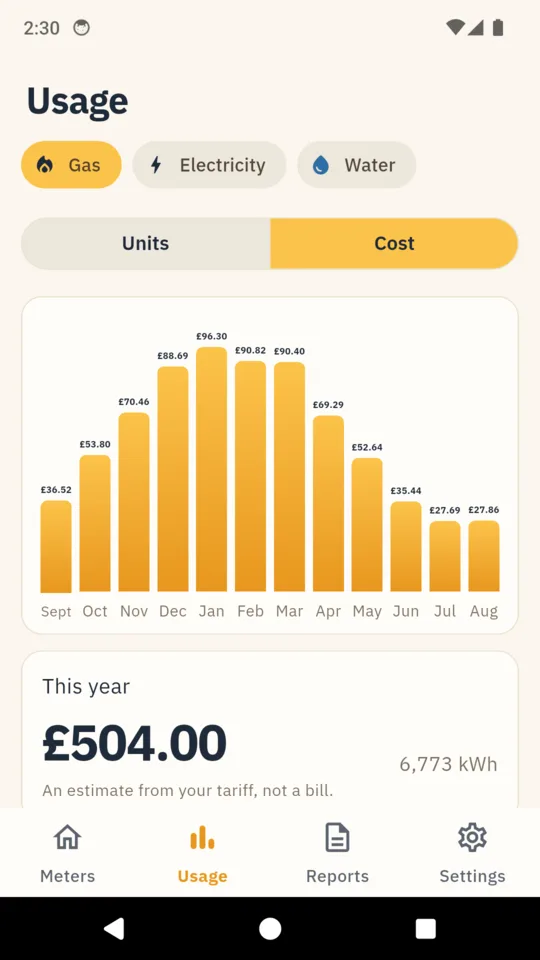
A chart estimates each month’s use by spreading it evenly across the days between readings, so a reading taken on the 3rd does not put a whole month in the wrong column. This year’s total sits under it, with a comparison to the same month last year once enough history is there.
A reminder on your reading day.
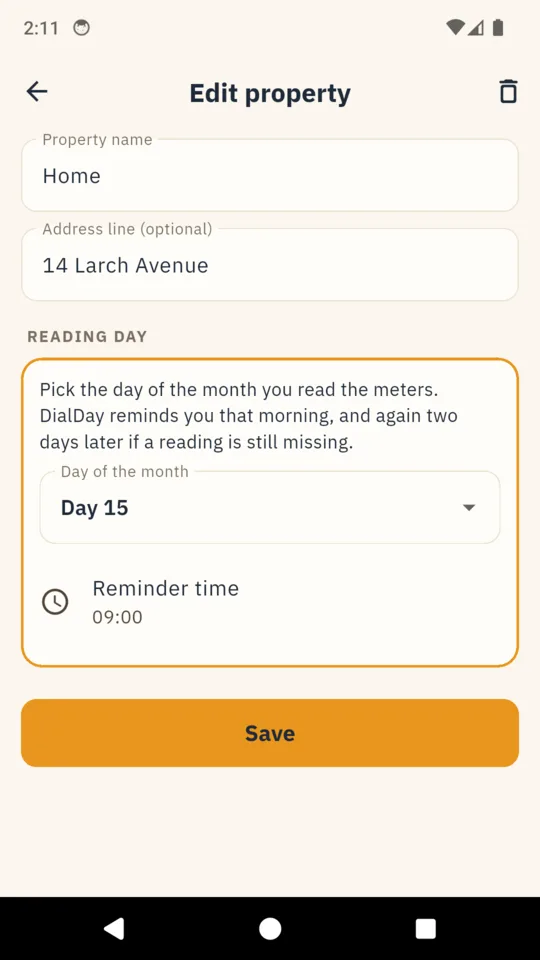
Pick a day of the month and a time. DialDay reminds you on the day at the time you pick, and again two days later if a reading is still missing. A “Reminders not arriving?” screen shows what your phone has switched off.
Costs and reports, with the unlock.
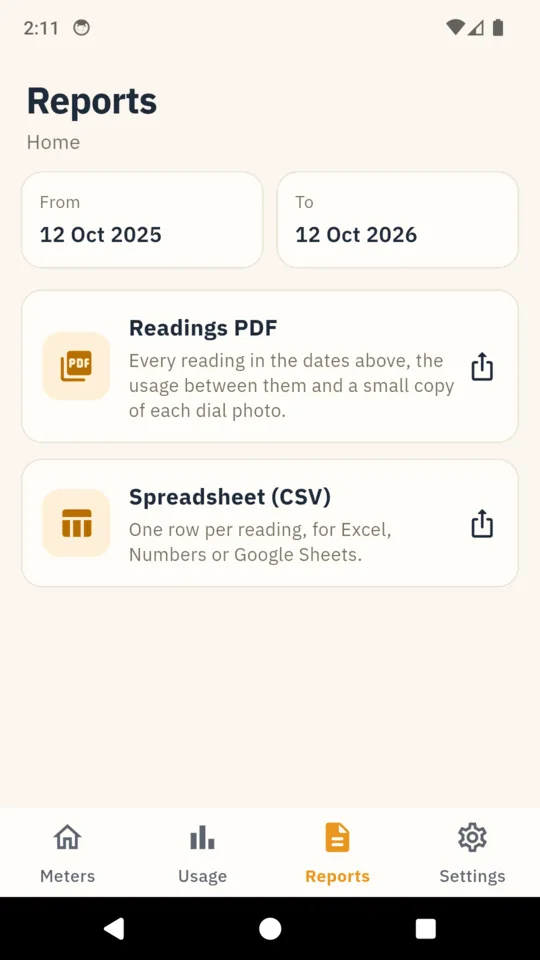
Enter your unit rates, standing charge and VAT or sales tax, and record tariff changes by date. DialDay estimates the cost of each reading from the rates you entered. A PDF of every reading in a date range with a small copy of each dial photo, or a CSV for a spreadsheet.