No hour minimums
It stores no state's required hours, days, evaluator rules, notice-of-intent procedure or submission deadline, and it never tells you that you are compliant.
HOMESCHOOL RECORD KEEPER

HomeschoolBook
Hours, attendance & annual records
Log the hours as the days go by. Attendance fills itself in from what you logged, the subjects keep their own totals, and in June the whole year prints as one records document per child, ready to sign.

Free tier with one child.
Pro from $4.99/mo. Android and iPhone.
Nothing here asks you to plan the year in advance or to fill in a timetable you will abandon by October. You record what actually happened, in the smallest useful unit, and the app does the adding.
Most days
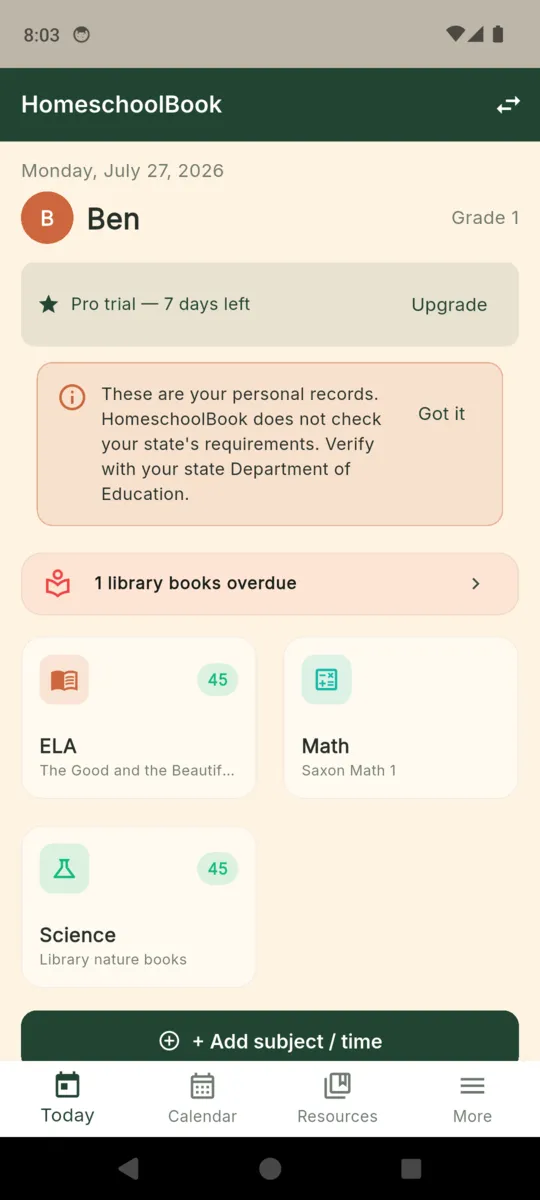
Open Today, pick the child, tap the subject and log the minutes. The day rolls into the week, the week into the year total.
As it happens
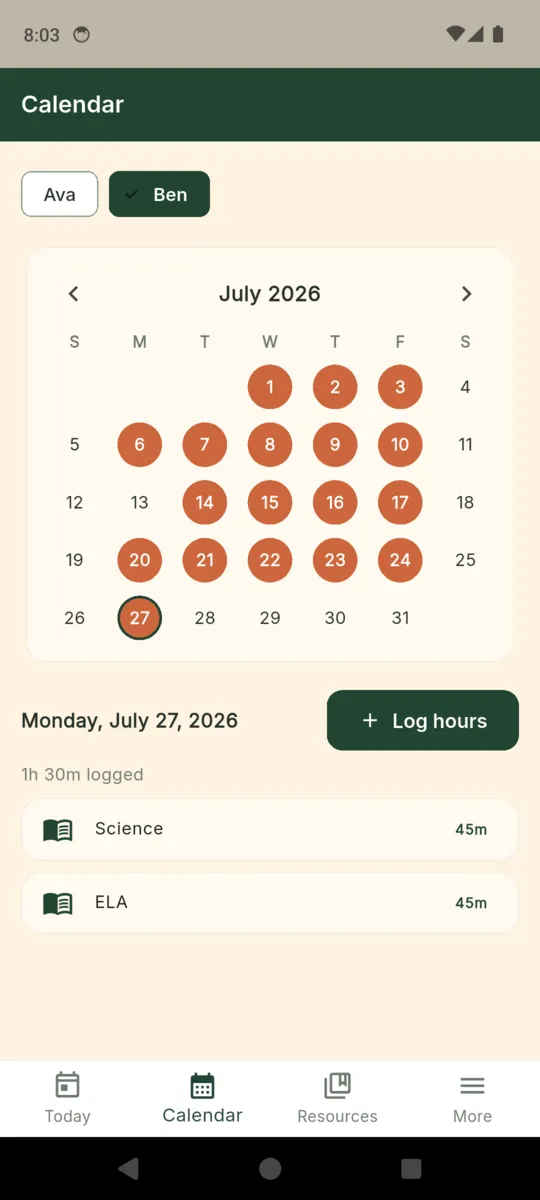
Any day with logged time counts as a schooled day and fills in on the calendar. You never mark attendance separately.
Now and then
Photograph a piece of work against its subject, or log a field trip with where you went. Both land in the year-end document.
Once a year
Pick the school year and the child, and the app assembles everything above into one document with a signature line at the end.
Subjects belong to a child, not to the app, so one child can be doing Saxon Math while another is on something else entirely and neither total contaminates the other.
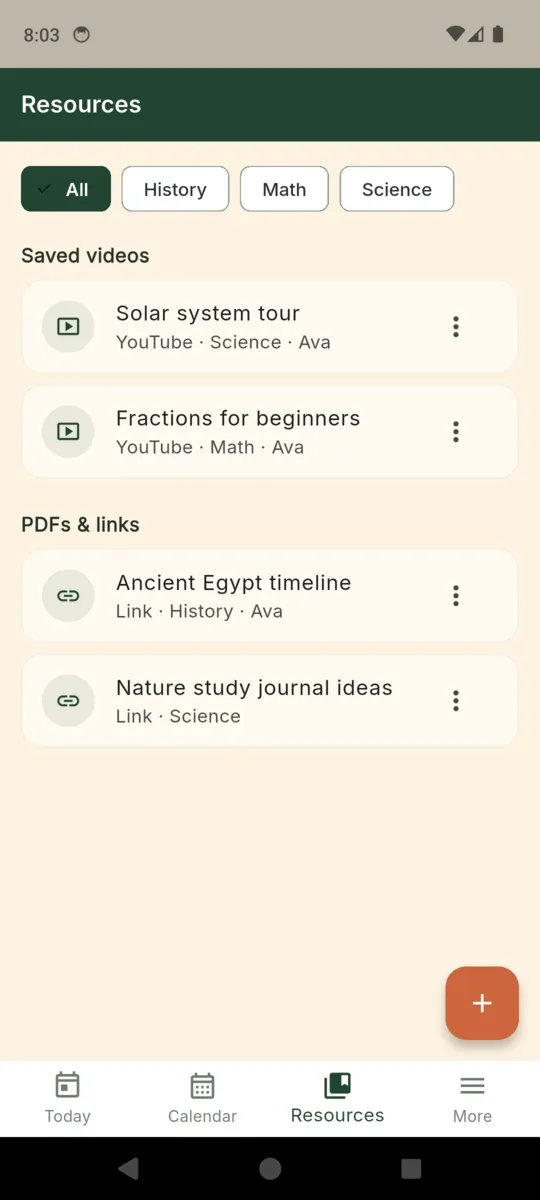
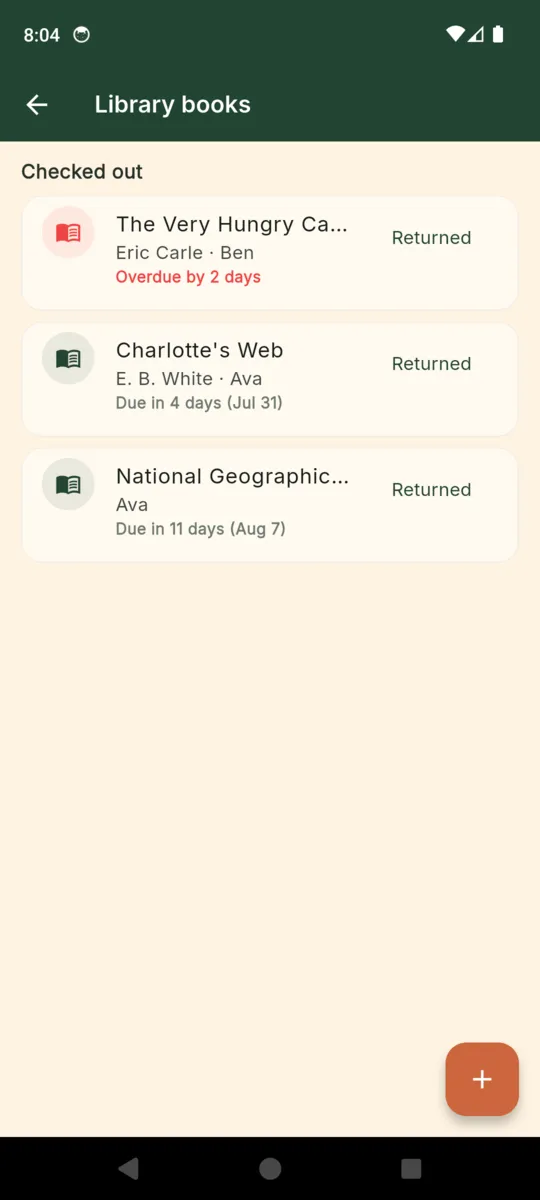
Captures from the current build. The children, subjects and books shown are the app's sample data.
Choose a child and a date range and the app builds the year's records as a single PDF you can print, email or keep. It is assembled from what you logged, so there is nothing to write up at the end.
It ends with a signature and date line, because a parent's own signature is what a personal record usually carries. It is not a form and it is not addressed to anyone.
This PDF is your personal record. It is not a state-compliant submission. Verify your state's requirements at your state Department of Education.
Homeschool law varies enormously between states and countries, and it changes. An app that told you how many hours your state wants would be wrong somewhere, for someone, eventually. So this one does not try.
It stores no state's required hours, days, evaluator rules, notice-of-intent procedure or submission deadline, and it never tells you that you are compliant.
Reports show your own totals. They are not measured against a standard, because the app does not hold one.
A state list is built in, and every entry does one thing: opens that state's own Department of Education website. You read the rules from the source.
These are your personal records. HomeschoolBook does not check your state's requirements. Verify with your state Department of Education.
Everything is unlocked for the first seven days. After that the free tier keeps working for one child and shows a banner ad. Nothing you logged is ever deleted or hidden from you.
Free
Pro
PRO
$24.99a year
Seven days of full access first, with no card. Buy outright and it never renews; parents who bought the earlier one-time unlock keep Pro.
Get HomeschoolBookNo, and that is on purpose. Homeschool law differs by state and changes. The app stores no hour minimums, no day counts and no filing deadlines. It lists your state education department and opens its site so you can read the rules from the source.
No. It is your own year-end record: attendance, hours by subject, the curriculum you used, work samples, field trips and a signature line. If your state wants a particular form, you copy the figures onto that form yourself.
Yes on Pro. Each child has their own subjects, curriculum names, hours, calendar, work samples and annual PDF. The free tier holds one child.
One child, unlimited hour logging, the calendar, ten saved resources, three library books on loan, and the last 30 days of entries when you browse without picking a date range. It shows a banner ad. Pro removes all of that.
Only to open a saved video or link, and to serve the ad on the free tier. Hours, attendance, subjects, work-sample photos and field trips are stored on the phone with no account and no sign-in.
Library books, yes. When you add a borrowed book with a due date the app schedules a reminder for that day and another the day after it falls overdue. Nothing else sends you notifications.
Add a child, name their subjects, and log today. By the end of the year the record is already written.