The Pair Slider.
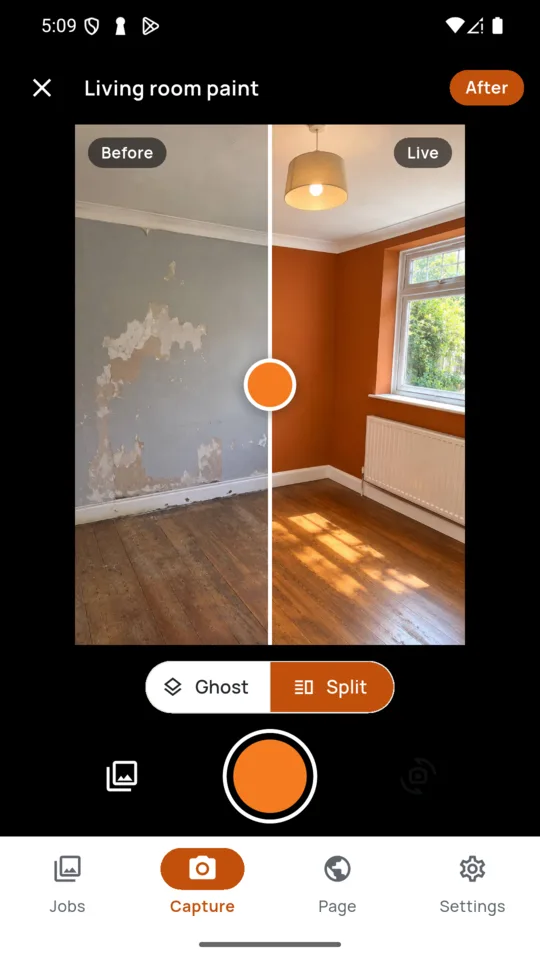
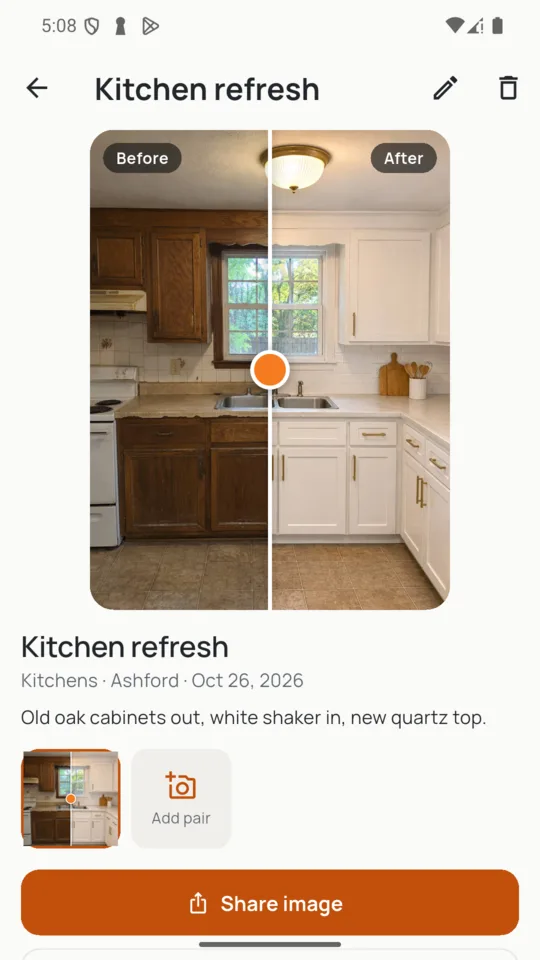
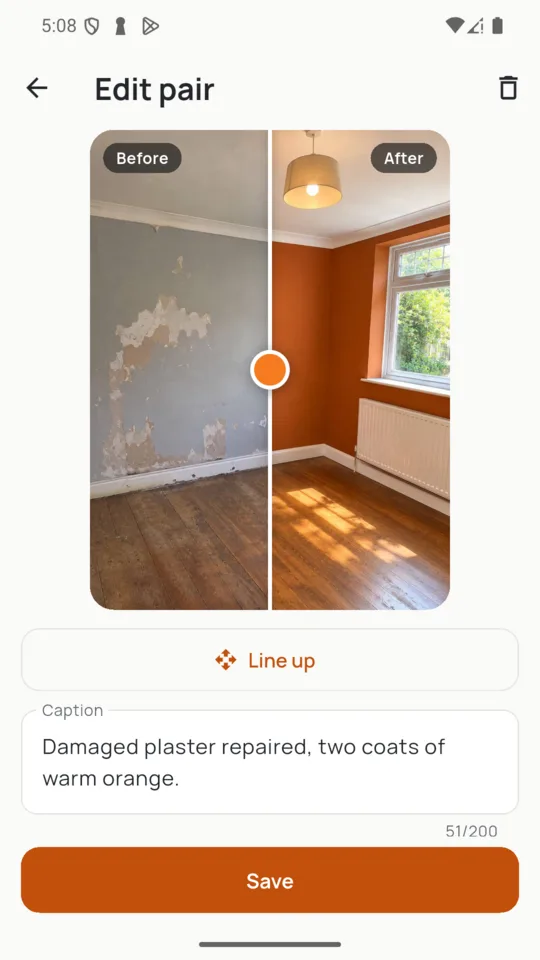
Every finished pair becomes a slider: drag the handle and the old kitchen wipes away to the new one.
Before and after photos for trades
Shoot the before. When you come back, it sits over the live camera so the after lands in the same spot. Every pair becomes a slider you can hand a customer on the doorstep, send as one image or put on your own page.

SOLO $9.99 A YEAR OR $24.99 ONCE · PRO $4.99 A MONTH OR $49.99 A YEAR

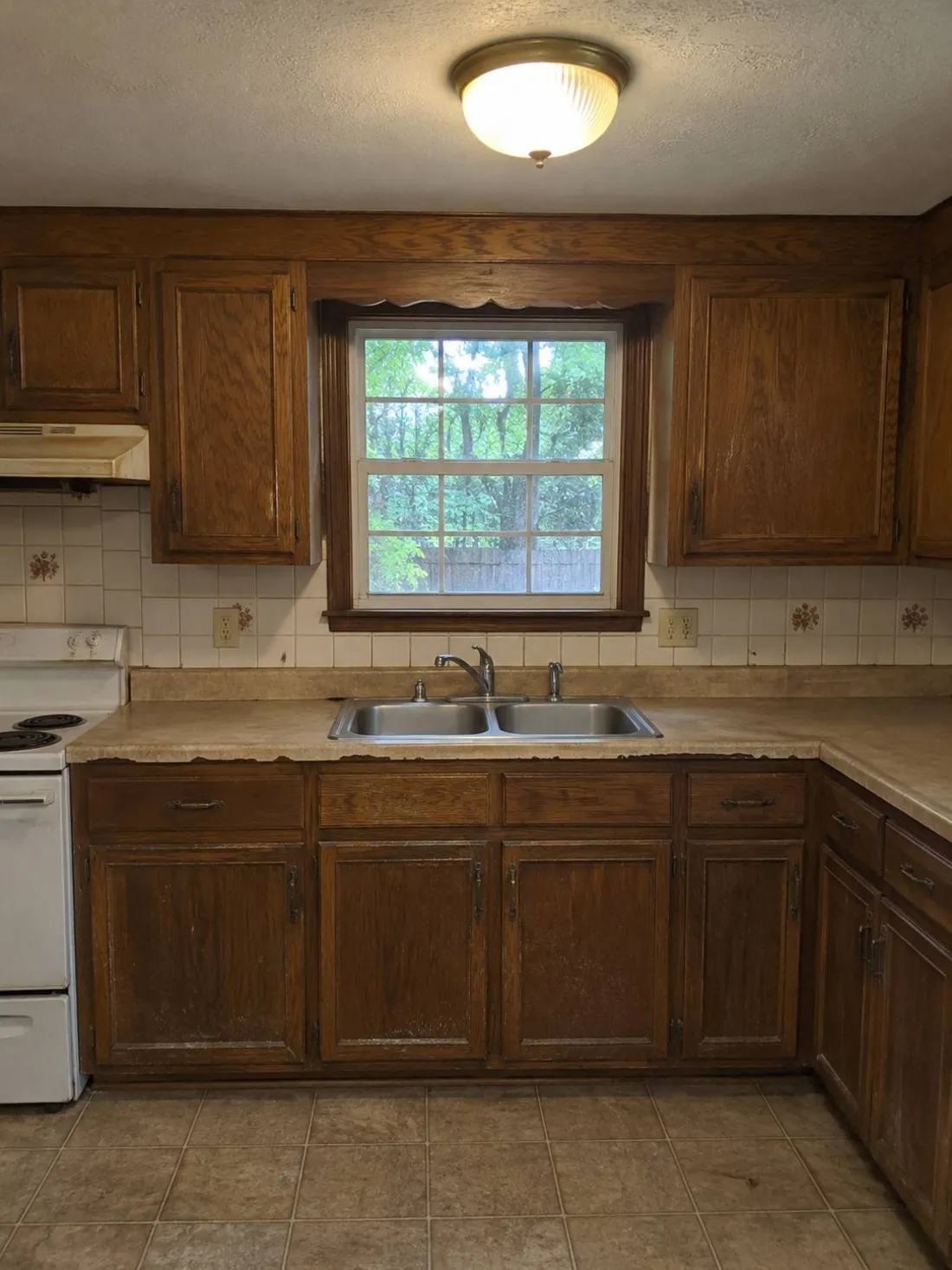 Before After
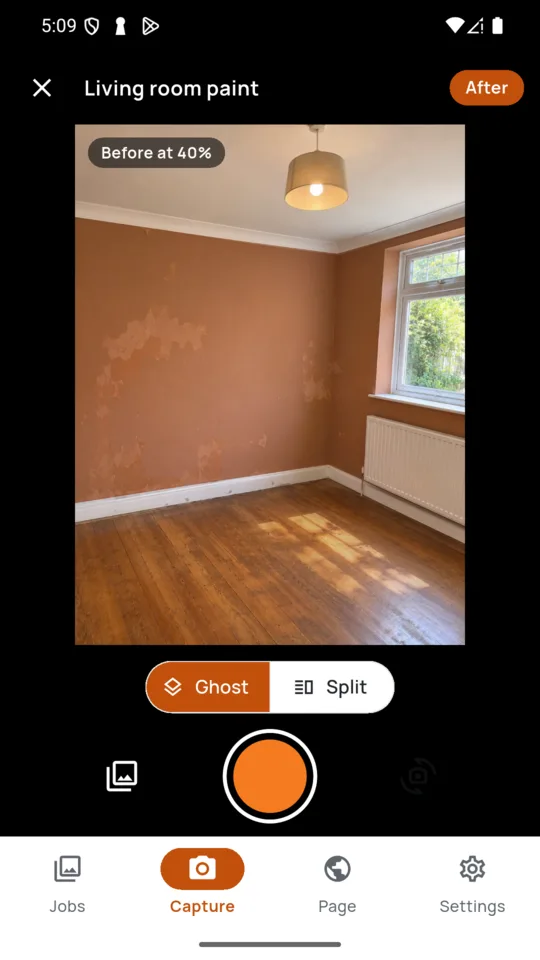
Stand somewhere you can find again. Jobs still waiting for their after are listed right on the camera screen, so none get forgotten.
Days or weeks later, the before appears over your live camera, either faint across the frame or solid beside a divider.
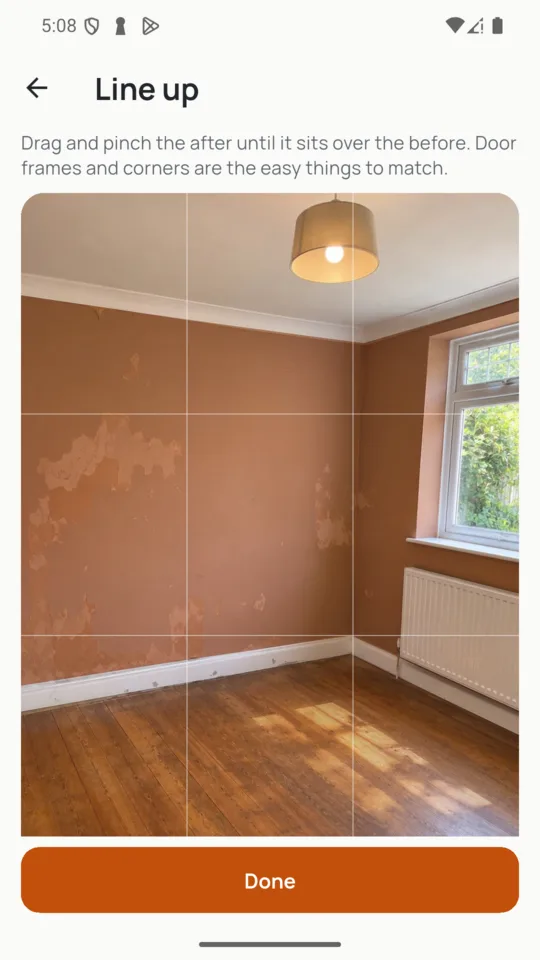
Drag and pinch the after until door frames and corners match. Shot one portrait and one landscape? The app finds a frame that fits both photos.
Every finished pair becomes a slider: drag the handle and the old kitchen wipes away to the new one.
Share both photos as one image, side by side, or one above the other for a wide shot. On the Standard plan it carries your business name in the corner.
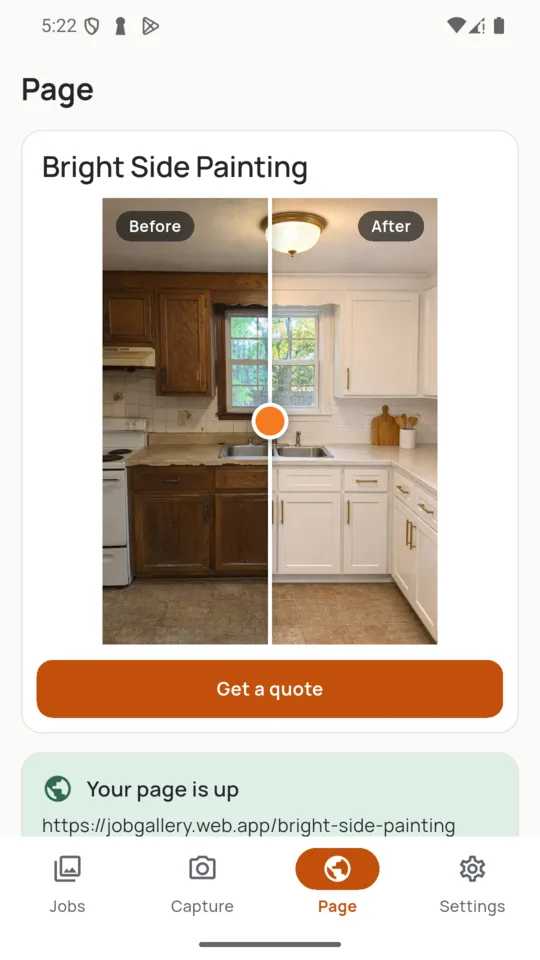
A page with your business name, phone and a quote button that emails you. Customers compare each job with a slider in their phone browser and filter jobs by trade. Pick from six colours and choose which jobs appear.
Send a customer a page of just one job when you are quoting for a house like theirs. Stop the link any time.
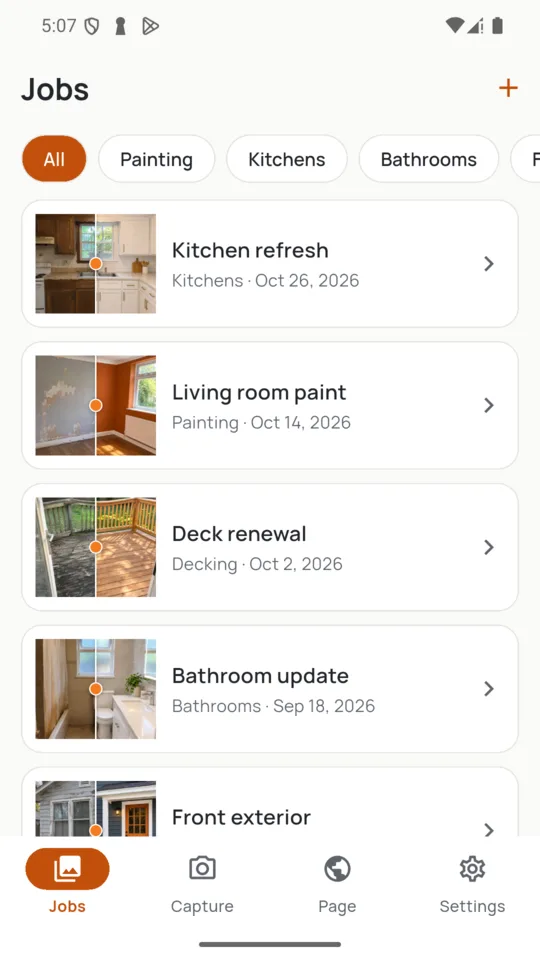
File each job by trade, town and date, with tags, and find the deck you did last spring without scrolling through a camera roll.
A helper joins with a code and shoots jobs from their own phone.
You can take job photos without a signal. They upload the next time the app is open with a connection.
Your public page shows a town, never a customer’s street address.
New work waits until you tap Update. A job you switch off or a pair you delete leaves the page right away.
JobGallery does not edit or retouch photos, it does not post to social networks for you, and it is not a record for a dispute.
12 jobs, any number of pairs, the slider and a shared image with your business name in the corner.
A 14-day Pro trial is offered in the app; it starts only when you tap it.
The before shows over the live camera, either faint across the frame or solid beside a divider. If the two shots are still a little off, drag and pinch the after until the door frames and corners match.
No. Your page and your one-job links open in any phone browser, and the slider works by dragging it with a finger.
Yes. Every plan can send a pair as one image to any app on your phone. Standard adds your business name in the corner; Solo and Pro leave it off.
No. You send the image yourself to whichever app you like. JobGallery does not post anything for you.
Your gallery page goes offline when Pro ends, and it comes back when Pro is live again. Your jobs and photos stay in the app.
Add the job, take one photo, and the camera will have it waiting when you come back.