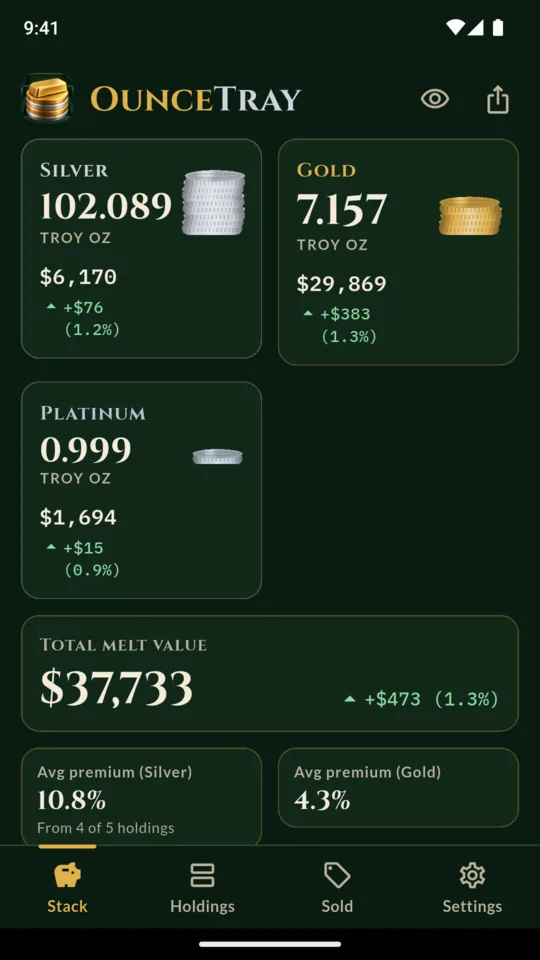
Your stack in ounces.
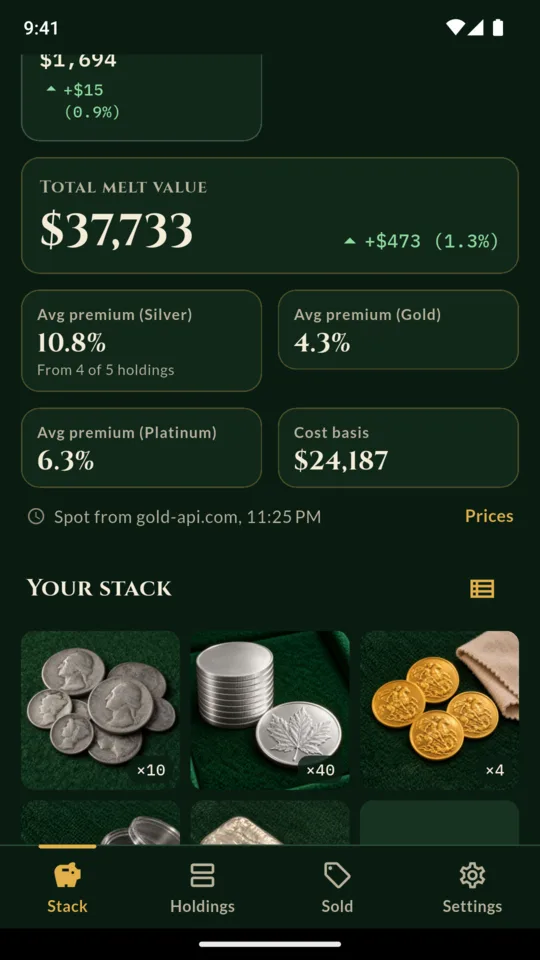
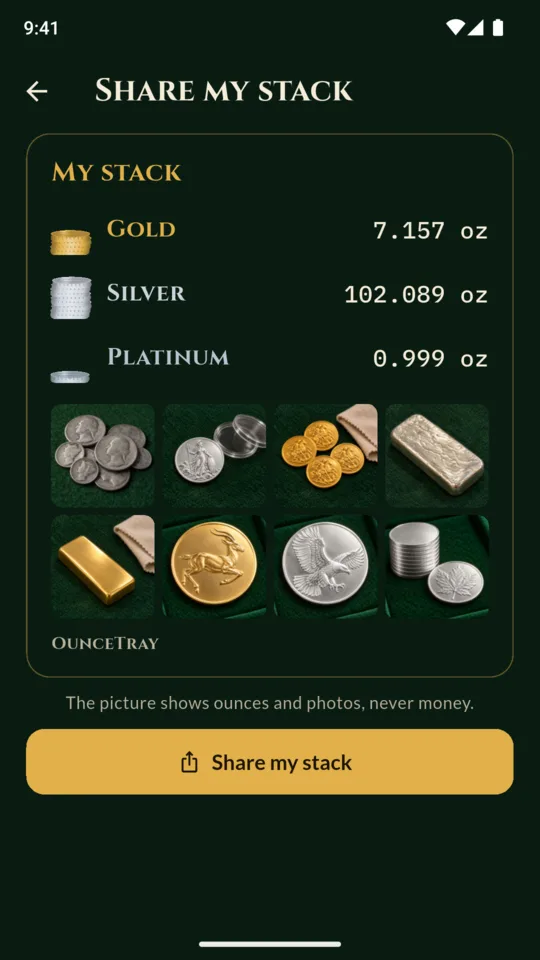
Silver, gold, platinum and palladium each add up in large figures, in troy ounces or grams, with the melt value at the spot price shown and the change since the last saved price. One tap hides the amounts, so you can show someone your stack without showing what it cost or what it is worth.
A record for every piece.
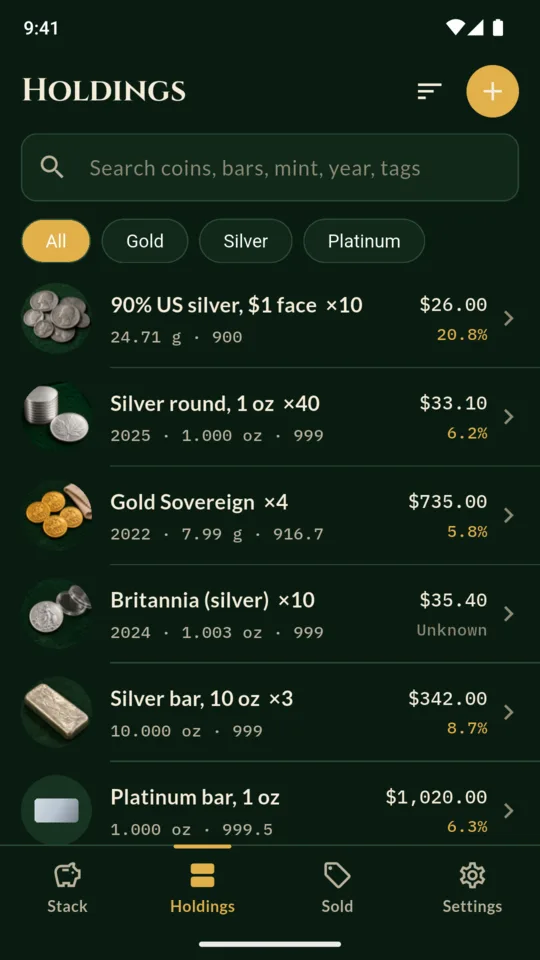
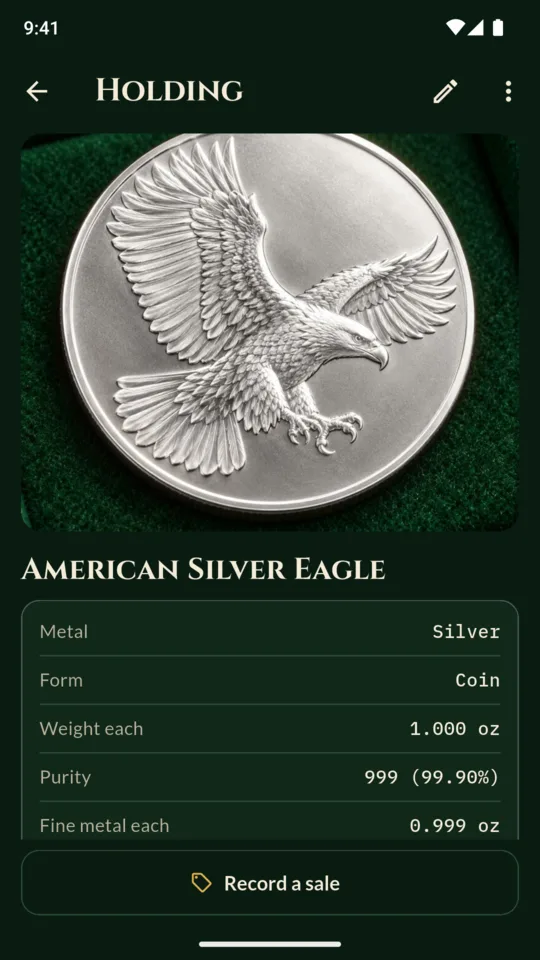
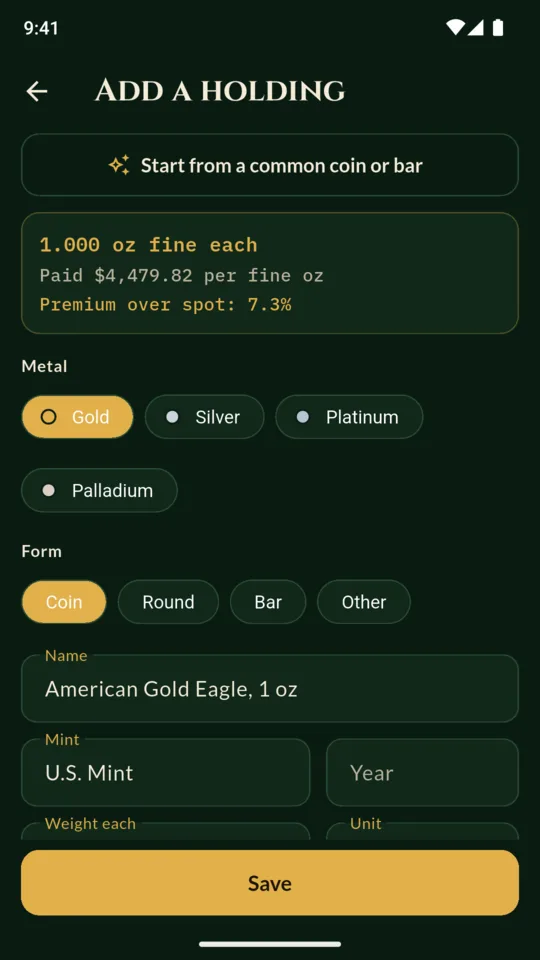
Record the metal and form (coin, round or bar), name, mint, year, weight, purity, quantity, price paid per piece, purchase date, dealer, storage location, tags, notes and up to six photos. The fine metal shows as you type, so you can check it before saving.
Start with a common coin or bar.
Start from an American Silver Eagle, a Maple Leaf, a Britannia, a Krugerrand, a Sovereign, 90% US silver by face value or a bar from 1 oz to 1 kg, and the weight and purity are set for you.
The premium you paid.
OunceTray keeps the daily spot prices it fetches, so a coin added on the day you buy it gets that day’s spot when the app has fetched it. The premium is worked out per piece and averaged per metal by ounces. If the price paid or that day’s spot is missing, the premium shows as unknown rather than zero.
What you sold.
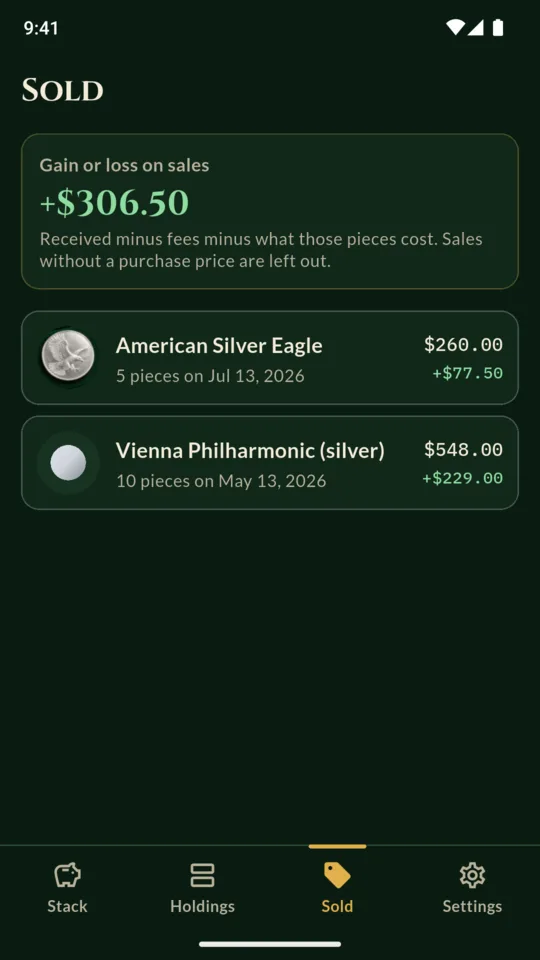
Record part or all of a holding sold, with what you received and the fees. The sold list shows the gain or loss against what those pieces cost, and the rest stays in your stack.
A record for insurance.
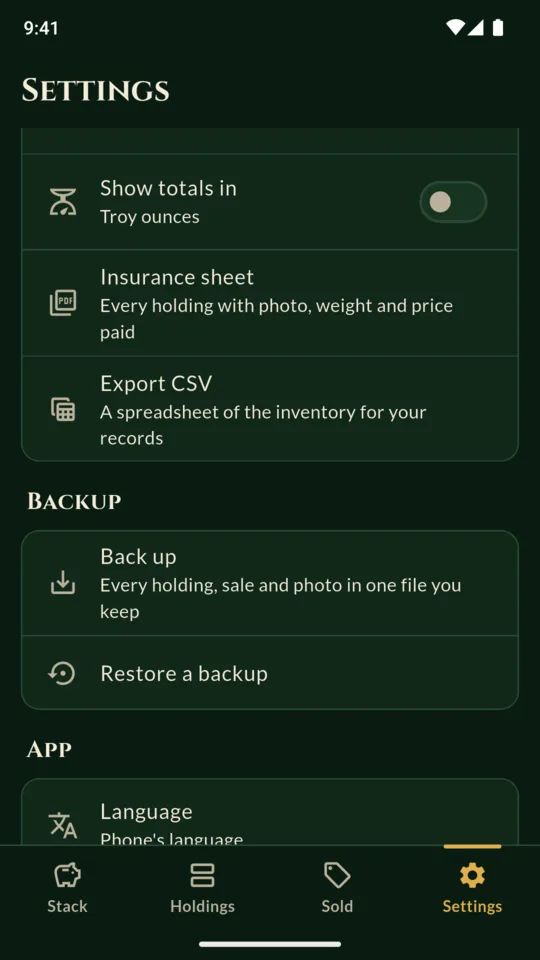
A PDF with each piece’s photo, weight, purity, fine metal, price paid and purchase date, plus totals per metal, for a home insurance policy or a safe deposit record. A CSV of the inventory for your own spreadsheet.