
Home inventory app
Every room, on record.
Record what you own, room by room, with photos, receipts and serial numbers. After a fire, theft or flood, tick what was lost and build a schedule of those items as a PDF.

$19.99 once · $9.99 a year · $1.99 a month
- No account
- No ads
- 10 languages
- Phones and tablets
The Room Board
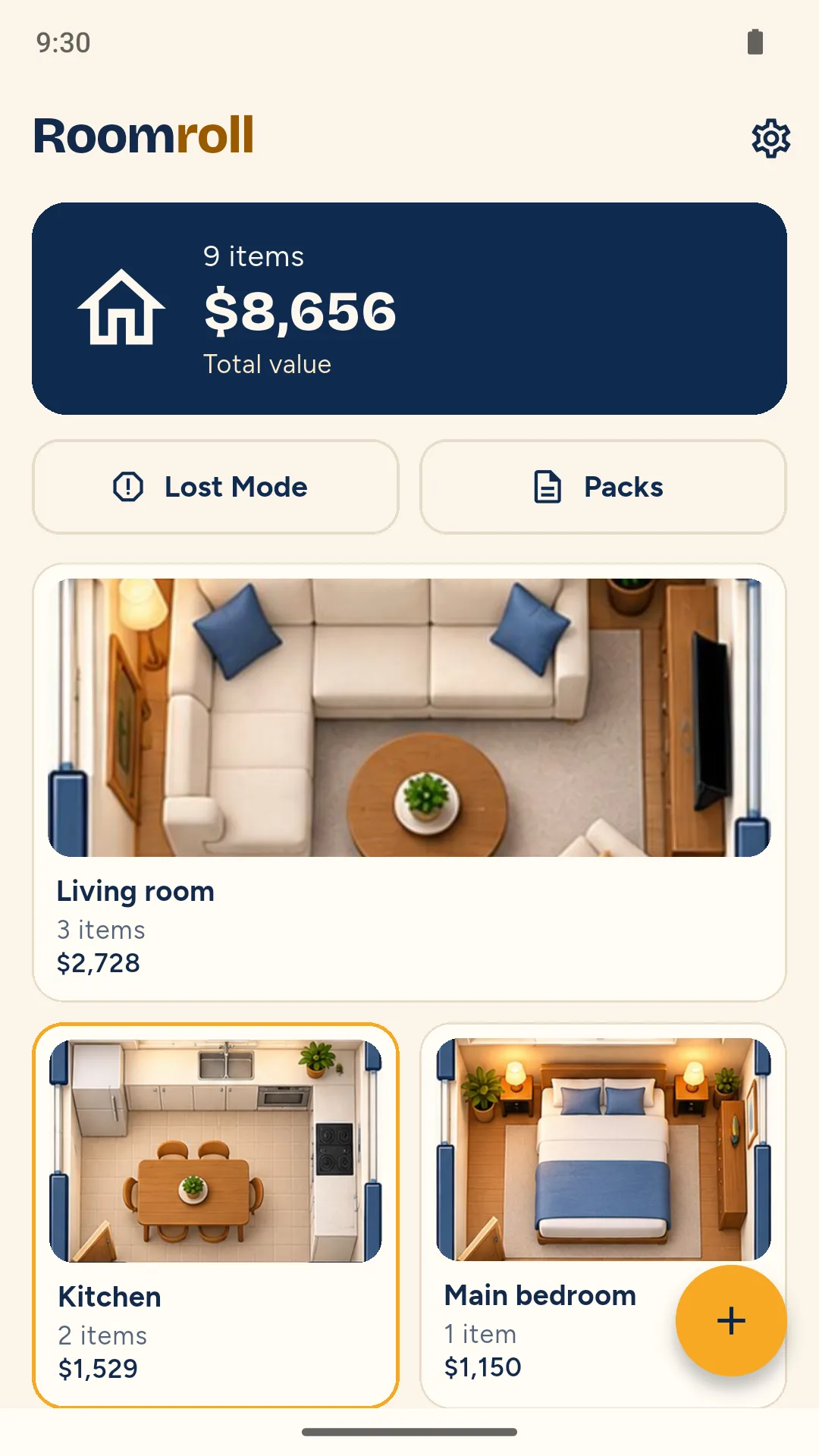
Your home as a board of rooms.
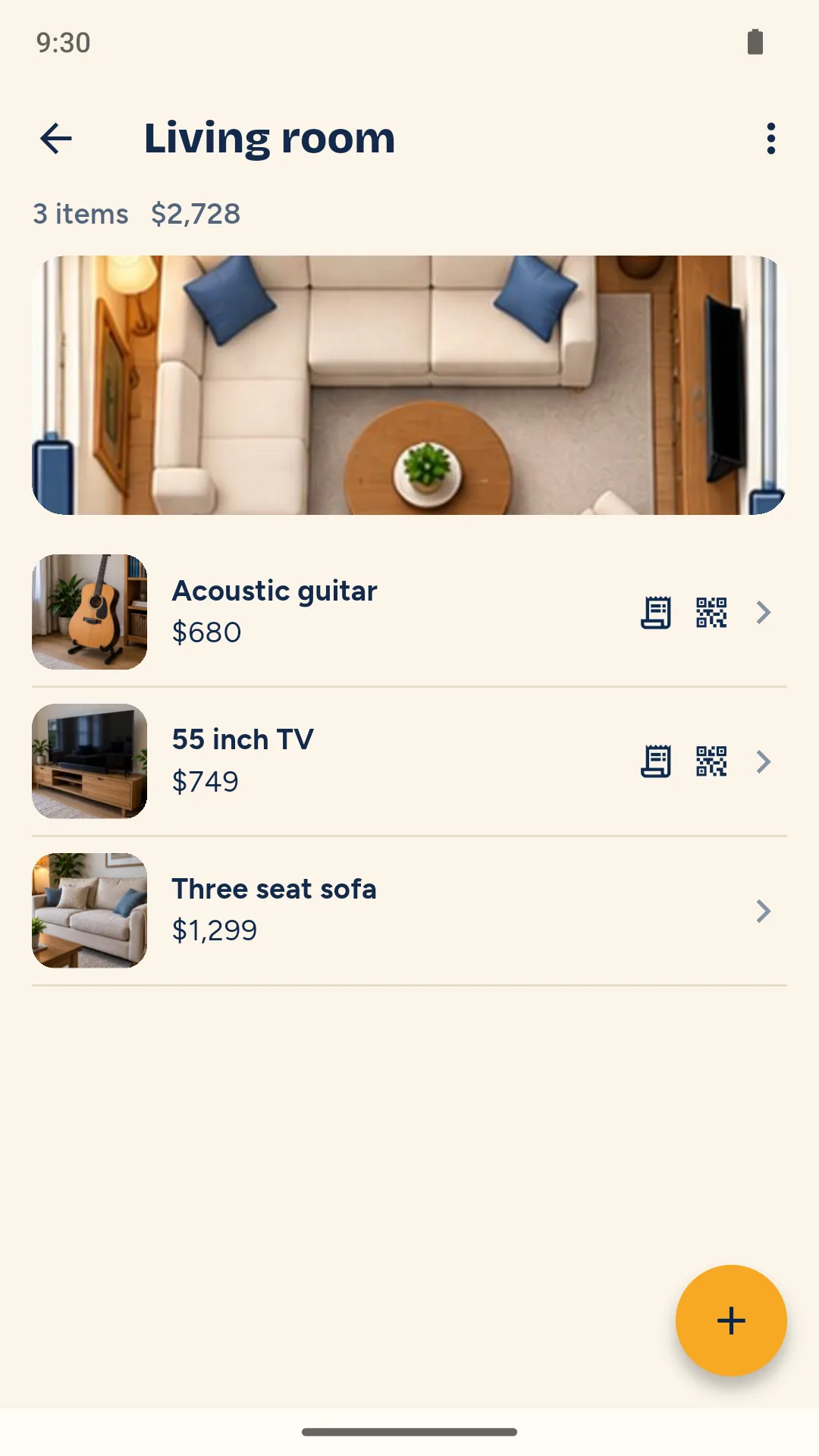
Each tile is sized by the number of items you have recorded in that room. The total of the values you entered appears above the room tiles.
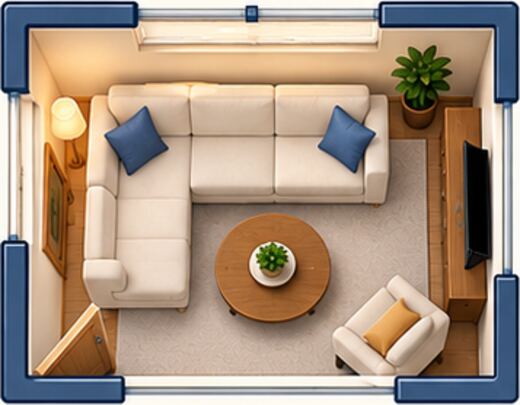
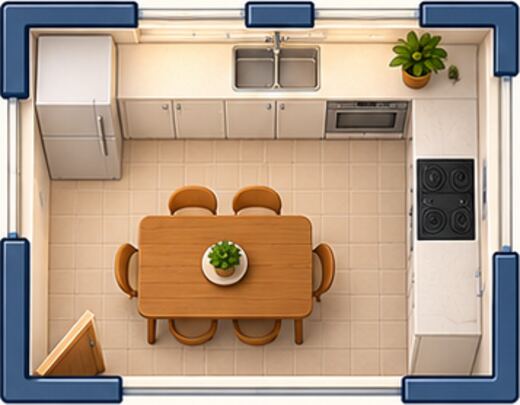

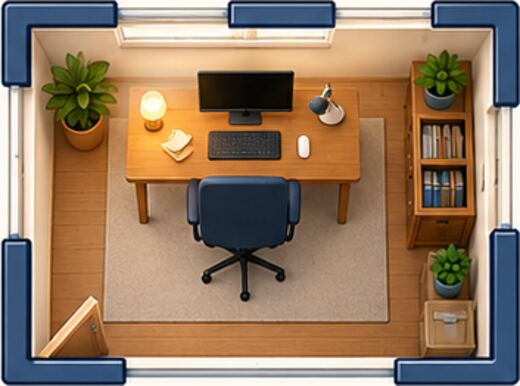
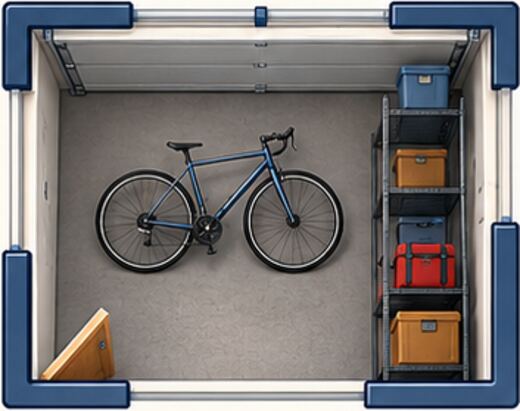
Sample home. An amber edge marks a room with something ticked in Lost Mode.
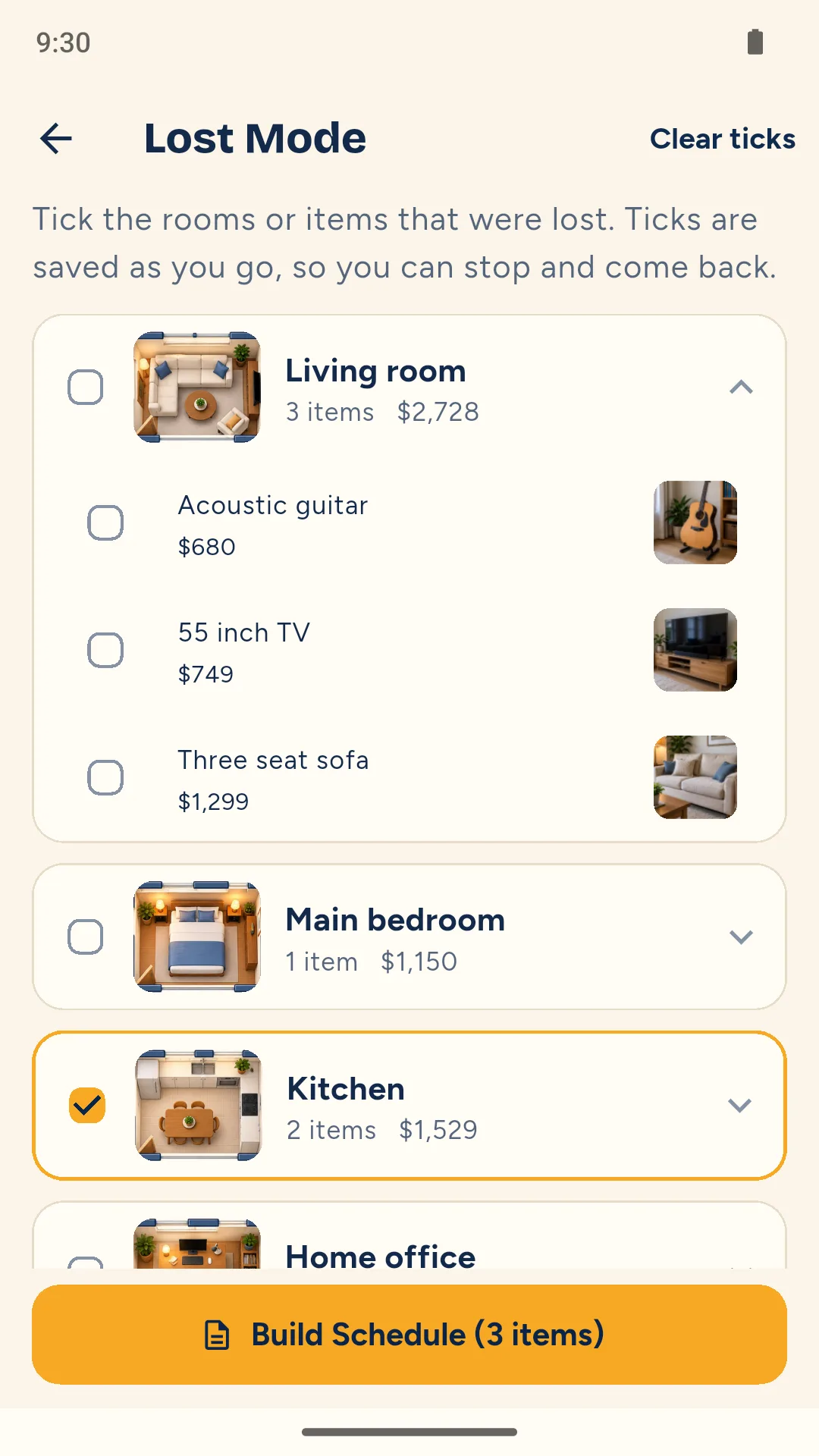
Lost Mode
If you lose something, the list starts here.
Tick whole rooms or single items. Ticks are saved as you go, so you can stop and come back. Then build a Claim Schedule: a PDF of only those items.


Sample data. The values are the owner's own figures.
What it does
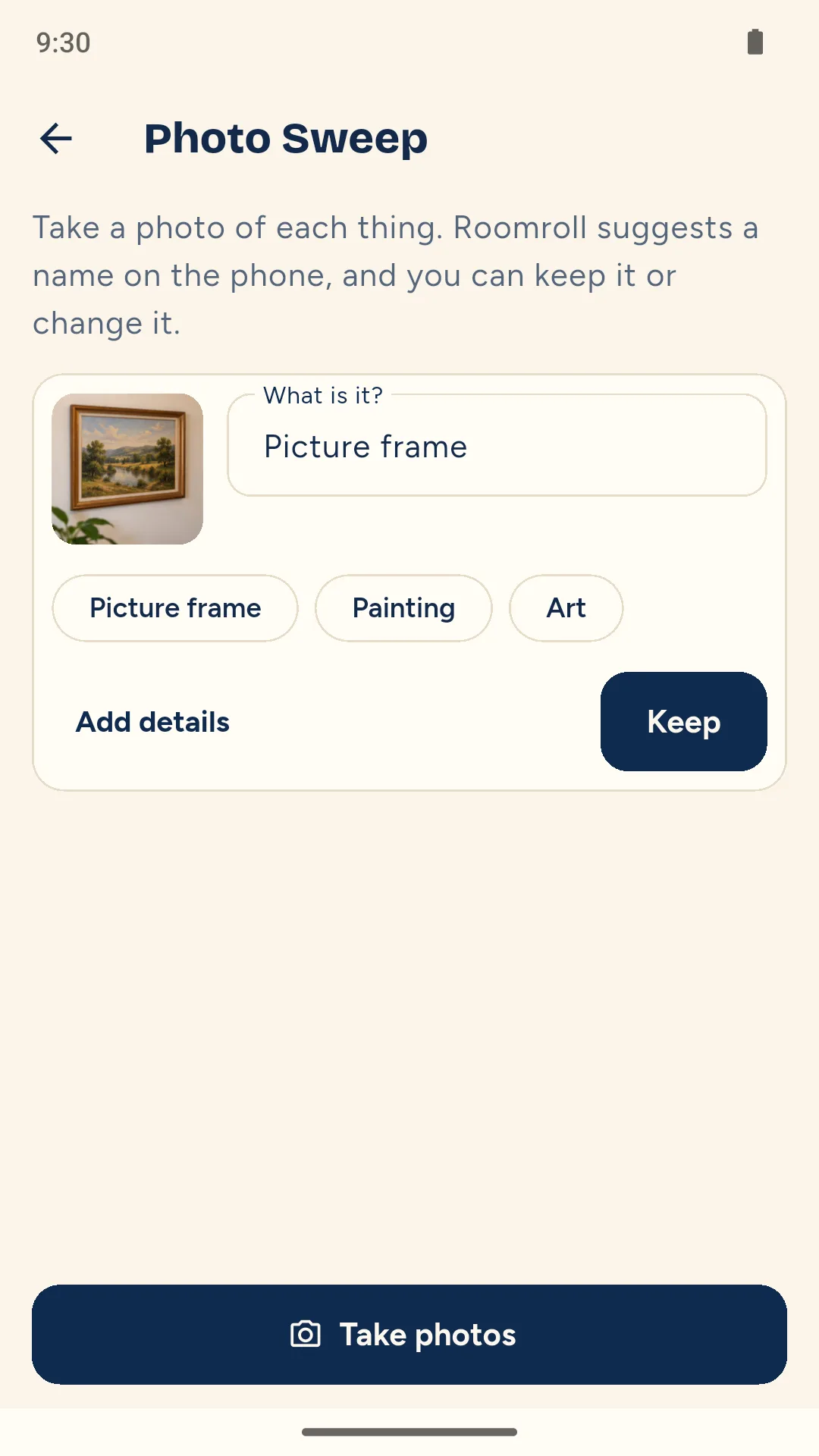
Photo Sweep.
Take photos in a row. Each one becomes an item with a suggested name generated on your phone, which you can edit.
The proof, kept together.
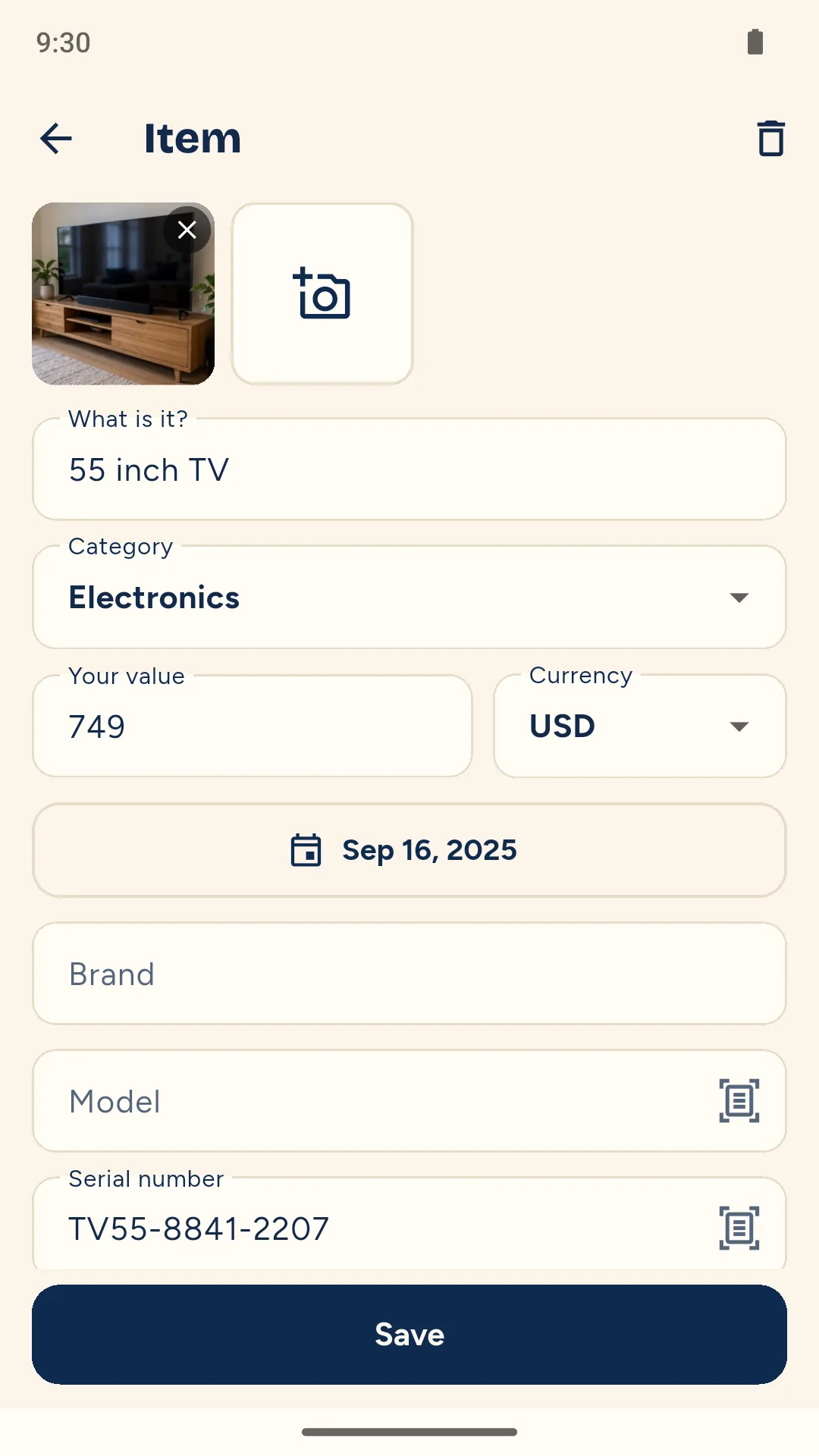
Photos, your value, purchase date, brand, model, serial number, receipts and notes on each item.
Serial numbers and receipts.
Use the camera to read a serial number from a label, or scan a receipt and attach it to an item.
Full Inventory PDF.
Your whole home, room by room, with totals per currency. Each item keeps its own currency and nothing is converted.
A copy off the phone.
Create a ZIP file of your records and photos to save or share. Restore it in Roomroll on another Android phone.
Policy renewal reminder.
Add your insurer, policy number and renewal date. On that date, a reminder to check your rooms and make a fresh copy.
Inside the app
Worth knowing
A fire can take the phone too.
The board shows how long it has been since your last copy, so a record that only lives on the phone does not go unnoticed.
Your records stay with you.
There is no account and no ads. Rooms, items and photos are stored on your phone. Crash reports and usage statistics are sent, and neither carries your records.
Your values, not valuations.
Roomroll records the figures you enter. It never says what something is worth.
Not insurance advice.
Roomroll helps you document what you own. It cannot say what an insurer will accept or pay.
Pricing
2 rooms and 25 items, Lost Mode ticks and the copy off the phone. Nothing you have recorded is ever locked.
- More rooms and items
- The Claim Schedule PDF
- The Full Inventory PDF
Or $9.99 a year, or $1.99 a month.
Questions
Will my insurer accept the PDF?
Roomroll cannot say. It helps you document what you own, and each insurer decides what it needs, so ask yours.
Does Roomroll tell me what my things are worth?
No. Every value is the figure you enter, and the totals in a PDF are the sum of your own figures, per currency.
Where is my data kept?
On your phone. There is no account. You choose where a copy goes when you save or share the ZIP file.
What if I lose my phone in the fire too?
You can restore a saved copy in Roomroll on another Android phone, provided you saved it somewhere you can still access. That is why the board shows how long it has been since your last copy.
What happens to my records if I stop paying?
Everything stays readable and editable. Adding past 2 rooms or 25 items, and building the PDFs, needs the full app again.
Can I record items in different currencies?
Yes. Each item keeps its own currency, and totals are shown per currency without converting.
Start with one room.
Take the photos now and add the details whenever you have them.