Compare two dates.
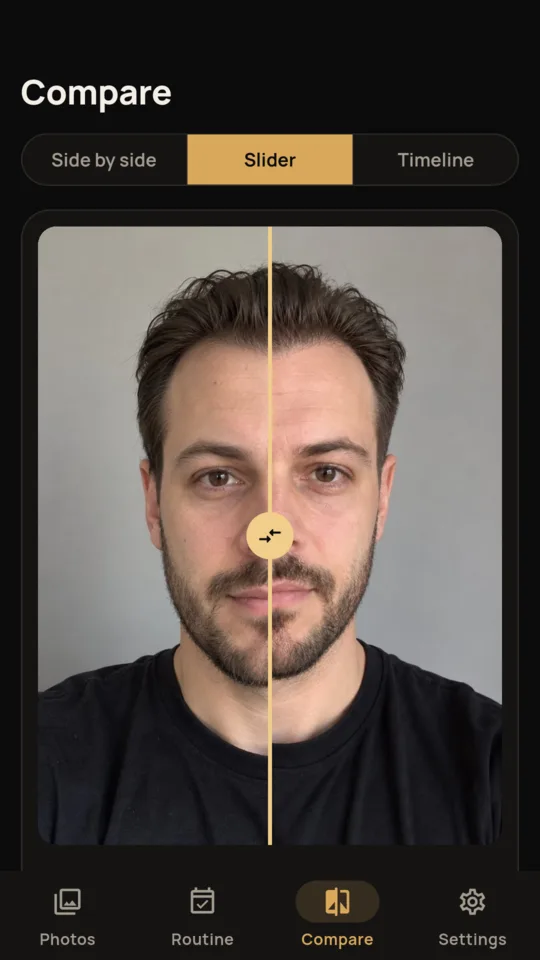
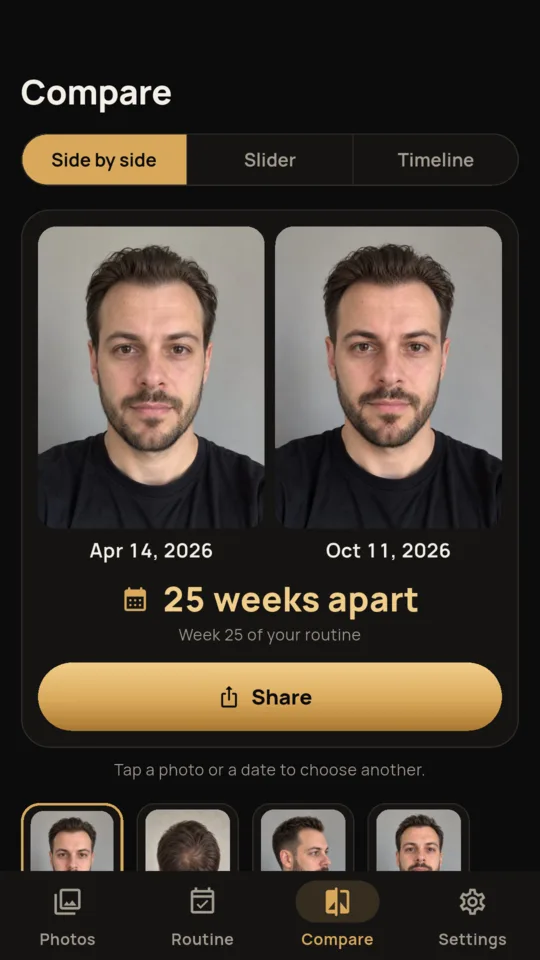
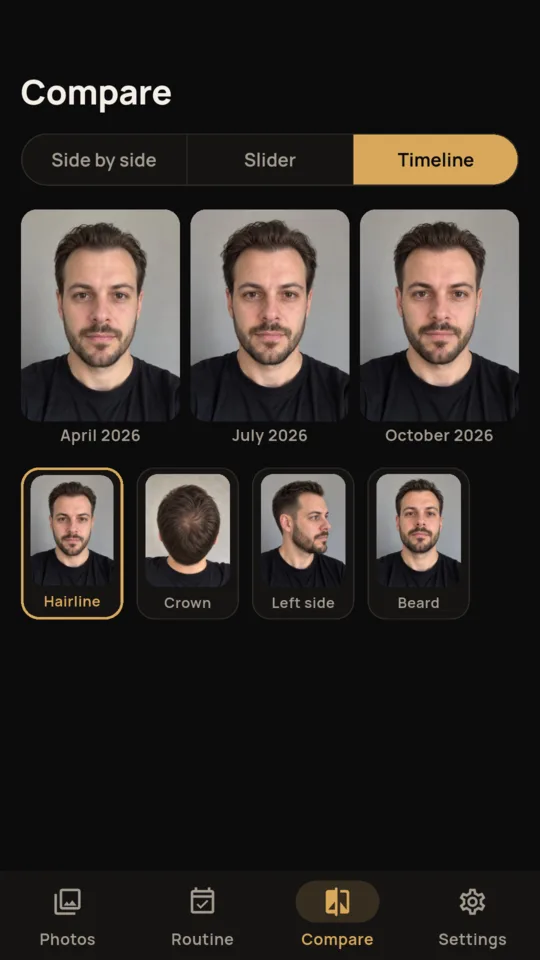
Side by side or with a slider, with the weeks between them. If you have added a start or transplant date, it also says which week of your routine or which month after the transplant each photo is from.
Hair growth tracker
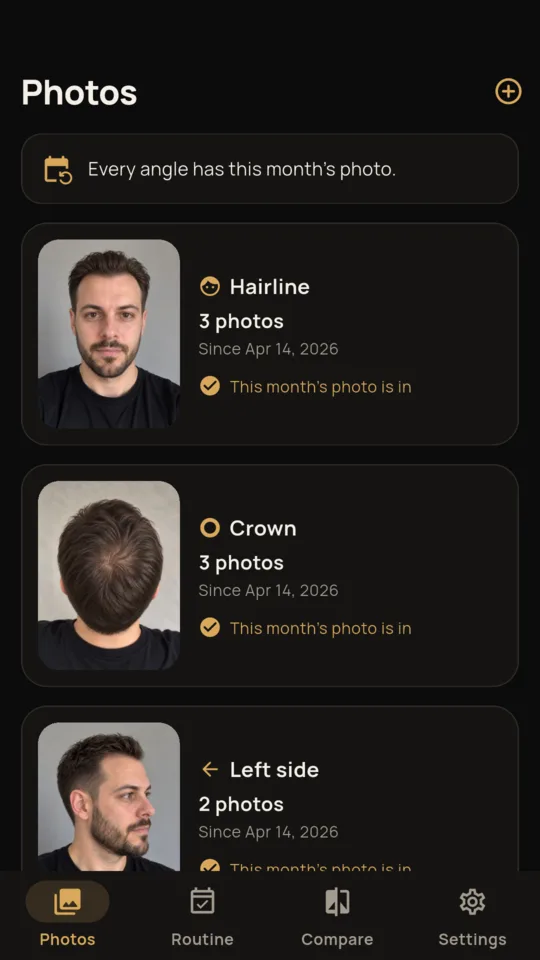
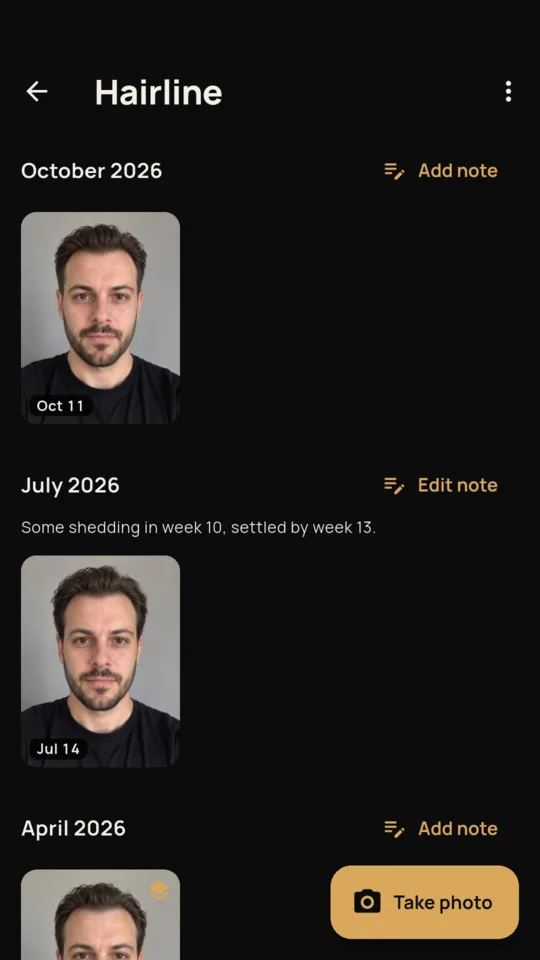
It is hard to compare your hair from memory. Photos taken in different light or from different angles make it harder. ScalpShot puts a faint copy of your first photo for that angle over the camera, so each new one lines up with it.

$19.99 ONCE · $9.99 A YEAR · $1.99 A MONTH
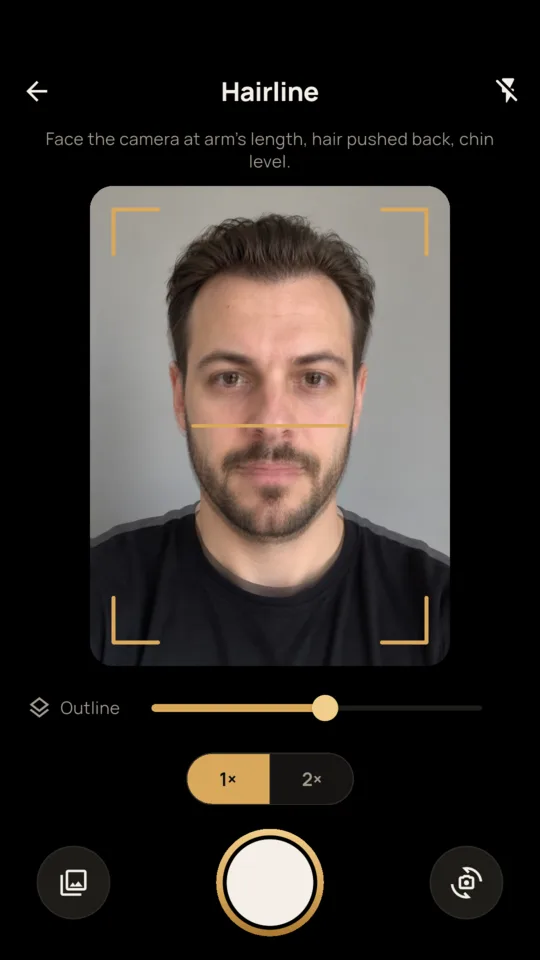
Last time shows through the camera.
Side by side or with a slider, with the weeks between them. If you have added a start or transplant date, it also says which week of your routine or which month after the transplant each photo is from.
One image with both photos, the angle, the dates and the weeks between, sized for a forum post or a message to your doctor.
Hairline, crown, left side, right side, top, beard, or one you name yourself. Each has its own tip, such as a second mirror for the crown.
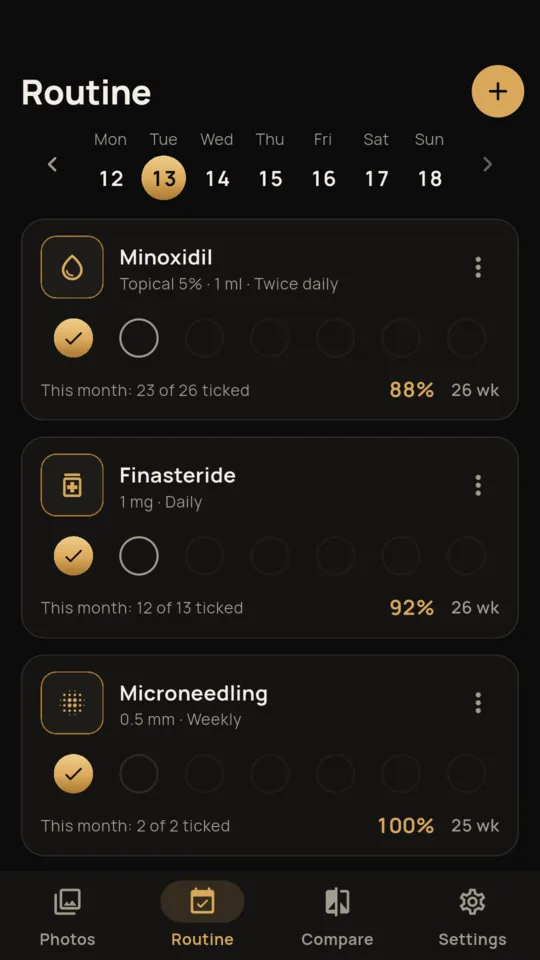
Add what you do in your own words, daily, twice a day, every other day or weekly, and tick it each day. Pro shows how many ticks you made against how many were due each month.
Record a transplant, when you started or stopped a treatment, or a haircut. Comparisons and the routine count weeks and months from them.
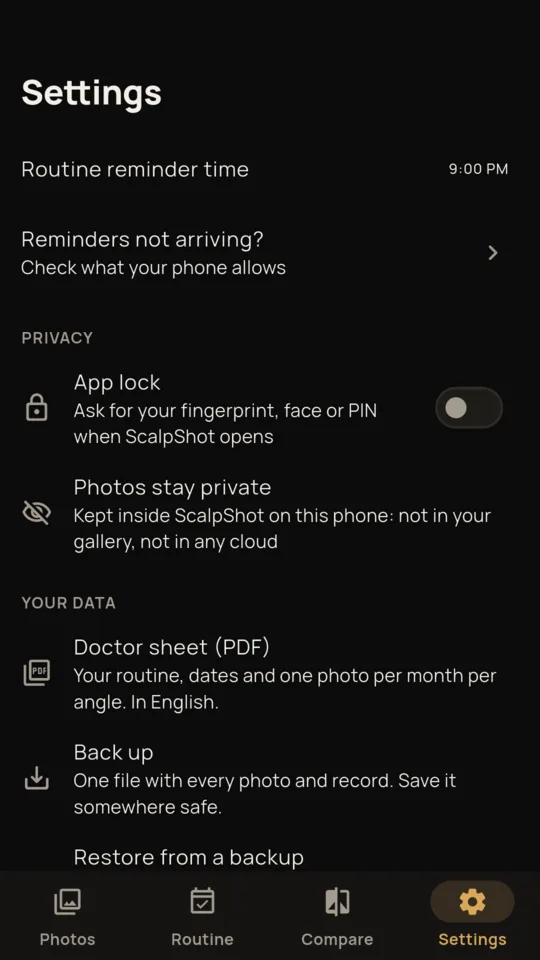
Your routine, your dates, the monthly figures and one photo per angle per month. The sheet is in English.
ScalpShot does not measure hair, rate a treatment or say whether something is working. It is not medical advice. You can review the photos yourself or discuss them with your doctor.
Photos are kept inside ScalpShot, not in your gallery, and are never uploaded. There is no account. An optional app lock can ask for your fingerprint, face or PIN. Backup makes one file you can move to a new phone. Crash reports and screen-view statistics are sent and carry no photos.
The standard tier gives you one new photo per angle each month. Nothing you have taken is ever hidden on any plan.
Two angles with one new photo of each a month, compare and share, one routine item, reminders, backup and the app lock. A banner ad shows on the Routine tab only.
An optional 14-day trial is offered in the app; it starts only when you tap it.
No ads with Pro.
No. It lines your photos up so you can compare them yourself. It does not count hairs or score anything.
No. They are kept inside ScalpShot on your phone and never uploaded. They leave only when you share a compare card, the doctor sheet or a backup file.
Ask someone to hold the phone above it, or use a second mirror. The outline of your earlier crown photo shows you where to line up.
Yes. Import a photo from your gallery and set the date it was taken.
Yes. Beard is one of the angles, with its own outline and tip.
Every photo and record stays viewable and shareable. Only new photos above the standard limits need Pro.
Compare it with another next month.