A Run Sheet for the booth.
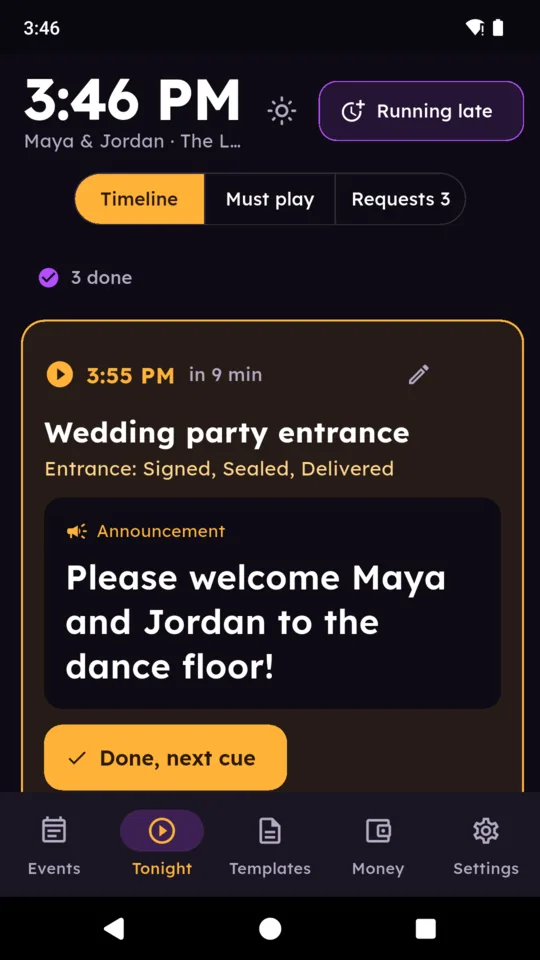
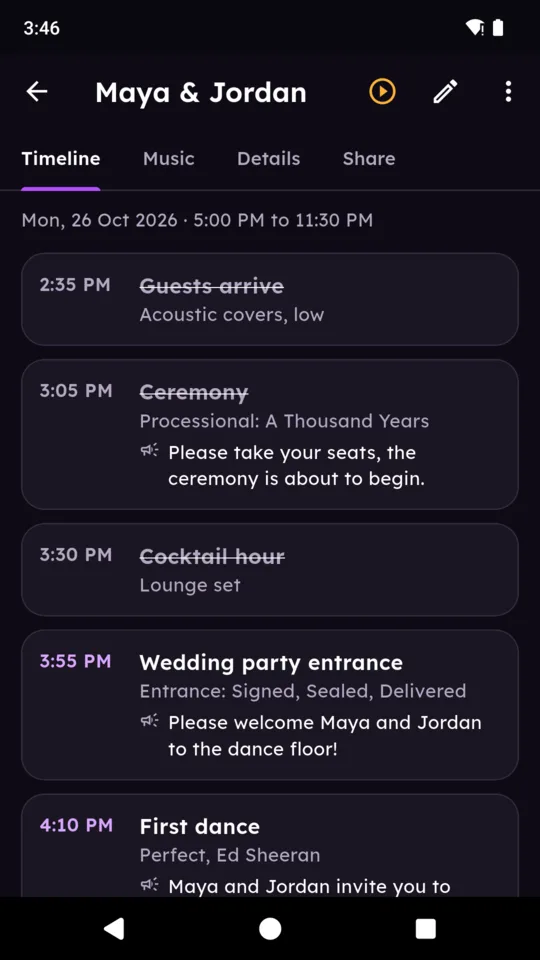
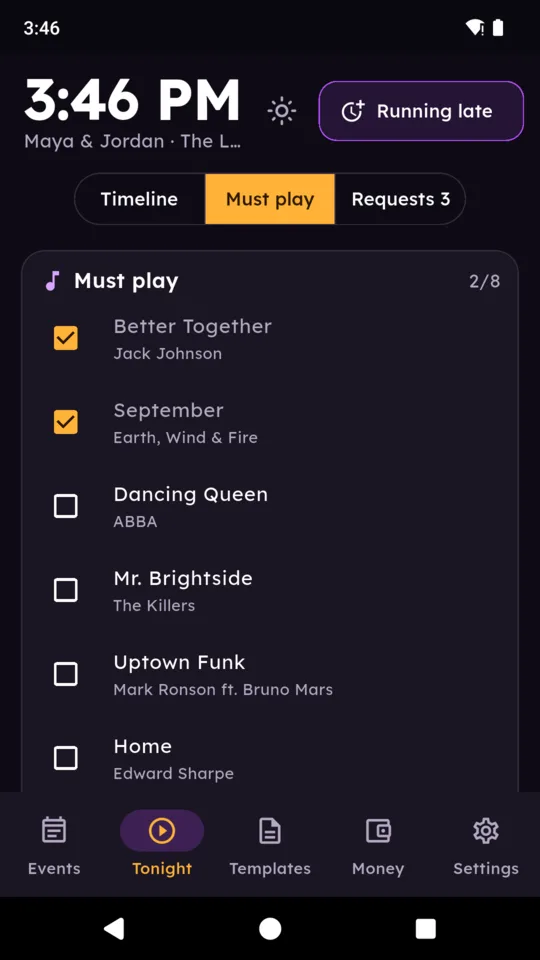
On the night, one screen shows the clock, every cue in order and the next one with a countdown. The announcement to read sits in large type under it. Tap Done and the next cue moves up. A switch keeps the screen from dimming mid-set.
Running late, in one tap.
Speeches ran long? Move the next cue and every one after it by 5, 10, 15, 20 or 30 minutes. Times you marked as fixed, such as the venue curfew or a booked act, stay where they are.
The couple fills in their part.
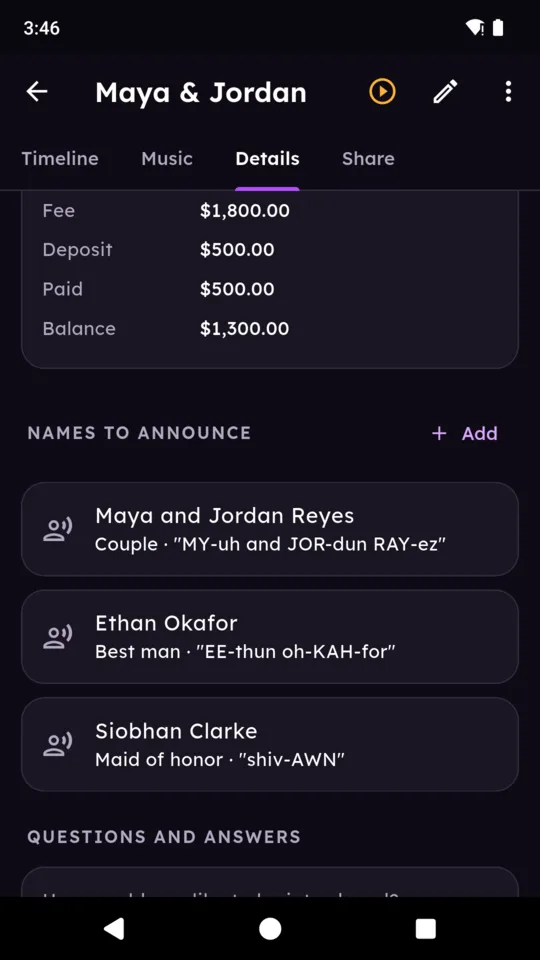
With Pro, send one planning link. The couple opens it in a browser without an app or account, adds timings for key moments, names and how to say them, special dances, and must-play and do-not-play songs, then answers your questions. Their saved answers reach SetRunner when your phone is online. The page is in English and Spanish.
Song requests from the tables.
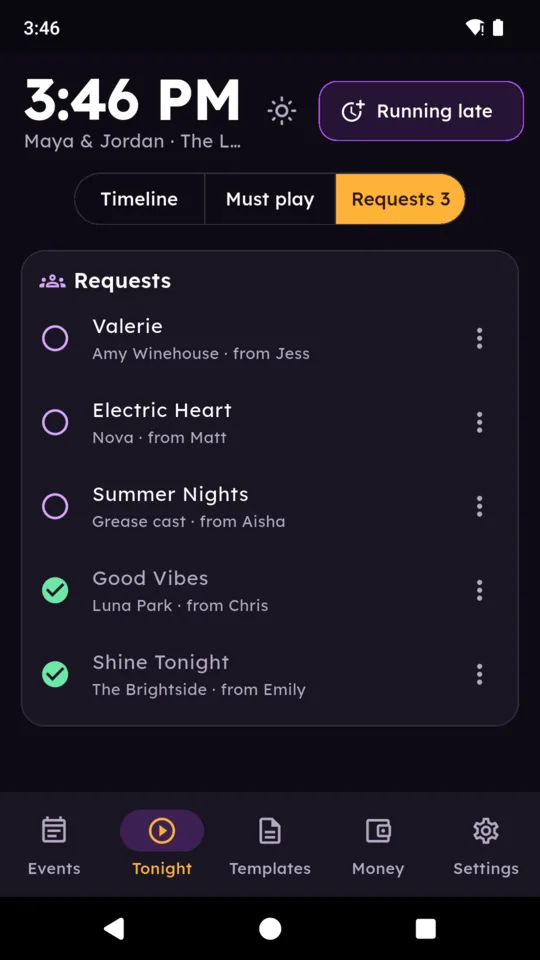
Put a QR code on the tables. Guests type a song and a first name and the request lands next to your timeline, where you mark it played, decline it or hide it. Turn requests off whenever you need to with one switch.
Templates you set up once.
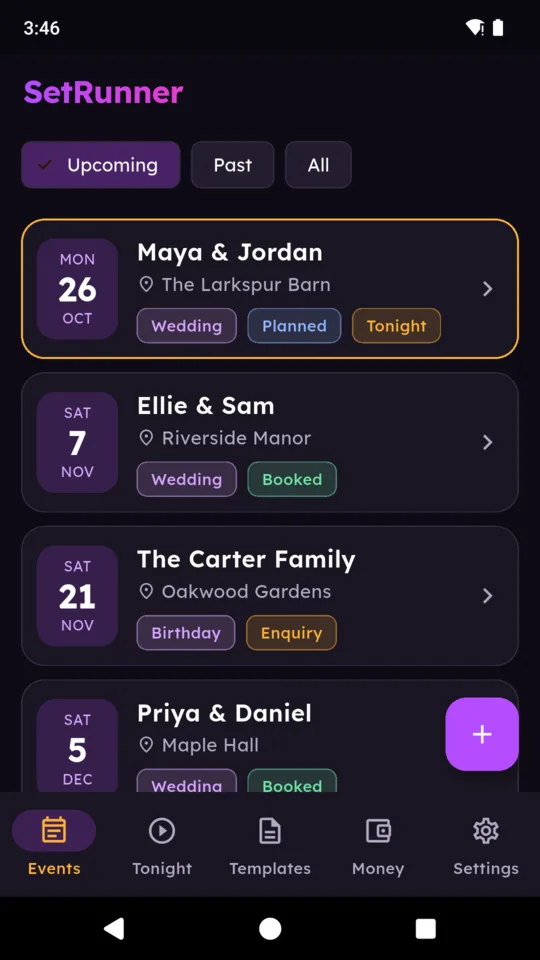
Start from wedding, corporate and birthday templates, each with a timeline, announcements and questions. Edit and save them, then choose one when you add an event.
Deposits into your own Stripe account.
On Pro, connect your Stripe account and the planning link shows a Pay the deposit button. Deposits are processed through your connected Stripe account; SetRunner does not hold the funds. Cash and transfers are recorded by hand.