The wall.
Your collection as a grid of your own photos, with the pair count and the total you spent in big figures on top. Sort it by brand, by color or by the pair you bought last.
Sneaker collection app
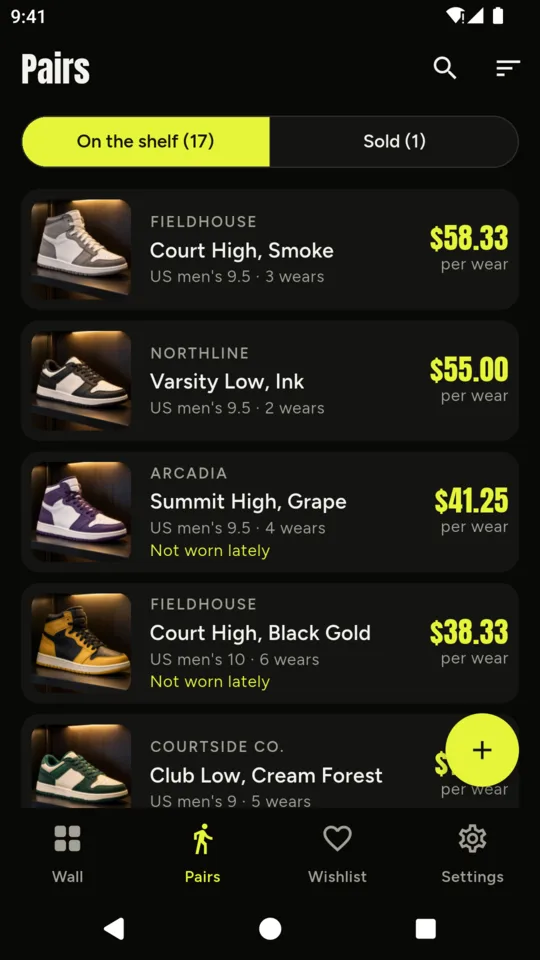
Snap a pair, add the size and what you paid, and it goes up on the wall next to the rest. Sort it by color, count your wears and see what each pair costs every time you lace it up.

$24.99 ONCE · $14.99 A YEAR · $2.99 A MONTH
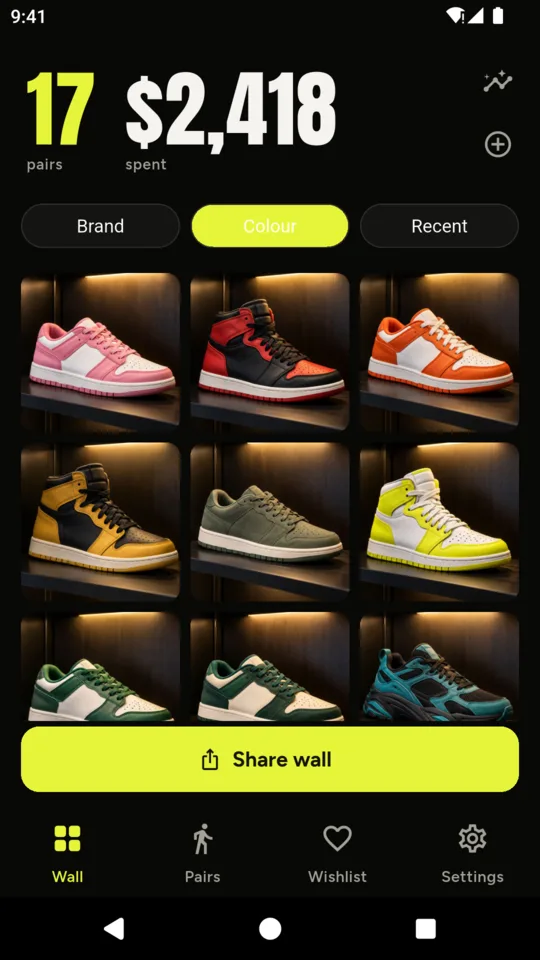
Your collection as a grid of your own photos, with the pair count and the total you spent in big figures on top. Sort it by brand, by color or by the pair you bought last.
SoleShelf reads the colors in each cover photo and runs your pairs round the color wheel, reds through greens to blues, with the whites and blacks grouped at the end.
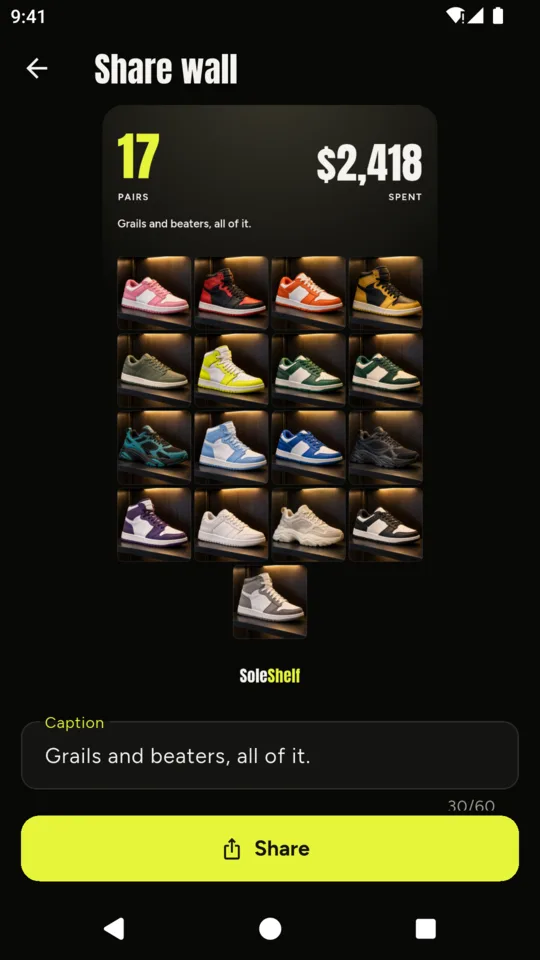
Share wall draws your collection into a single 1080 by 1920 image, with the pair count, the total and your caption above the grid. Ready for a story.
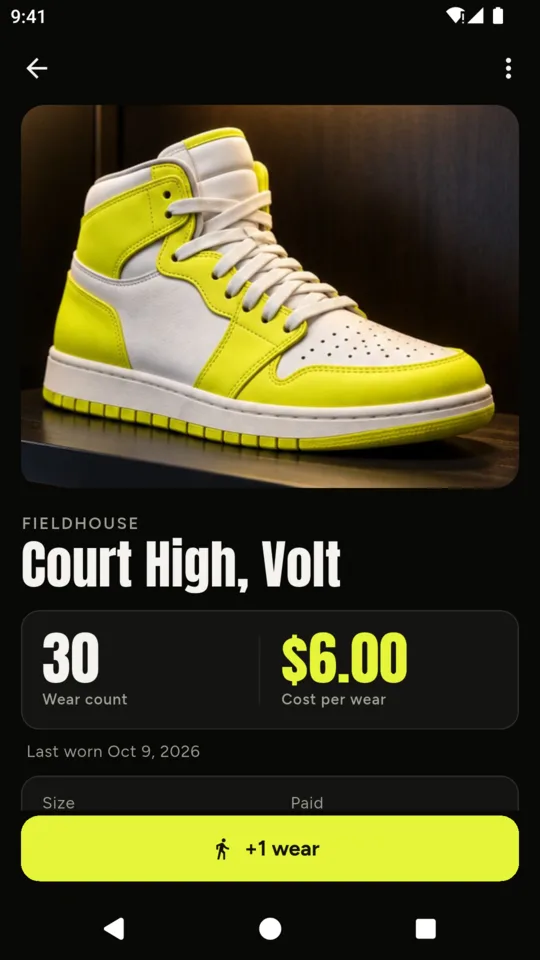
Tap +1 wear on the days you lace up. The count goes up, the cost per wear comes down and the last-worn date is kept. You can undo an accidental tap.
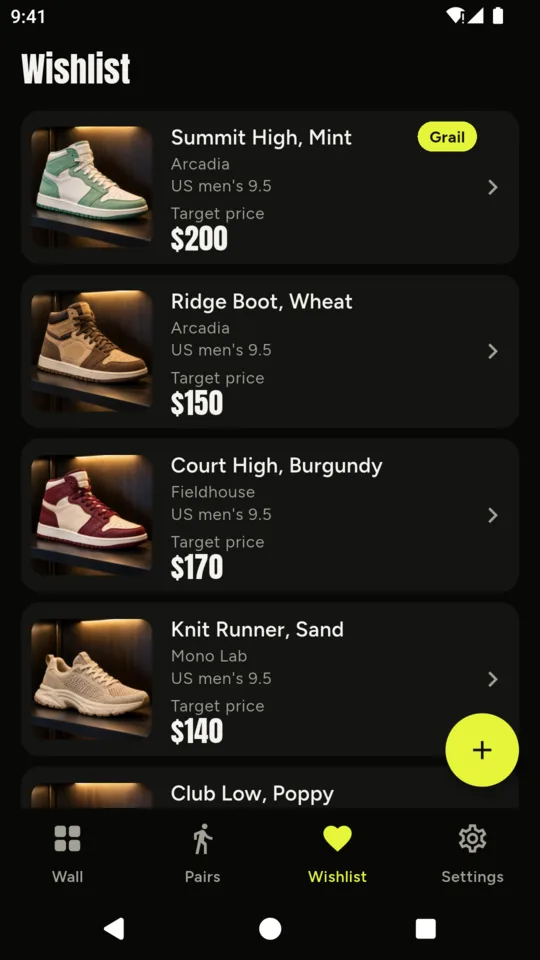
Keep the pairs you are hunting with the size and the price you would pay. Mark one as your grail and it stays first. Tap Got them and it moves to your collection with its details filled in.
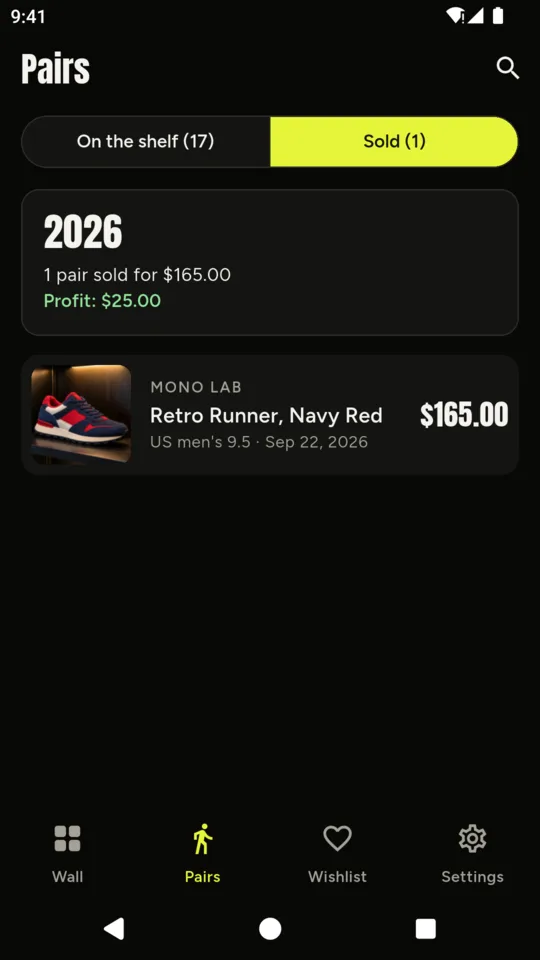
Mark a pair as sold with the price, platform and fees, and see the profit or loss against what you paid, totalled each year. Export a PDF of the collection with each pair’s photo, size, condition, purchase date and price for your insurance records.
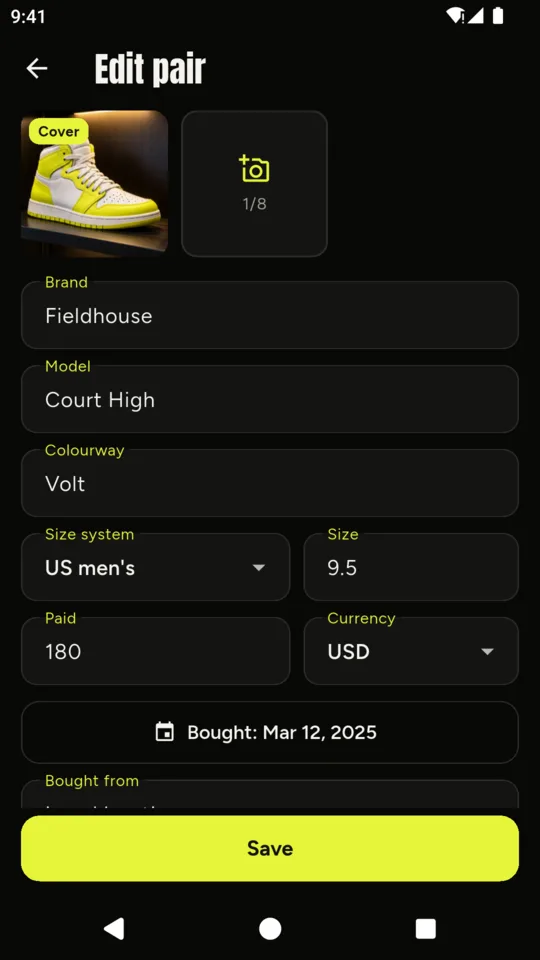
There is no catalog to search and no barcode to scan. Snap the pair and fill in what you know. It works with any brand, including the small ones and the customs, and brand names appear only as you type them.
There is no account and no sign-in, and your pairs and photos stay on your phone unless you export a backup. A backup file holds every pair, wishlist entry, sale and photo and restores on another Android phone. Crash reports and screen-view statistics are sent, and neither carries your records.
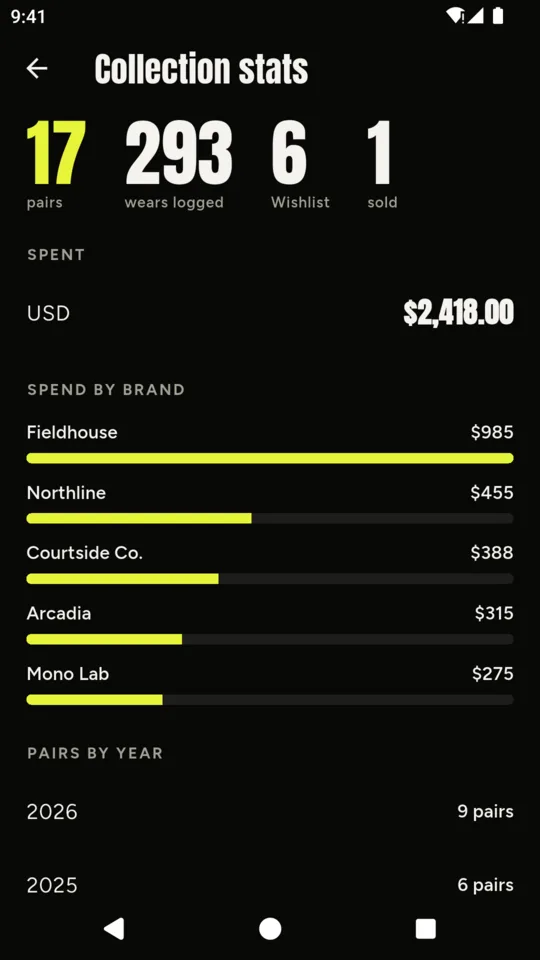
Each pair keeps the currency you paid in. Pairs bought in dollars, pounds or yen are totalled separately, without conversion.
If a trial or plan ends with more than 25 pairs, every pair stays open and editable. Adding pairs or photos past the standard limits needs the plan.
Up to 25 pairs with three photos each, plus the wall, the color sort, sharing, wears, the wishlist and backup. A small banner ad shows on the Pairs and Wishlist lists, never on the wall.
An optional 14-day trial is offered in the app; it starts only when you tap it.
No ads with the full collection plan.
No. SoleShelf does not provide market prices or authentication. You can enter your own estimated value, but spending totals use what you paid.
It reads the colors in each pair’s cover photo and orders the wall round the color wheel, with whites and blacks grouped at the end. A clear photo on a plain background reads best.
US men’s, US women’s, UK, EU or centimeters, stored exactly as you type them. SoleShelf does not convert between systems, because brands size differently.
No. Your photos are stored on your phone and in the backup files you choose to save or share.
Nothing is deleted or hidden. Every pair stays open and editable; adding past 25 pairs or 3 photos needs the plan again.
Each pair’s photo, brand and model, size, condition, whether you kept the box, the purchase date, what you paid and where you bought it, with totals per currency on the first page.
Photograph it, add what you paid, and tap +1 wear next time it goes out.