Screenshots blocked
With the switch on, Android refuses a screenshot of TempCam and a screen recording comes out blank. This was broken in earlier builds and is fixed as of version 1.0.5, verified on device.
PRIVATE CAMERA, AUTO DELETE
TempCam
Private Camera, Auto Delete
Take the shot, look at it, decide. If you do nothing the photo deletes itself. Nothing reaches your gallery unless you tap Save, and the file carries no camera model, no timestamp and no coordinates when it leaves.

Free to use. $4.99 one-time unlock.
Android.
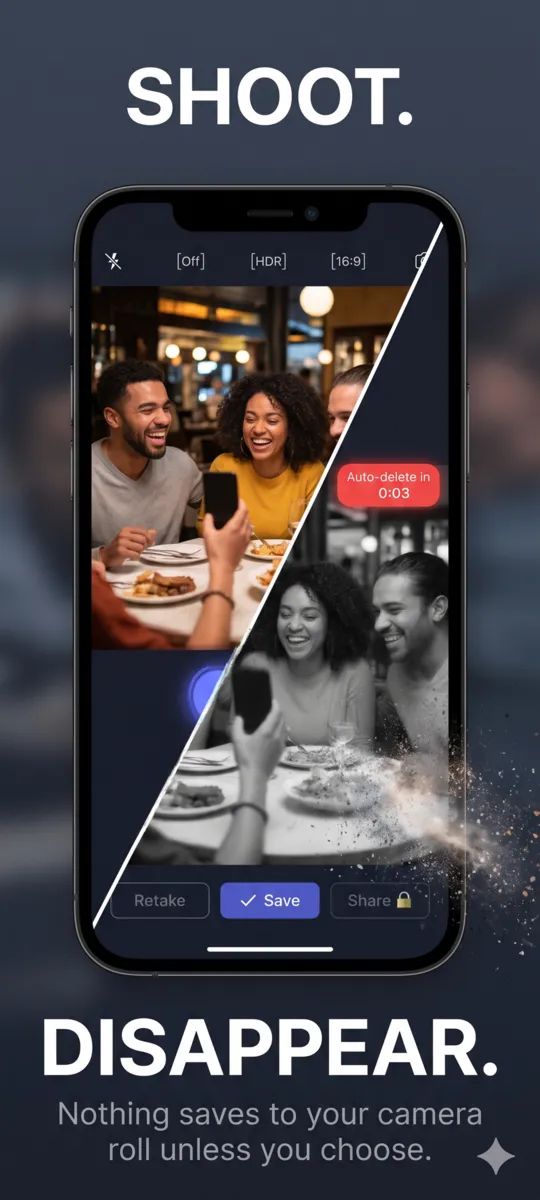
THE DEFAULT IS DELETE
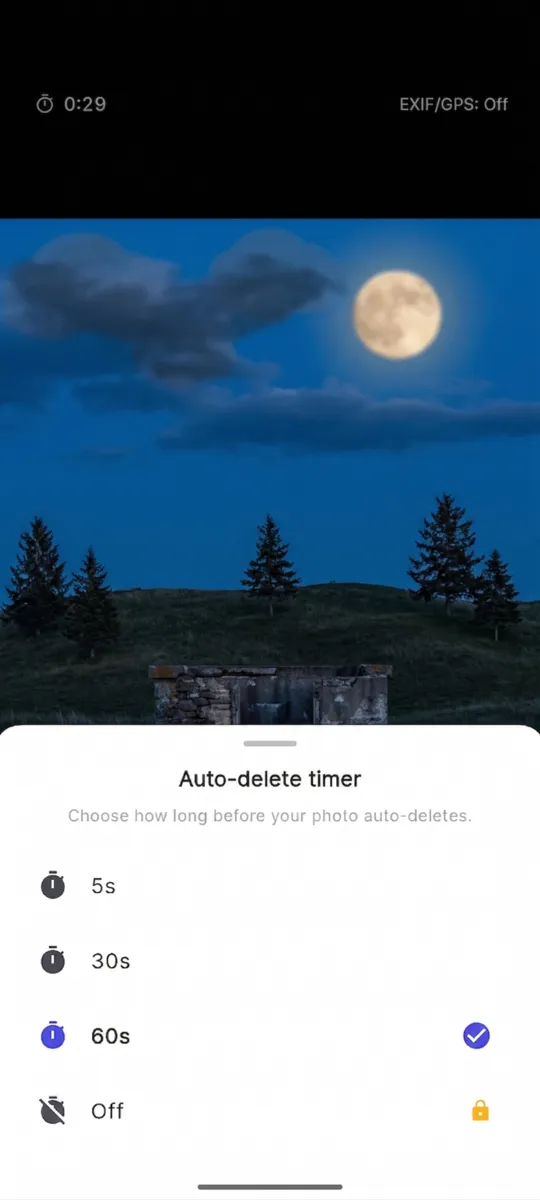
A photo lands on the review screen with a countdown already running. Retake it, share it, or save it. Ignore it and the file goes, which means forgetting to tidy up is not a way to leak a photo. Sixty seconds is the default, and you can shorten it.
The timer runs on the review screen, not in the background. Turning it off is the one choice the app puts behind the unlock, because it is the one that changes the promise.
WHAT THE FILE LOSES
A stock camera writes a block of metadata into every JPEG. TempCam re-encodes the image as it is written, so that block is not there to begin with.
Drag the row, or focus it and use the arrow keys.
Scroll sideways, or use the arrow keys
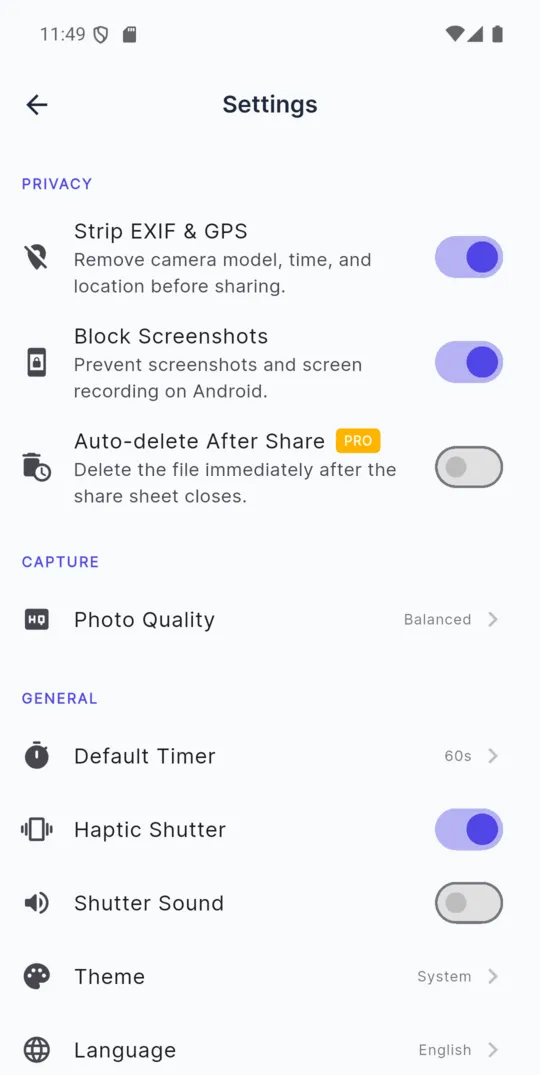
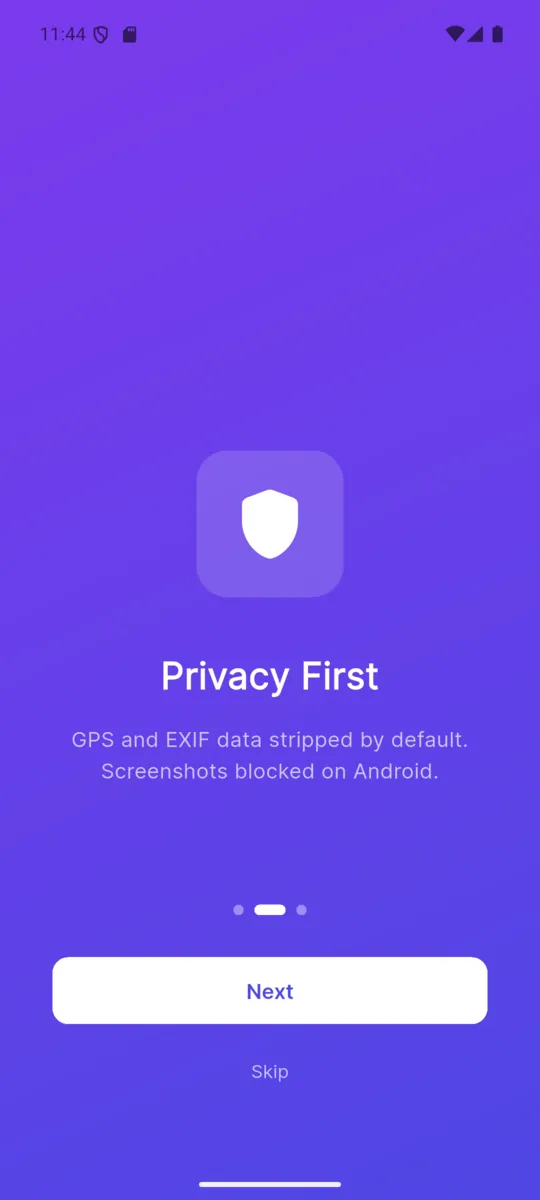
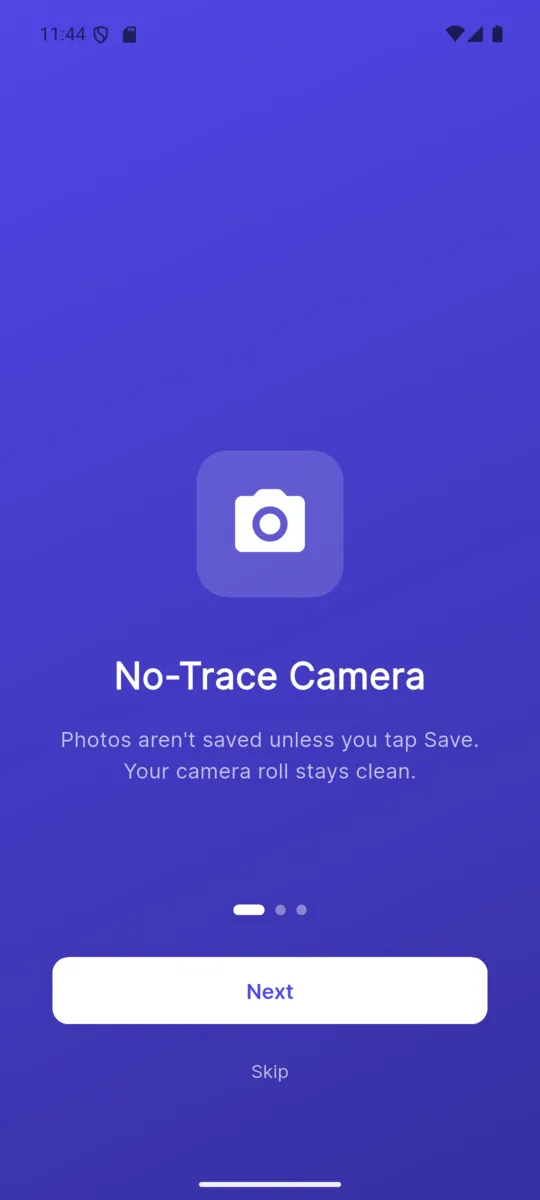
With the switch on, Android refuses a screenshot of TempCam and a screen recording comes out blank. This was broken in earlier builds and is fixed as of version 1.0.5, verified on device.
There is no silent write to the camera roll. The Save button is the only path into your gallery, and it is one tap you have to mean.
Send the shot straight to a message or a chat without it landing in your gallery on the way. With the unlock, the file can delete itself the moment the share sheet closes.
Video recording is a separate add-on rather than something bundled in. The same rules apply to a clip as to a photo.
English, Spanish, French, German, Portuguese, Hindi, Arabic, Japanese, Korean and Chinese, switchable in Settings rather than tied to the phone.
Shutter sound off, haptic shutter on or off, photo quality set to your liking, and a theme that follows the system.
An app about privacy should not be vague here, so plainly: it is not a zero-telemetry app, and it never claims to be.
STAYS ON YOUR PHONE
LEAVES THE PHONE
No permission for location is requested, and none of the above carries an image. Paid users see no ads at all.
PRICING
$4.99one-time unlock
The camera, the countdown, the EXIF stripping and the screenshot block are all in the free version, with ads. The unlock removes the ads, adds share-and-delete, and lets you switch the timer off.
It opens on a review screen with a countdown running — 60 seconds by default, or 5 or 30 if you prefer. Retake, Share or Save before it reaches zero. If you do nothing, the file is deleted.
Only if you tap Save. TempCam writes to its own working area, and the gallery stays untouched until you choose otherwise.
There is none to remove. TempCam does not request a location permission at all. The rest of the EXIF block — camera model, timestamp, exposure — is stripped as the image is written, not at the moment you share.
Yes, as of version 1.0.5. An earlier release shipped with the flag disabled and the toggle did nothing. That is fixed and verified: with Block Screenshots on, Android refuses the capture and screen recordings come out blank.
It has crash reporting and basic usage analytics, and the free tier shows ads. None of that touches your photos, which never leave the phone unless you share them yourself.
It removes the ads, lets you share and delete straight after sharing, and adds the option to turn the auto-delete timer off entirely. Video recording is a separate $3.99 add-on, or $6.99 for both.
The camera and the countdown are free. Open it, take a photo, and watch nothing happen to your gallery.