Today, one tap per lesson.
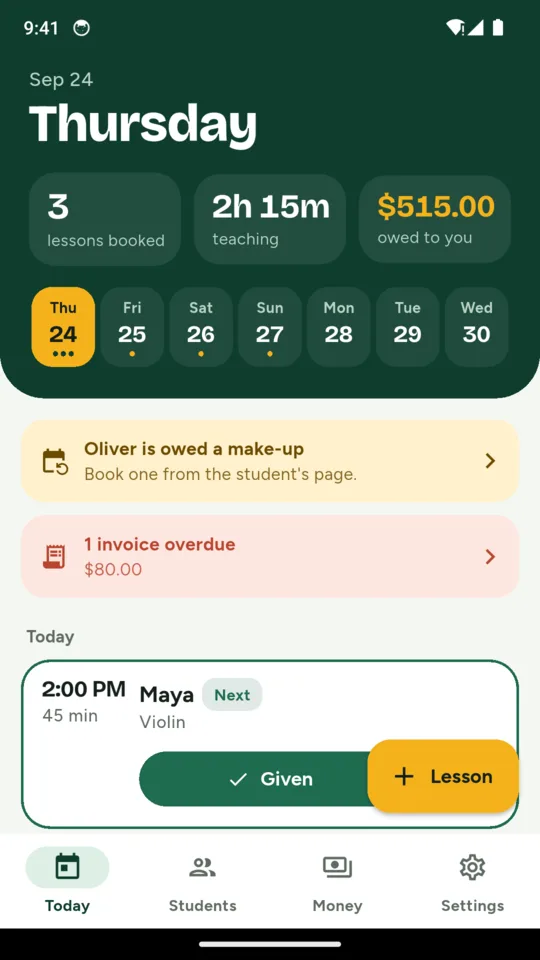
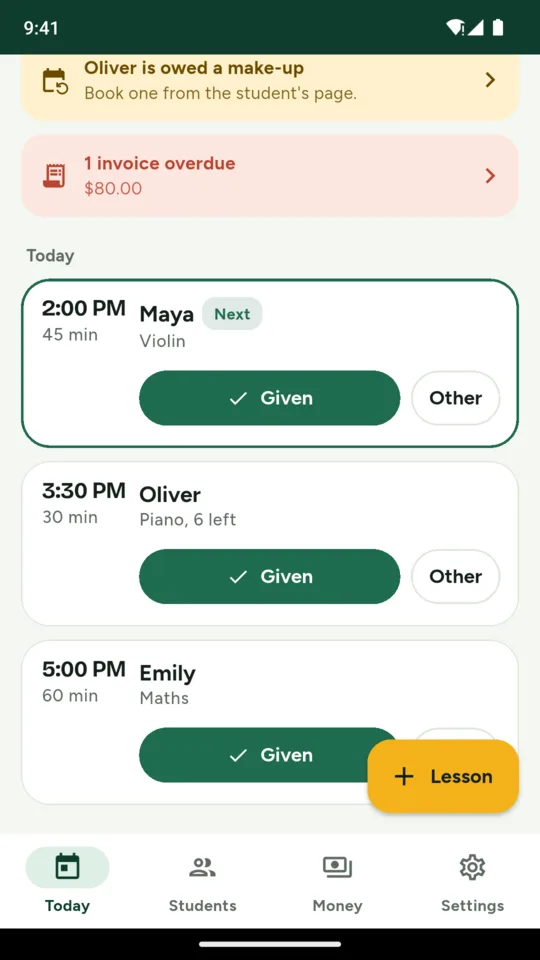
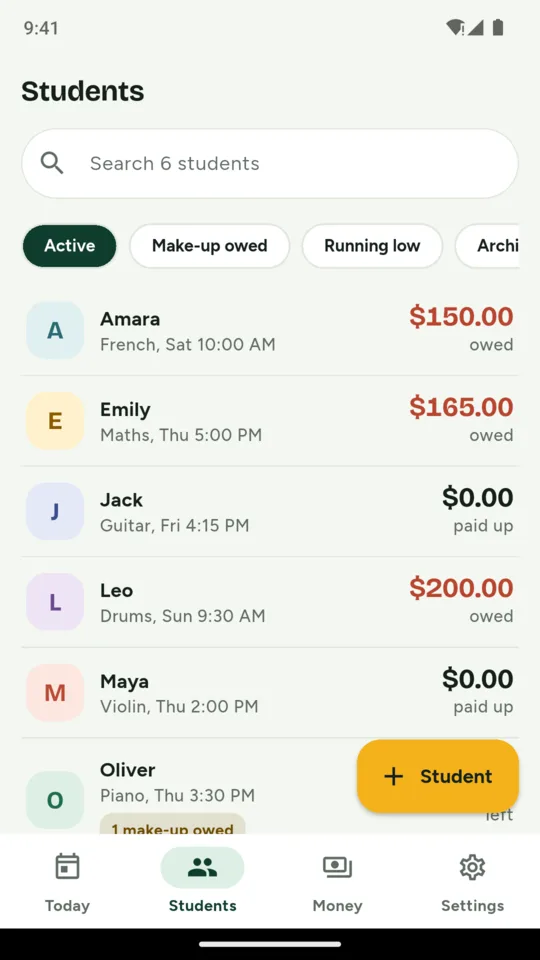
Add a student with a weekly slot and TutorTally writes out the dated lessons. Today lists the day’s lessons in order with a Given button on each; tap Other to mark a cancellation with notice, a late cancellation, a no-show or a lesson you cancelled yourself. Add your holidays and breaks and those dates are skipped. A lesson can be moved without cancelling it, and each one keeps a note of what you covered and the homework you set.
The tally.
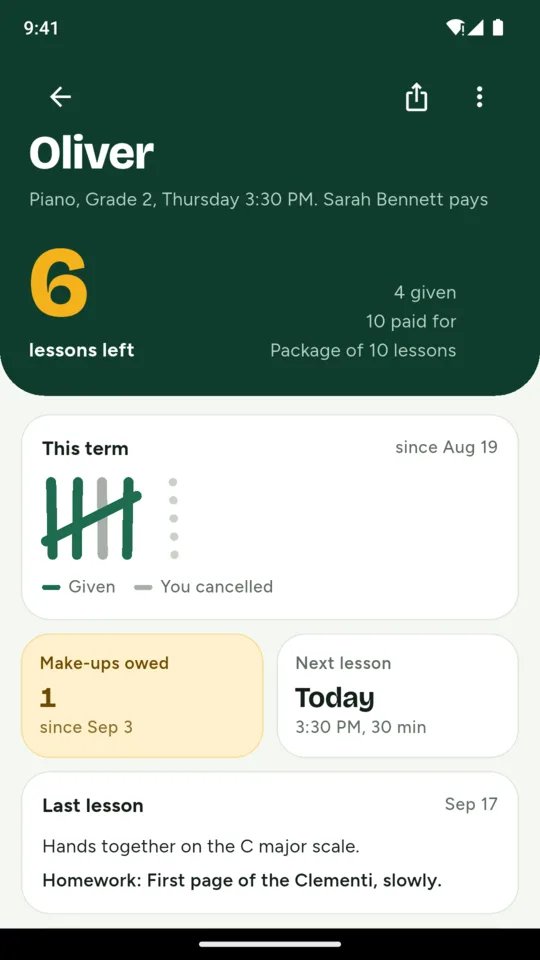
Each student’s page shows the number that matters in large type: lessons left in the package, or lessons given this term or this month. Below it the term is drawn as tally marks, one stroke per lesson, coloured by what happened. Make-ups owed are counted until one is given, and the last lesson’s notes sit underneath.
Your cancellation policy.
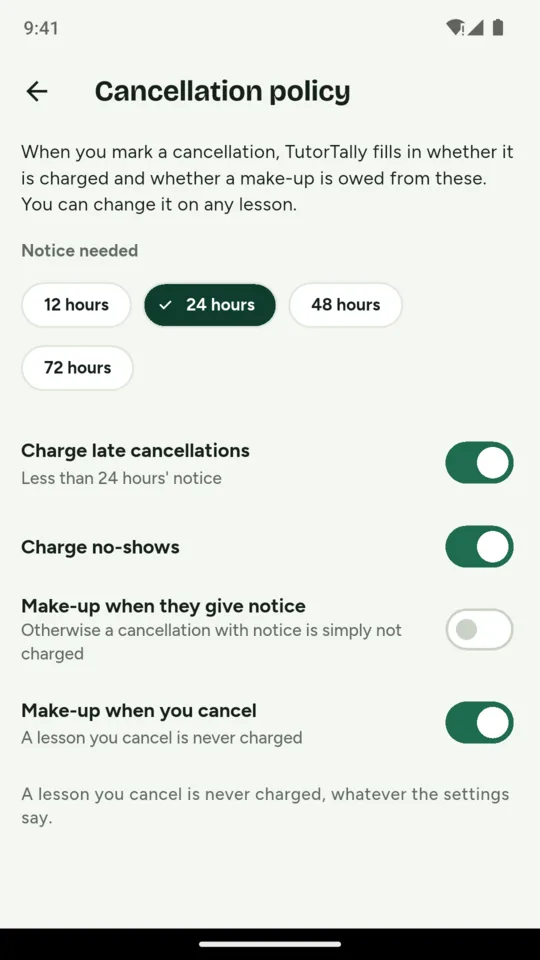
Choose the notice you need, from 12 to 72 hours, whether late cancellations and no-shows are charged, and when a make-up is owed. Marking a cancellation fills in both from your rules, and you can change it on any lesson. A lesson you cancel is never charged, and a make-up for a lesson that was already paid for is not charged again.
Packages, term fees or pay as you go.
Charge each lesson at the student’s rate, record a prepaid package and TutorTally counts down the lessons as they are used, or take one fee for a term. A lesson draws from a package or a term fee first and is charged at the rate only when nothing prepaid covers it.
One balance per family.
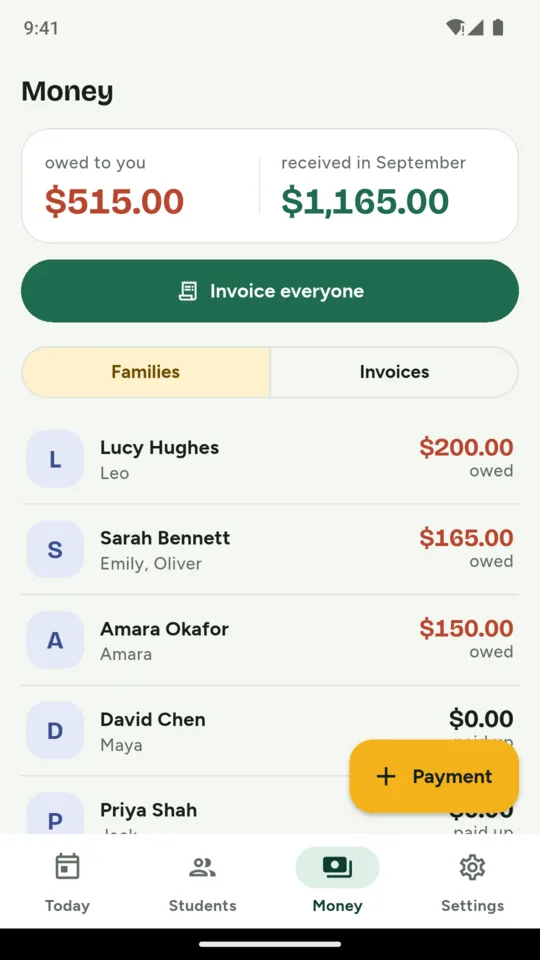
A parent paying for two children has one account, with every charge and payment in date order. The Money screen shows what each family owes and what came in this month. Statements and receipts come as PDFs.
Invoices with your pay link.
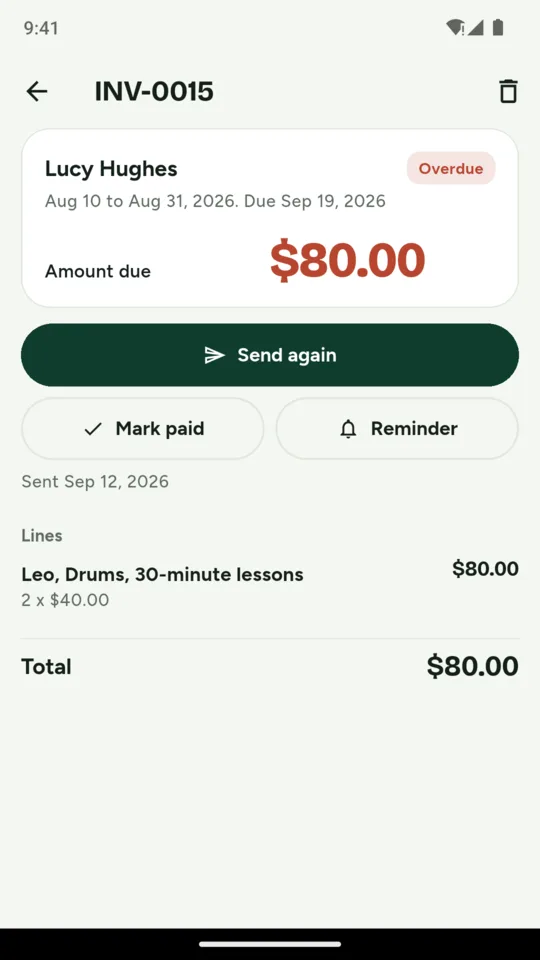
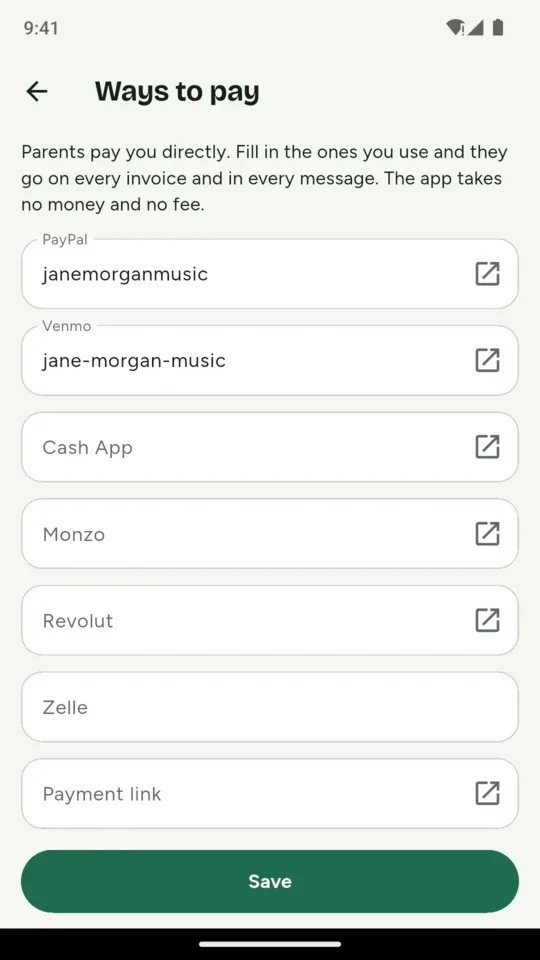
Make an invoice for one family, or tap Invoice everyone to create a separate draft for each family. Each lists the lessons by date and keeps those lines as they were when it was made. Send the PDF with a ready message by WhatsApp, text or email from your own phone. With your PayPal.me name, or your Venmo name for US dollars, the link carries the amount due; Cash App, Monzo, Revolut, Zelle, a Stripe or Square payment link and bank details can go on the invoice too. Overdue invoices are flagged, and a polite reminder message is ready.