
Waiver app for Android tablets
Your waiver, signed at the front desk.
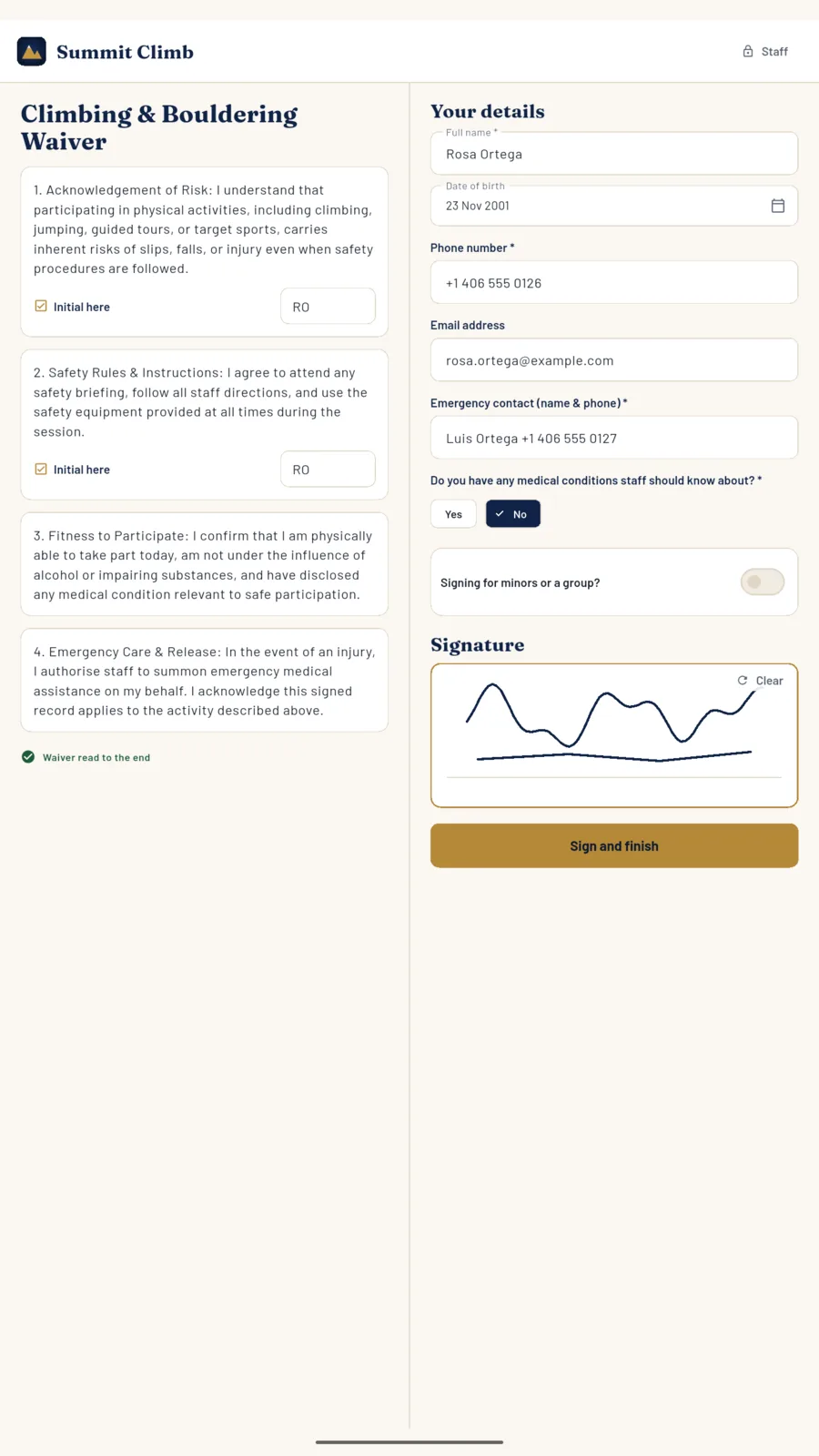
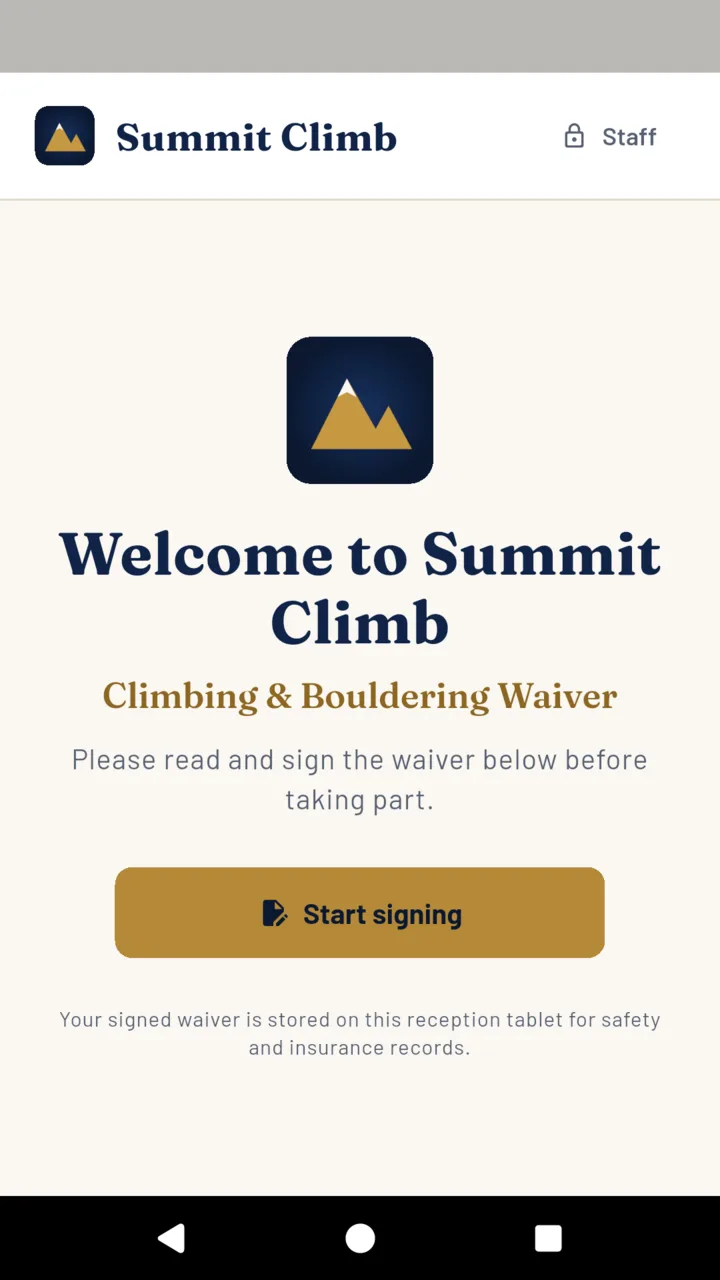
Hand the tablet over. The customer scrolls to the end of your waiver, initials the clauses you marked, fills in their details and signs. A signed PDF is saved on the tablet, and the desk resets for the next person. No account and no signal needed.

Made for the businesses with a clipboard on the counter
Climbing and trampoline halls, bounce house and party hire, horse riding, axe throwing, paintball, kayak and boat hire, gyms and class studios, martial arts clubs and guided tours.
What it does
A signing screen that stays in place.
Android screen pinning keeps customers on the signing screen, away from your records and other apps. Staff leave with a PIN, and five wrong tries lock it for a minute. Set the tablet to ask for a PIN before unpinning as well.
Scroll to the end, initial, sign.
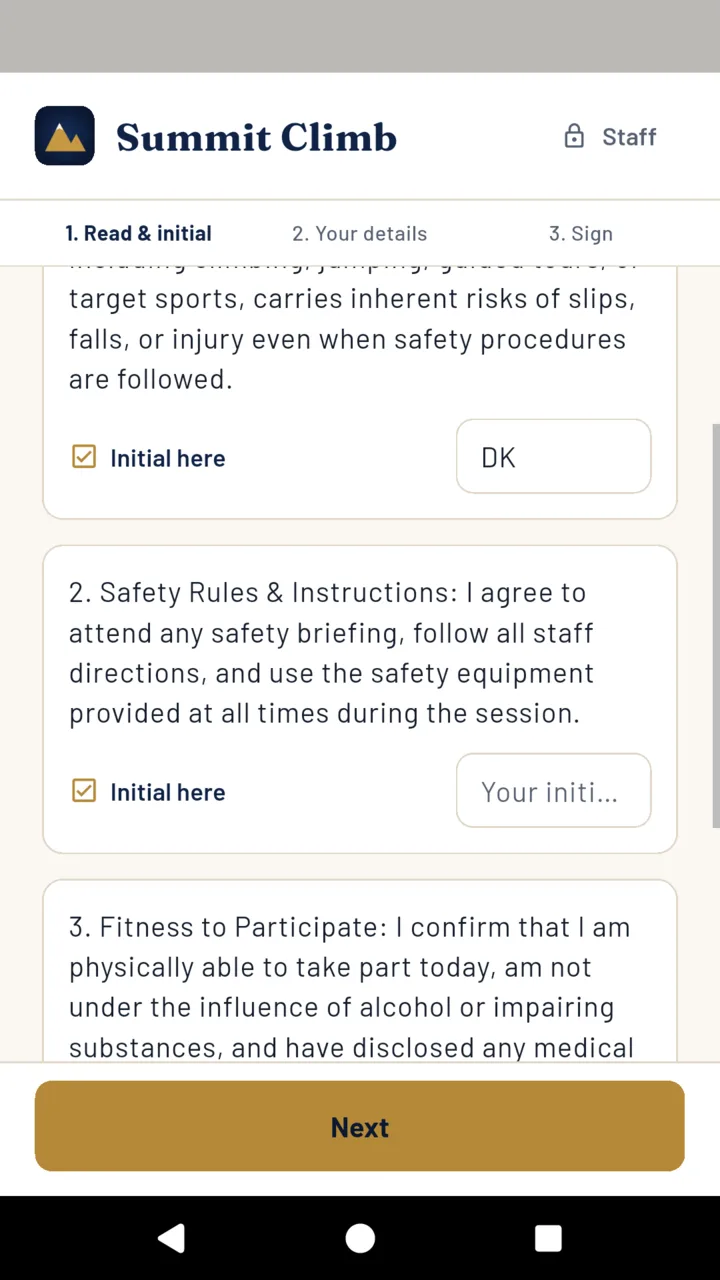
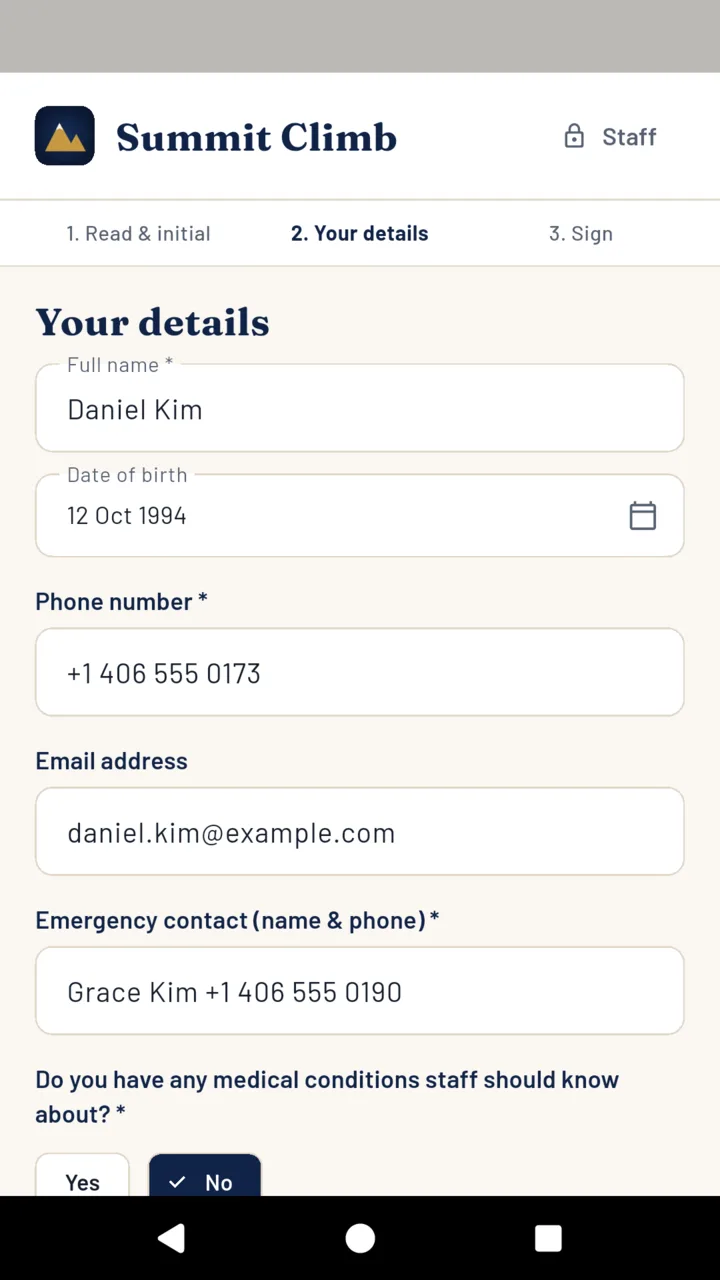
The waiver has to be scrolled to the end before the next step. Clauses you mark need initials. Then the customer fills in their details and signs with a finger or a stylus.
Saved, checked, ready for the next person.
The signed PDF is written to the tablet and read back before the thank-you screen shows. Five seconds later the desk resets for the next customer.
Your wording, your fields.
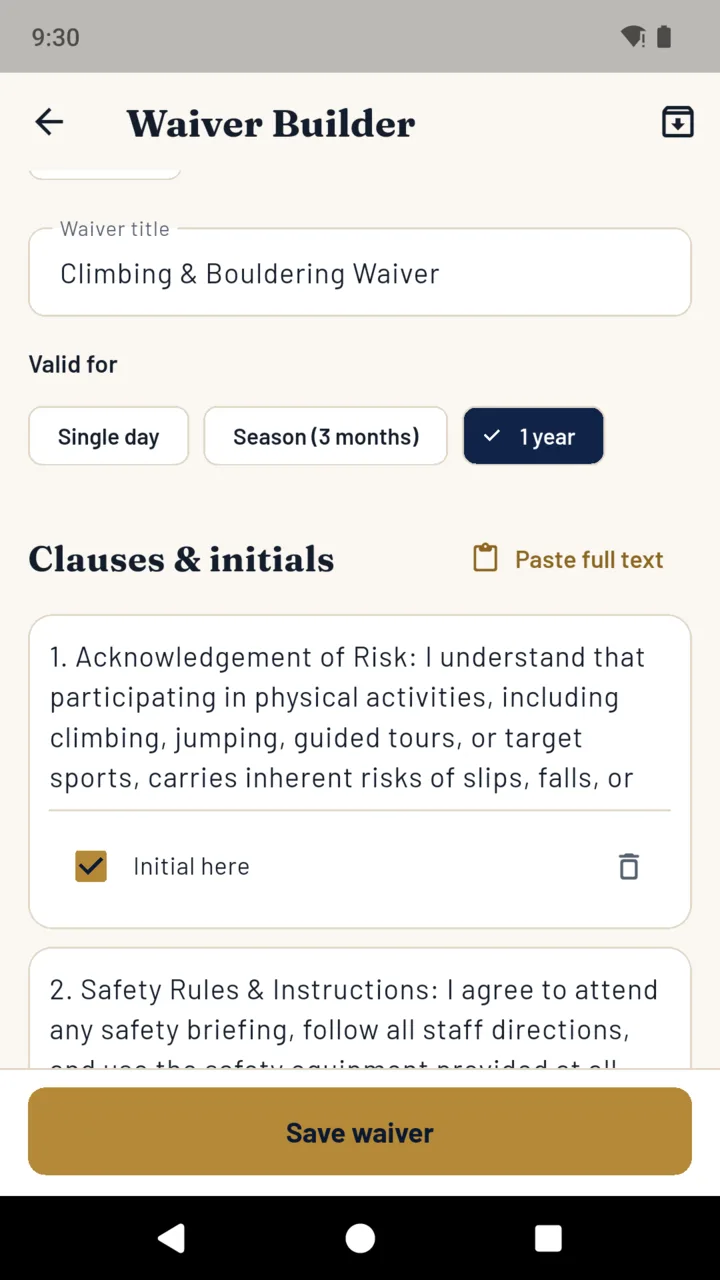
Paste your own waiver text. Ask for phone, email, date of birth, an emergency contact, free text or yes or no questions, and mark which are required.
Every edit is a new version.
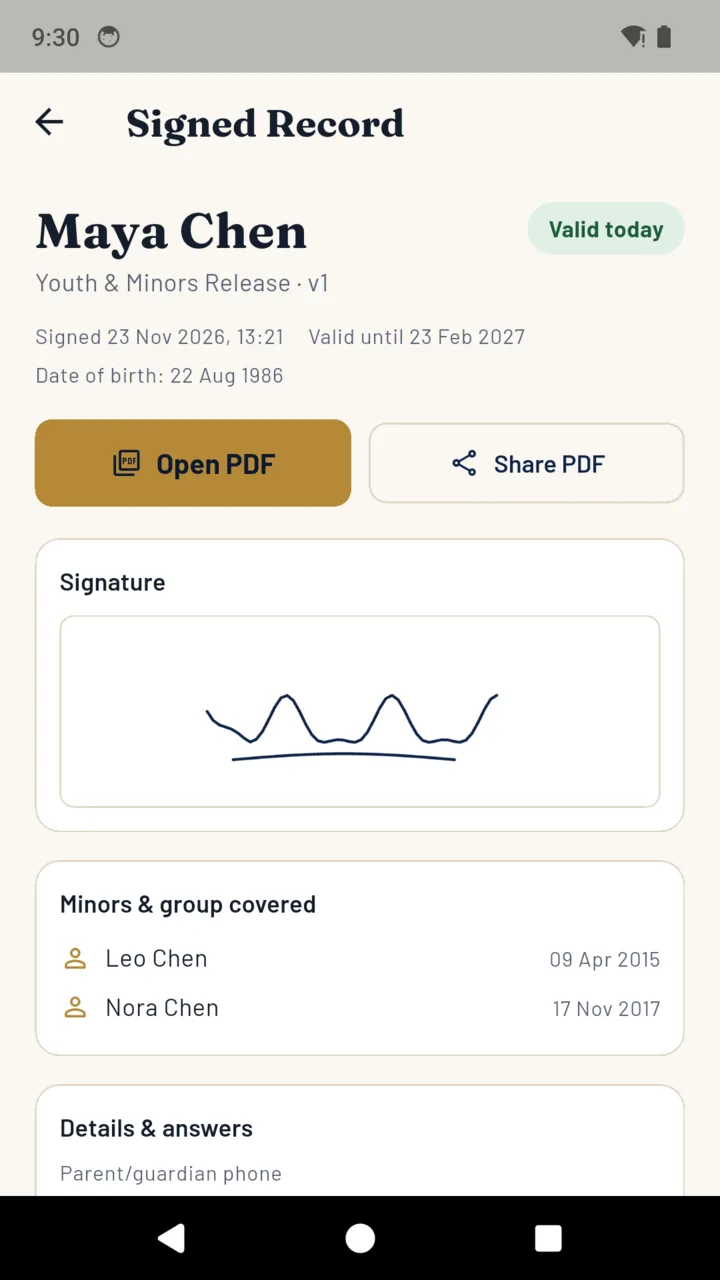
Changing the waiver saves version 2, 3 and so on. Each signed record keeps the version it was signed against, with a hash of the waiver text recorded in the PDF.
One adult signs for several children.
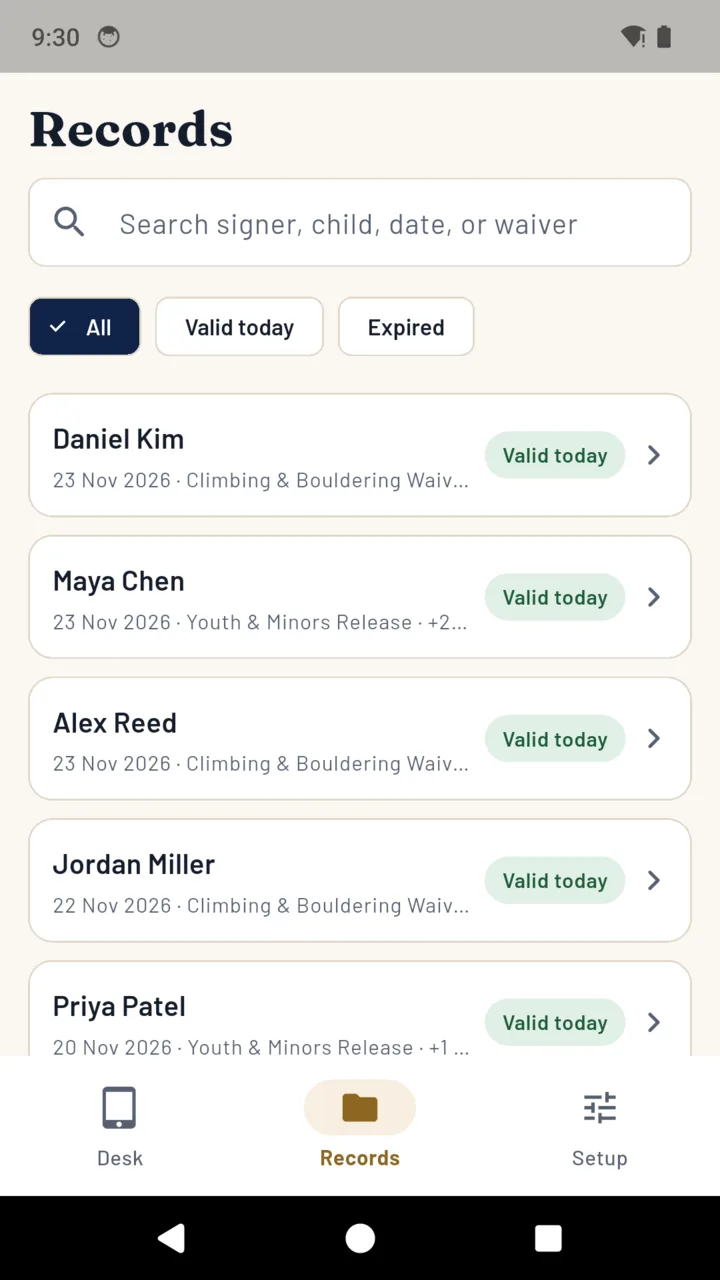
A parent or guardian signs once and adds each child with a name and date of birth. You can find the record by any child's name.
Valid today at a glance.
Set each waiver to last a single day, a season or a year. Search a returning customer and the record shows whether it is still within that period.
Export and keep for as long as you need.
Export a date range as a zip of PDFs with a CSV summary. Set how many years you keep records, and the app lists the older ones for you to delete. It never deletes on its own.
Backup to one file.
Everything, PDFs and signatures included, goes into one backup file you can restore on a new tablet. A reminder shows when the last backup is over 14 days old.
What it does not do
It does not write your waiver or give legal advice, and it makes no promise that a waiver will hold up. It does not check a signer's identity or age. Customers sign on the tablet, not from a link at home, and two tablets do not sync with each other. Records are kept on the device, so keep a backup.
Standard and full access
Standard
No charge
- One waiver
- 15 signed waivers in total, then full access to sign more
- Search, PDFs, backup and retention
- A small ClearStack banner on the staff screens only
Full access
$49.99 once
or $29.99 a year, or $4.99 a month (US prices)
- Unlimited waivers and signed records
- Minors and groups under one signature
- Date range export
- Your logo and colour on the desk
Questions
Is a waiver signed on WaiverGate legally binding?
WaiverGate records a signature against your waiver text, along with the initials, date, time and version. Whether a waiver holds up depends on its wording and on where you operate, which is a question for a lawyer. The four example texts in the app are starting points only.
Can customers sign at home before they arrive?
No. Customers sign on the tablet at your desk. There is no link to send and nothing is hosted online.
Does it need internet or an account?
No. It works with no signal, and there is no account to set up. Records stay on the tablet and are not sent to us.
Can a customer leave the signing screen?
The screen is pinned to WaiverGate and staff leave with a PIN. Turn on "Ask for PIN before unpinning" in the tablet's app pinning settings as well, or Android lets anyone unpin by holding Back and Overview.
How do I keep the records safe if the tablet breaks?
Make a backup file and keep it somewhere else, such as your computer or a cloud drive you choose. The app reminds you when the last backup is over 14 days old. You can also export any date range as PDFs.
Does it check a signer's age or ID?
No. It records what the signer types, including a date of birth if you ask for one. It does not verify identity or age.
Is it on iPhone or iPad?
No. WaiverGate is for Android phones and tablets.
What does full access cost?
In the US it is $49.99 once, $29.99 a year or $4.99 a month. Prices in other countries are set by Google Play. Without it you get one waiver and 15 signed waivers, and every record you have stays readable and exportable.
Put the clipboard away
WaiverGate for Android. No account, and every signed waiver stays on your tablet.