It holds no rules
No jurisdiction's requirements are built in. The app never tells you an entry is acceptable, an expense was proper, or a period is complete.
GUARDIANSHIP RECORD KEEPER

WardLog
Care, decisions and accounting
A guardian answers for someone else's care and someone else's money. WardLog holds both across one reporting period, does the reconciliation arithmetic, and prints a worksheet you can sit down with when the court's form has to be filled in.

$1.99/mo · $9.99/yr · $29.99 once.
14 days full access, no card. Android.
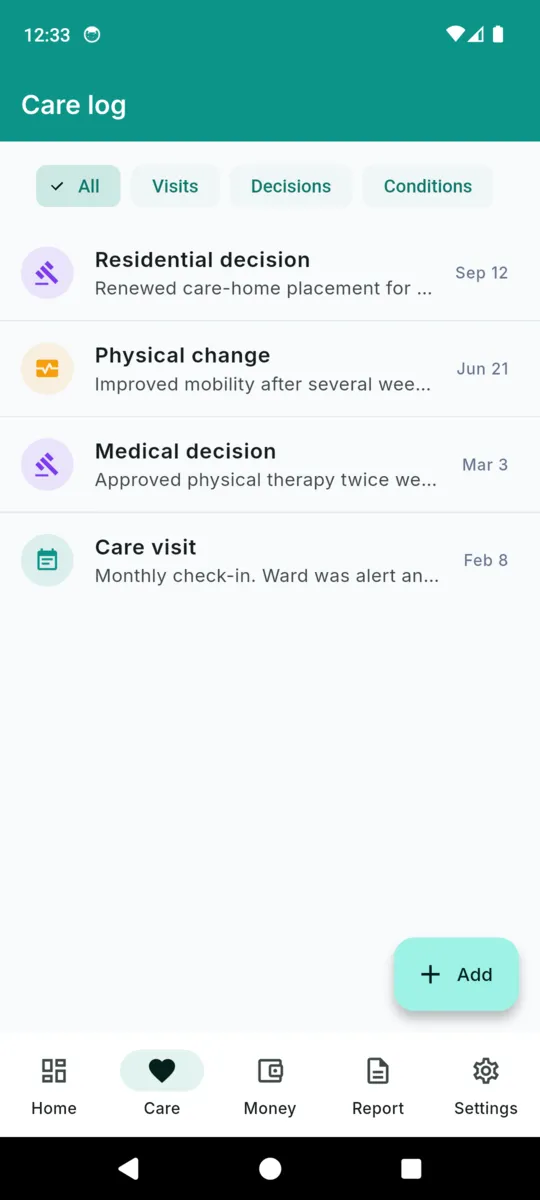
A guardianship report is really two accounts running side by side: how the person is, and what happened to their money. WardLog keeps them separate to enter and joins them at the end, both bounded by the same start and end date you set for the period.
THE PERSON
THE ESTATE
Before the first period you list the assets you took charge of, each with a value and an as-of date. That inventory total is offered as the opening balance for the first period, so the accounting starts from something you can point at.
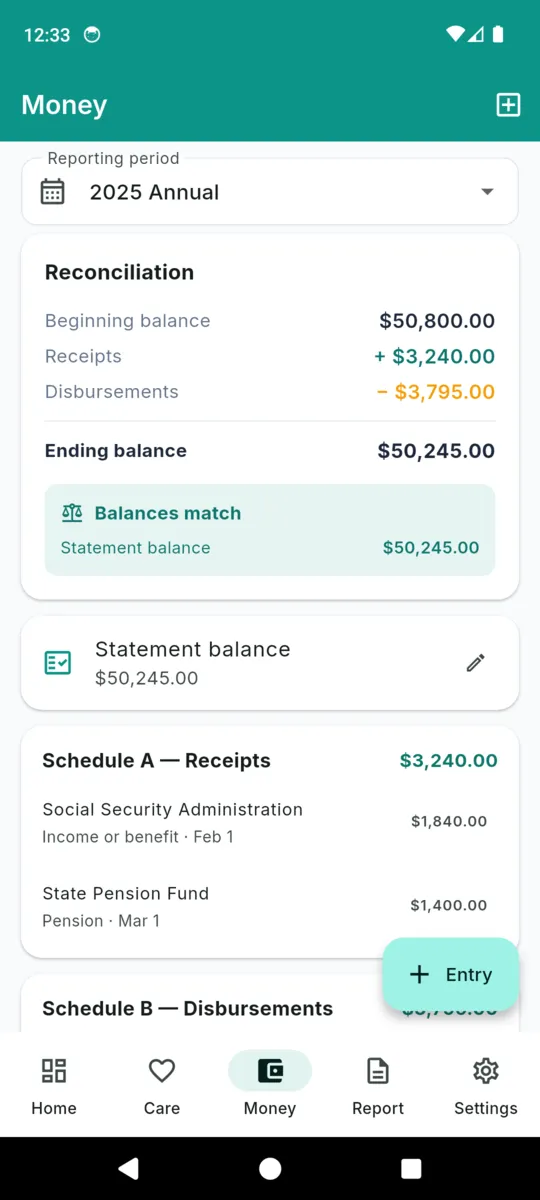
Every accounting comes down to one line that either balances or does not. WardLog keeps that line visible on the dashboard the whole time, rather than making you discover the gap the week the report is due.
CHECKED AGAINST
The statement balance you type in
Equal, and the app says the balances match. Not equal, and it shows you the difference instead of rounding the problem away.
One reminder is scheduled per period, three weeks before it ends, so the reconciling is done while there is still time to find the missing receipt. It is a day-level notification and may arrive a little late rather than waking the phone up for it.
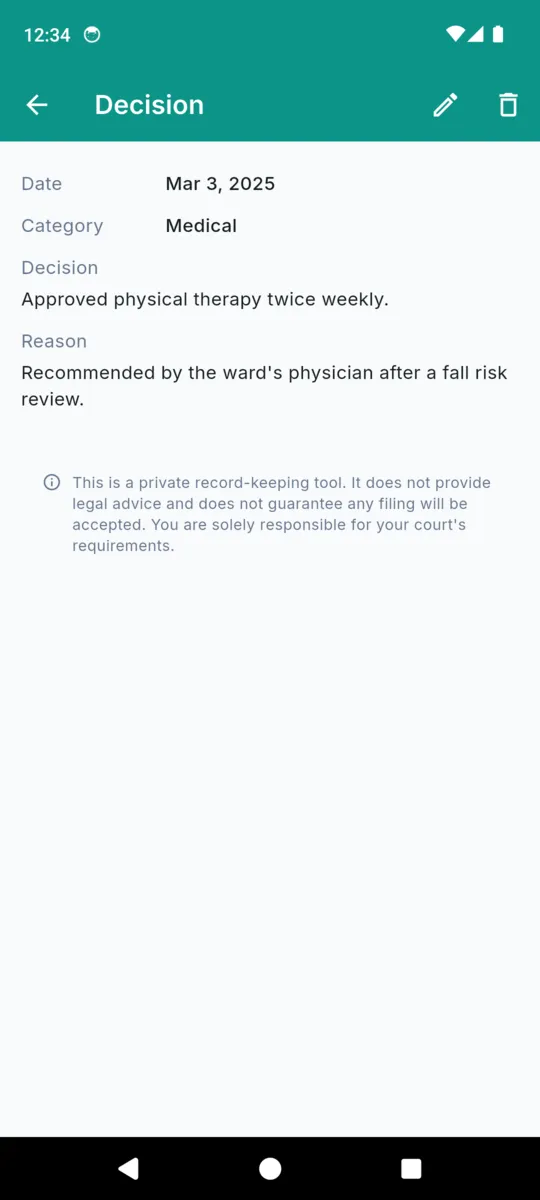
Four screens from the shipped build. Everything visible is the app's sample record, not a real person's.
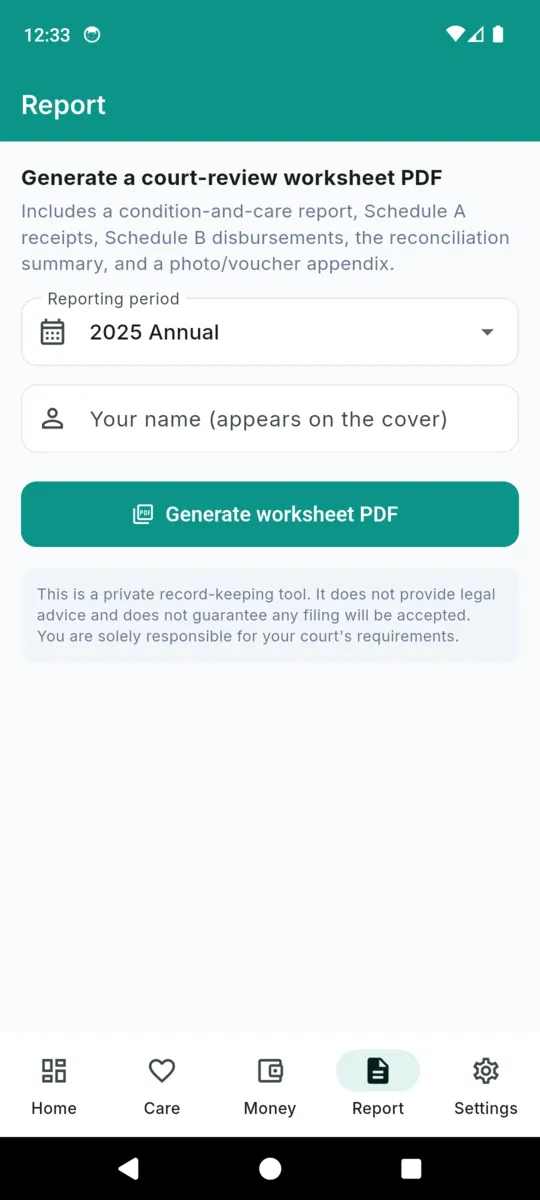
Choose the period, type the name that should appear on the cover, and the app renders the PDF on a background thread and hands it to the share sheet. Every page carries the same disclaimer at the foot.
It is deliberately not a court form. Forms differ by state and by county, they get revised, and a document that imitated one would be the most dangerous thing this app could produce. So it prints your figures clearly and tells you plainly what to do with them.
This is a worksheet. Transcribe these figures onto your court’s own official form.
No jurisdiction's requirements are built in. The app never tells you an entry is acceptable, an expense was proper, or a period is complete.
Having the record assembled makes the report easier to prepare and easier to defend. It does not remove your responsibility for a single figure in it.
Amounts are recorded and totalled in US dollars, and the app is built around a single ward and a single guardian.
No account and no cloud copy, so back it up by exporting. The interface is English only.
This is a private record-keeping tool. It does not provide legal advice and does not guarantee any filing will be accepted. You are solely responsible for your court's requirements.
Everything is open for 14 days from install, with no card. After that the free tier keeps 25 care entries, 30 money lines and 5 photos, and shows a banner ad.
Reading, editing, reconciling and exporting what you already recorded is never gated. The caps apply only to adding something new, so a lapse can never lock you out of a record you may have to produce.
ONE-TIME OR SUBSCRIPTION
$29.99lifetime
No. It files nothing and sends nothing. It produces a worksheet PDF of your own figures, and you copy those figures onto whatever form your court requires. The app says so on the document itself.
No. It is a record-keeping tool. It holds no rules about what your jurisdiction requires, does not check your entries against any standard, and does not tell you whether an expense was proper. Ask your attorney or the court clerk about that.
It adds your receipts to the opening balance, subtracts your disbursements, and shows the ending balance that produces. You then type in the closing balance from the actual statement and it shows you the difference. Matching is your job; the app just does the arithmetic and shows the gap.
Yes. A money line can carry a voucher photo, a receipt or a cancelled cheque. Lines with one are marked with an asterisk in the worksheet, and the images print in an appendix at the back.
On the phone. There is no account, no sign-in and no cloud copy, so nothing about the person you look after leaves the device unless you share a PDF yourself.
One. The app is built around a single ward and a single guardian, with reporting periods running through the years.
Enter the inventory, open the first reporting period, and log as you go. The report stops being a weekend of reconstruction.