EDITABLE
Observed at
When it happened. If the truck left at 07:21 and you typed it at 07:23, set it to 07:21. This is the time shown for the event.
PRIVATE INVESTIGATOR LOG

ProofPI
Private Investigator Log
ProofPI is the field log and case file for investigators who keep their own records. It times the sit, logs what you saw to the minute, numbers and fingerprints every photo, tracks miles and expenses, and turns it all into a case file, a billing summary and a zip for the client. It works offline, with no account.


$1.99/mo · $9.99/yr · $24.99 once.
Android and iPhone; the 14-day trial is on Android.
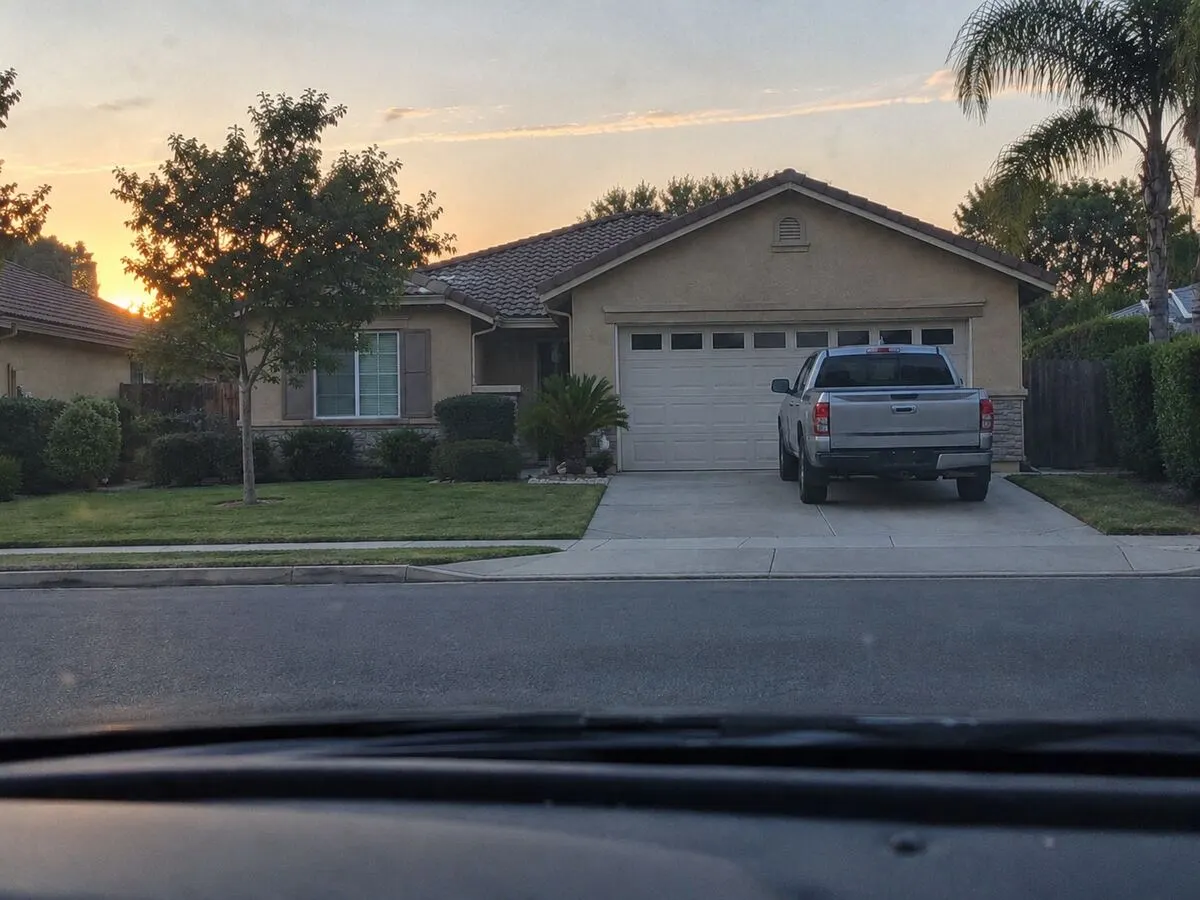
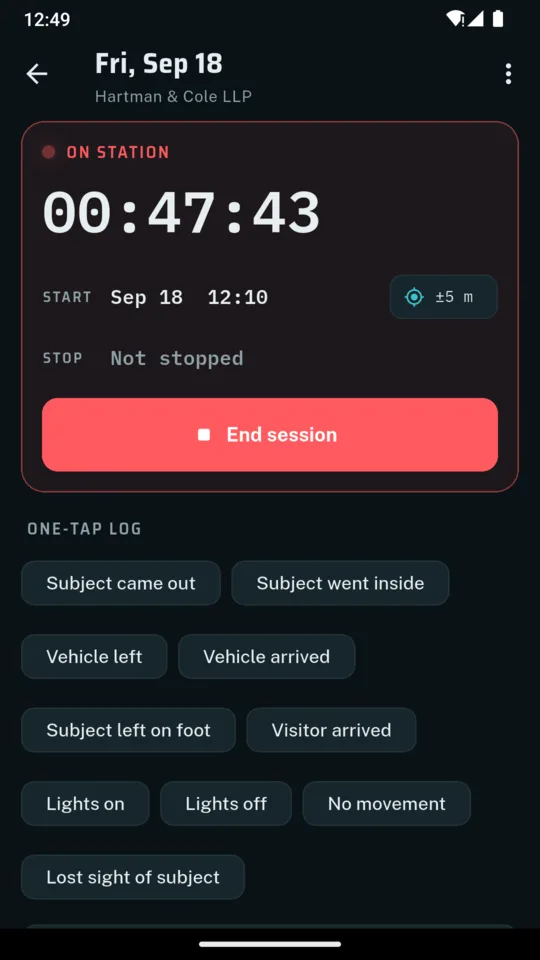
Start a session and the on-station clock runs on screen. While you sit, one tap logs the usual things (subject came out, vehicle left, lights on) to the minute, and anything else goes in as a typed line. Photos are filed under the same session. The session closes with its time on station and an outcome: subject located, no activity, lost, terminated or completed.
Notes made at the time sit in sequence, nobody has to rebuild the order later, and the case file prints that sequence as it stands.
Drawn from the app's sample case, not a real one. Every screen and photo on this page is sample data.
06:52
Session start
GPS stamp of your own position · Across from the 4100 block of Linden Ct
07:02 rec. 07:02
Subject left the house by the front door. Walking normally.
07:14 rec. 07:14
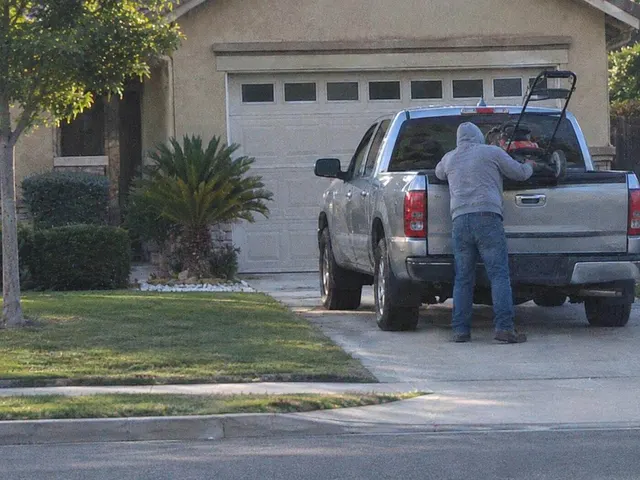
Lifted a push mower into the truck bed with both arms.
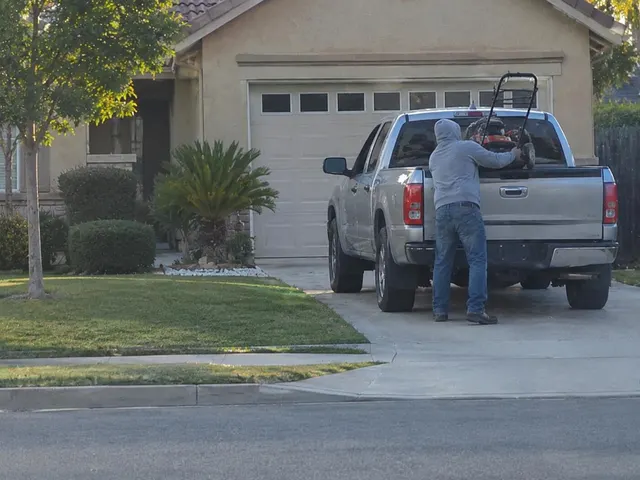 E002 · photo added
 07:21 rec. 07:23
Vehicle departed northbound on Linden Ct.
11:07
Session stop
On station 4h 15m · Outcome: Subject located
Nobody writes at the exact second something happens. ProofPI keeps both times rather than pretending there is only one.
EDITABLE
When it happened. If the truck left at 07:21 and you typed it at 07:23, set it to 07:21. This is the time shown for the event.
SET ONCE
The moment the entry was actually created. The app writes it once and never changes it, not even when you edit the note afterwards.
Both print in the case file, as 07:21 (rec. 07:23). If anyone asks how long after the event the note was made, the file already answers.
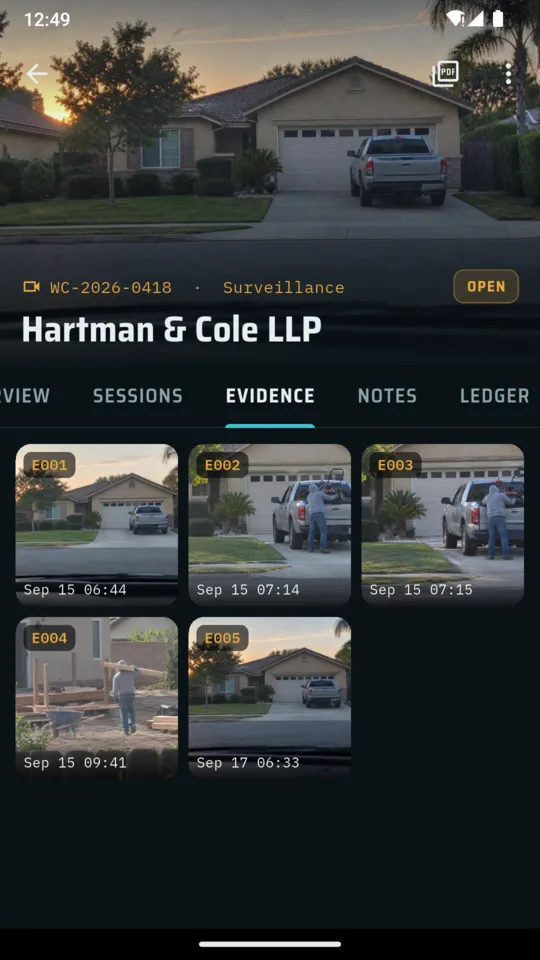
A photo taken inside a session is filed under that session with its time, gets the next evidence number, and has a SHA-256 fingerprint taken the moment it is added. Camera photos are kept byte for byte as the camera handed them to the app, not shrunk or re-compressed, so the fingerprint is taken from that file and not from a copy.
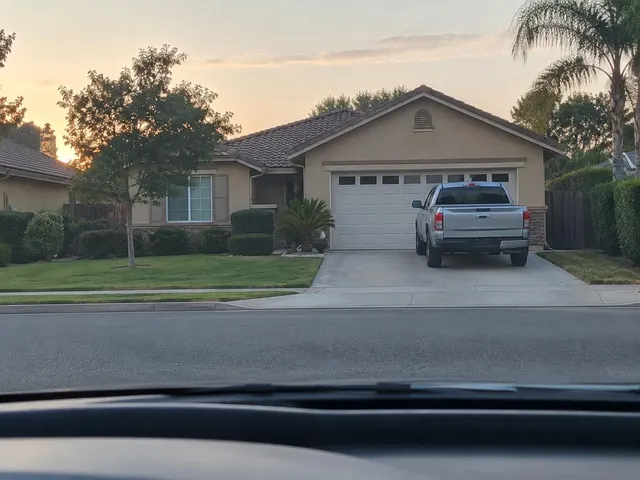 E001 E002
  E003
E003 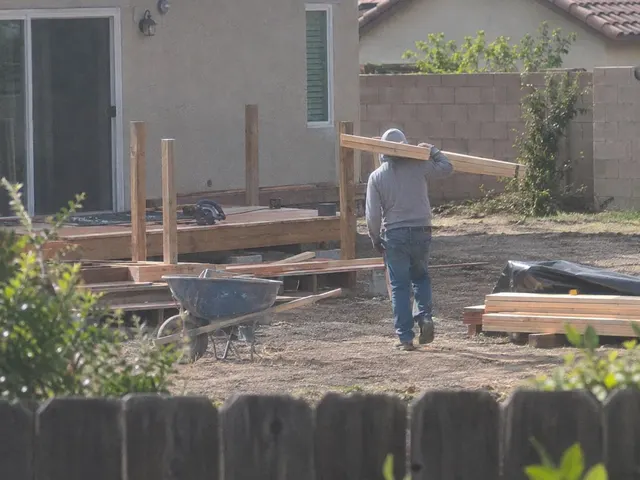 E004
E004 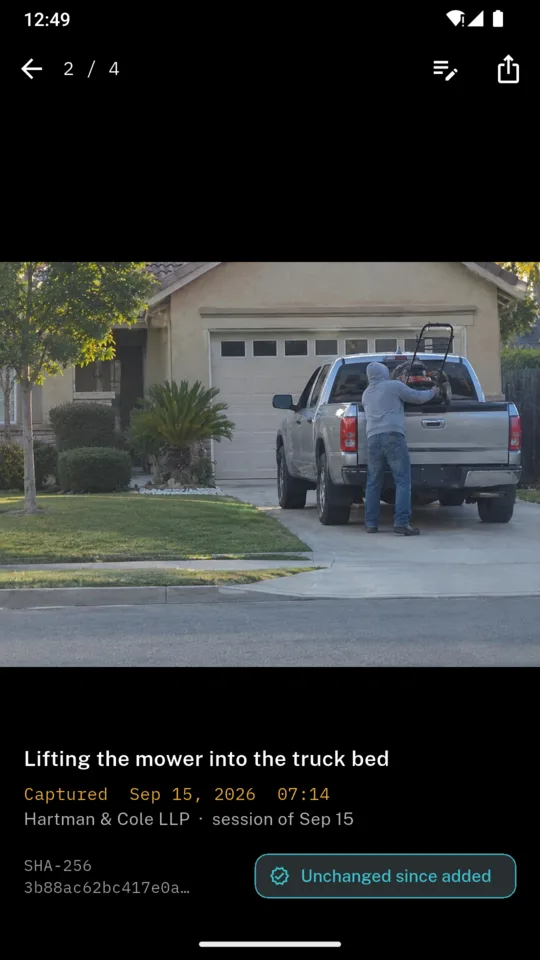
A fingerprint shows that a file is the same one you added. It does not prove who took the picture, when or where, and it does not make anything admissible.
Surveillance is most of the file, not all of it. The rest lives on the same case.
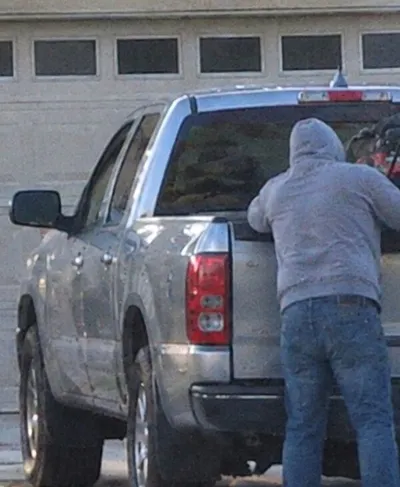
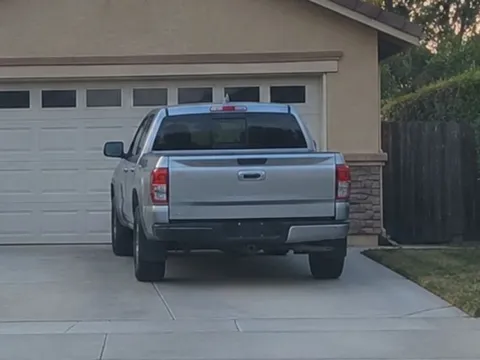
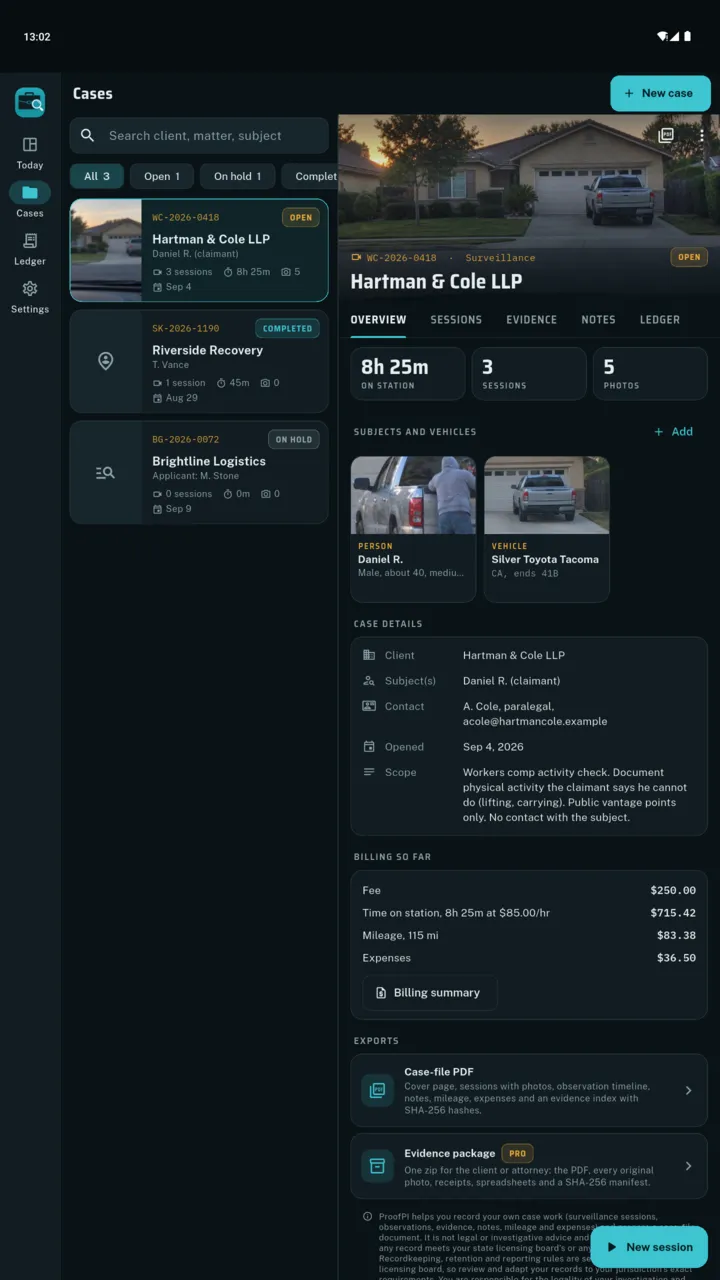
A card for each person and vehicle: name, description, plate and a reference photo, so you know who you are waiting for. They print near the front of the case file.
INTERVIEW · RECORDS · DATABASE · CALL
The work that is not a sit: interviews, records searches, database checks and phone calls. Each note keeps the time it happened and the time you wrote it up, and prints in the case file after the sessions.
MILES · EXPENSES · HOURS
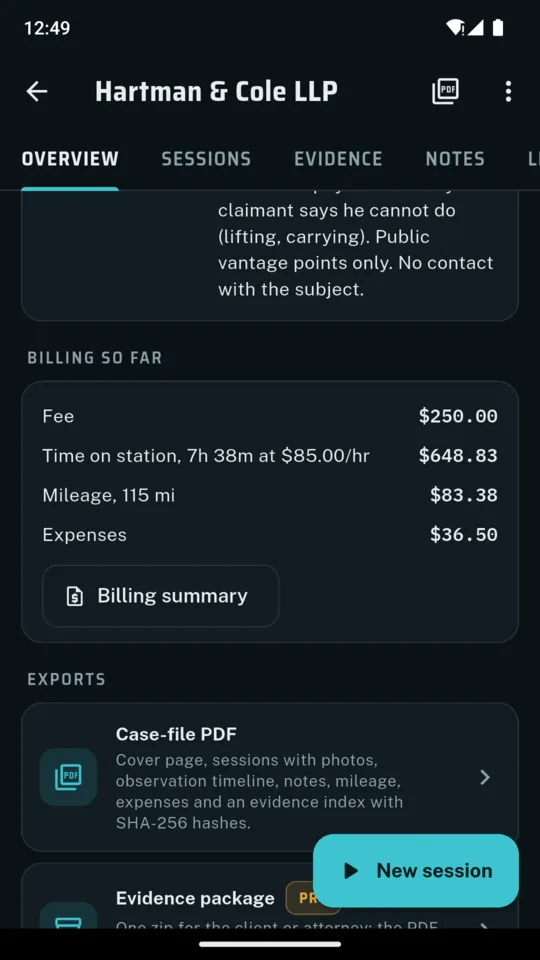
Mileage at your own rate per mile, and expenses by category (parking, tolls, fuel, records and database fees, meals, equipment) with a photo of the receipt. Put an hourly rate on the case and the billing summary adds the time on station from finished sessions, miles and expenses on one page.
Captures from the shipped build. The firms, names, plates and addresses in them are the app's sample case, not anybody's real one.
Scroll sideways, or use the arrow keys
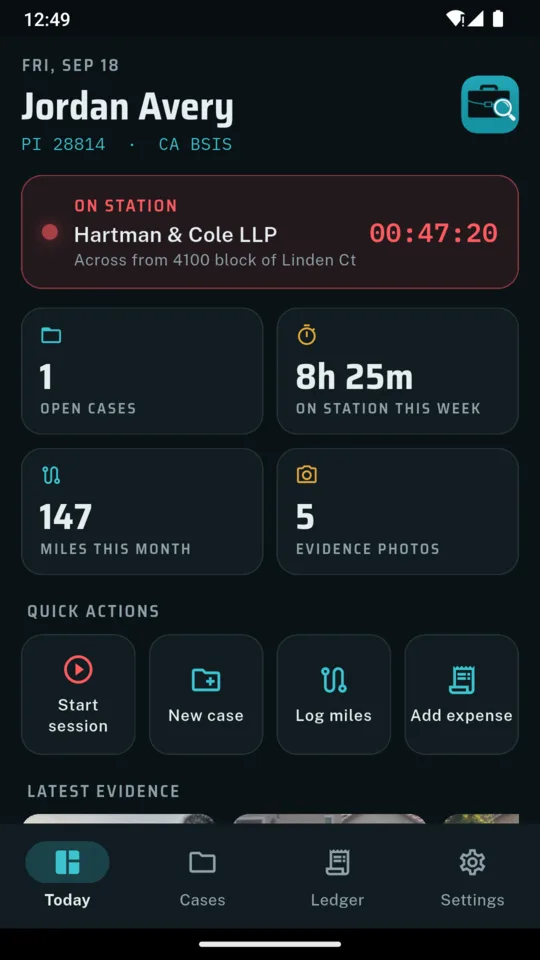
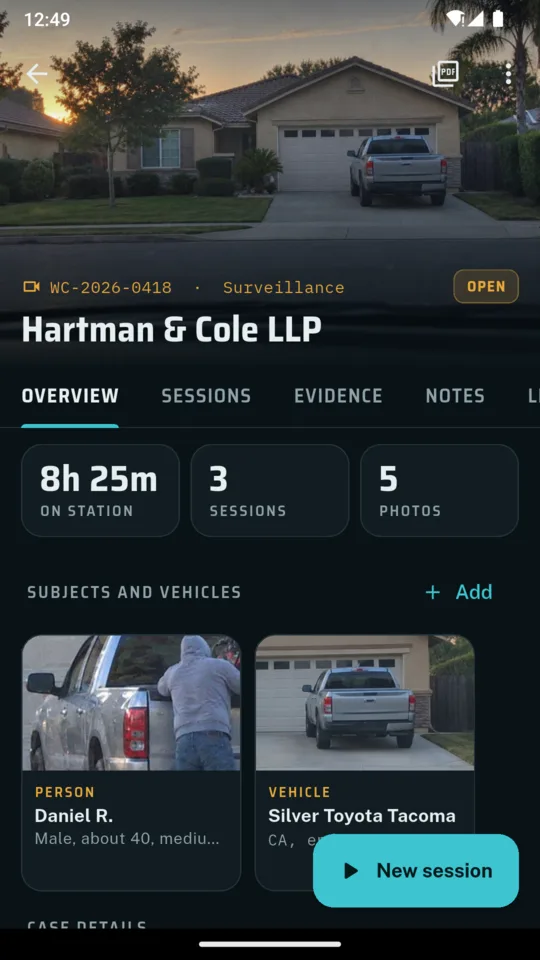
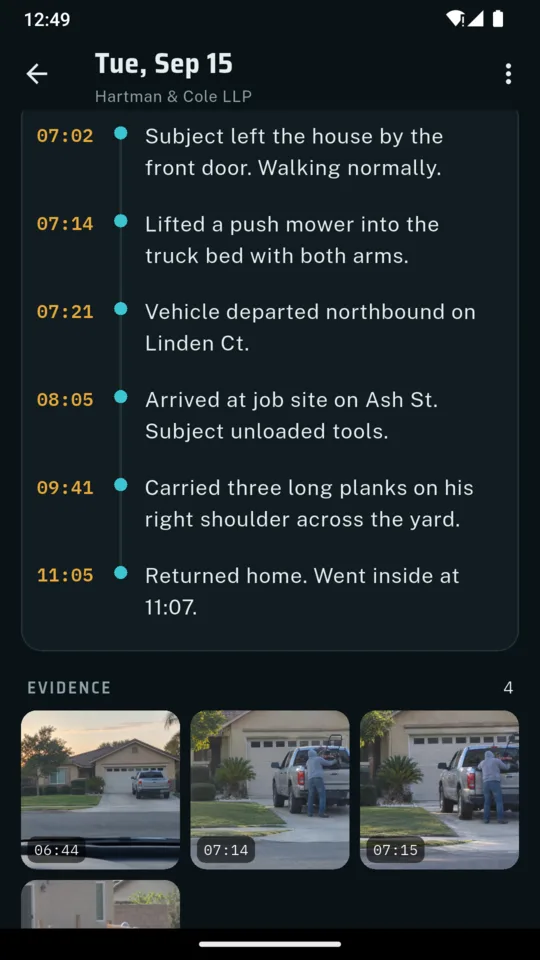
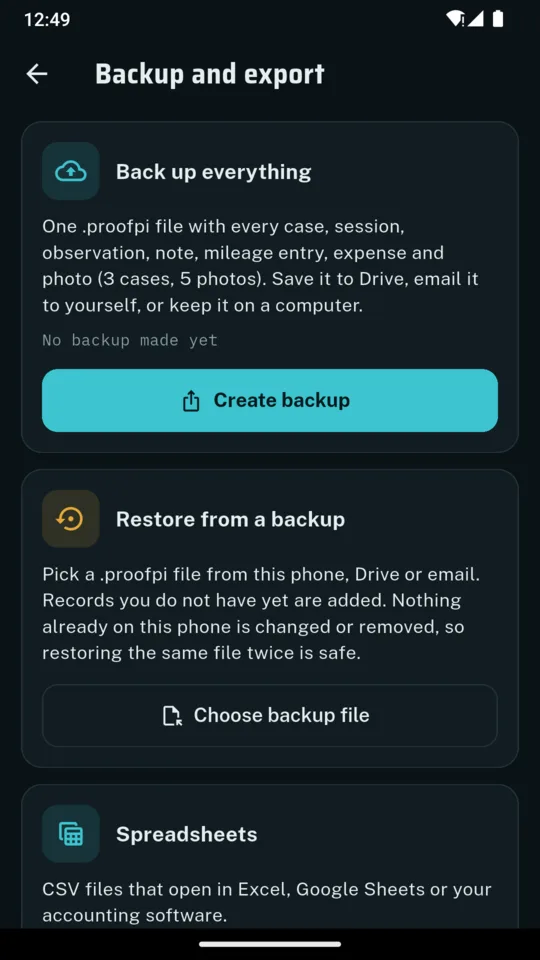
A case file holds other people's information. ProofPI keeps it on a device you control, with no account and no server of its own. Cases, sessions, notes and photos live on the phone and leave it only in a file you choose to share.
That makes the backup your job, and the app makes it one tap. A backup is a single .proofpi file holding your cases, sessions, notes, mileage, expenses and photos. Save it to Drive, email it to yourself or keep it on a computer. Backups are included on every tier.
Built on the phone from what you logged, in the order a reader works through it.
It is a logbook. It does not make a record admissible, a fingerprint does not prove who took a photo, and it is not legal or investigative advice. It cannot tell you what your state or your licensing board requires you to keep or for how long. Whether an investigation is lawful, and whether your records are enough, is on you.
The same wording sits under every record, on the case-file cover, in Settings and during onboarding:
ProofPI helps you record your own case work (surveillance sessions, observations, evidence, notes, mileage and expenses) and prepare a case-file document. It is not legal or investigative advice and does not guarantee that any record meets your state licensing board’s or any court’s requirements. Recordkeeping, retention and reporting rules are set by your state and licensing board, so review and adapt your records to your jurisdiction’s exact requirements. You are responsible for the legality of your investigation and the accuracy and sufficiency of your records.
STANDARD TIER
Free
On Android, fourteen days of everything when you start the trial, with no card. After that the standard tier keeps running, with the caps above and a banner ad. On iPhone the standard tier has the same caps, no trial and no ads.
FULL
$24.99once
or $1.99 a month, or $9.99 a year
Yours. It is the position of the phone in your hand when you tap to stamp the start or stop of a session. The app never tracks anybody else and never asks for background location.
That a file is exactly the one you added. If a photo is edited or swapped, the check says so. It does not prove who took the picture, when or where.
No. It keeps your own record timed and in order. It is not legal advice and cannot promise that anything meets a court’s or your licensing board’s requirements.
Yes. A backup is one .proofpi file holding every record and photo. Restore it on the new phone. A restore adds what is missing and never overwrites a record already there.
Your case records leave only in files you share. There is no account and no server. The app sends crash reports and the standard tier on Android shows ads, and ProofPI puts your case records in neither.
On Android there is a 14-day trial when you choose to start it, no card. The iPhone app has no trial. The standard tier keeps one case, ten observations and one case-file PDF. $1.99 a month, $9.99 a year or $24.99 once removes the limits.
Open the case, start the session, and write the first line while you are still looking at it.