Mark-up on the image
Draw arrows, drop boxes and write on a photo to point at the crack, the gap, the wrong fitting. The original file stays intact underneath.
CONTRACTOR PHOTO LOG

SiteProof
Job site photos that hold up
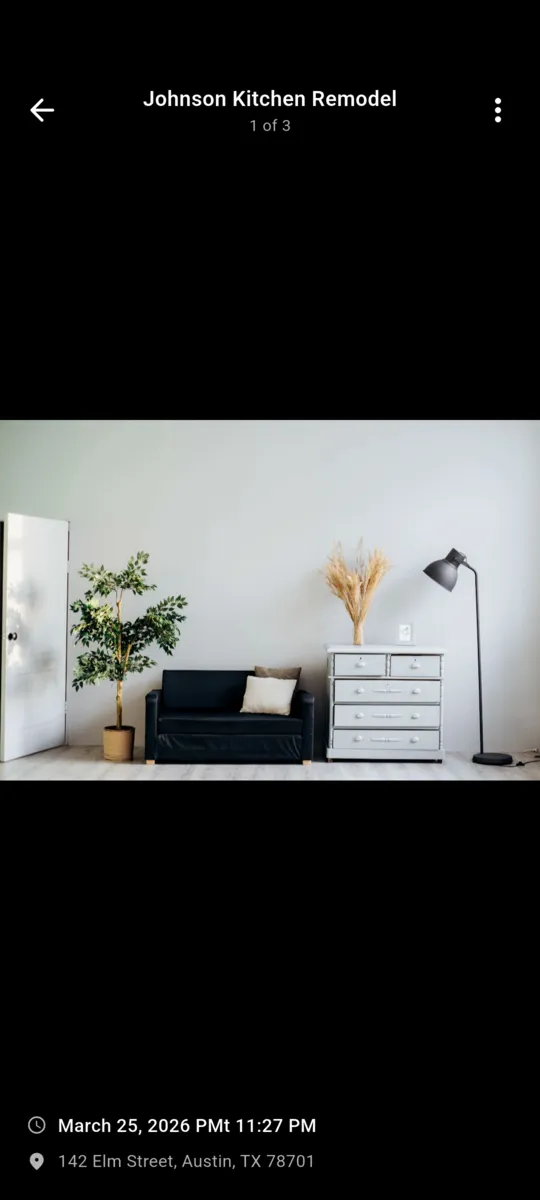
SiteProof shoots from inside the app, so the moment, the coordinates and the street address are written to the record as the file is saved. Everything files itself under a job, and comes back out as a PDF with your name on it.

Seven days free, everything unlocked.
Android. No ads, on any tier.
Not settings you have to remember. This is the row the app saves beside the image file, and it is what a report is built out of months later.
GPS is satellite, so the coordinates land in a basement or a field with no bars. The street address is the one line that wants a connection to fill in.
How GPS timestamp photos hold up laterYou shoot from inside the app rather than the camera roll. Time, coordinates and address are attached as the file is written, and the whole thing lands under a job.
Arrows, boxes and text go on top of the image while you still remember what you were pointing at. The untouched original stays underneath the mark-up.
Pick the photos that cover the stage, create an approval request with an expiry date, and send the PDF. The request and its status stay on the project.
The job is still there. You pull a branded PDF with the cover page, and the timestamps, coordinates and addresses print on the plates. The conversation is a short one.
Scroll sideways, or use the arrow keys
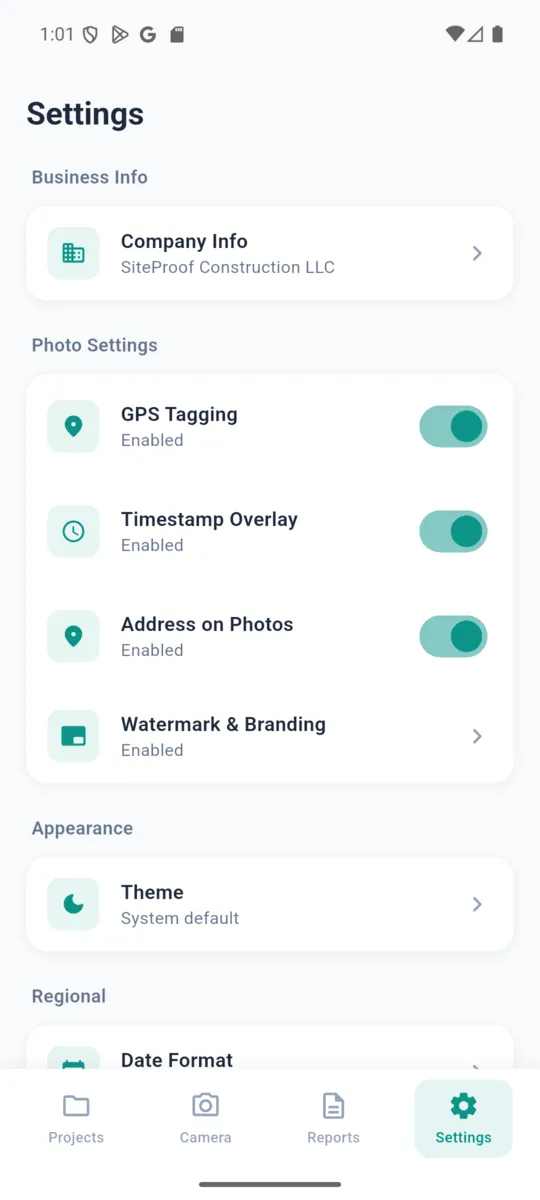
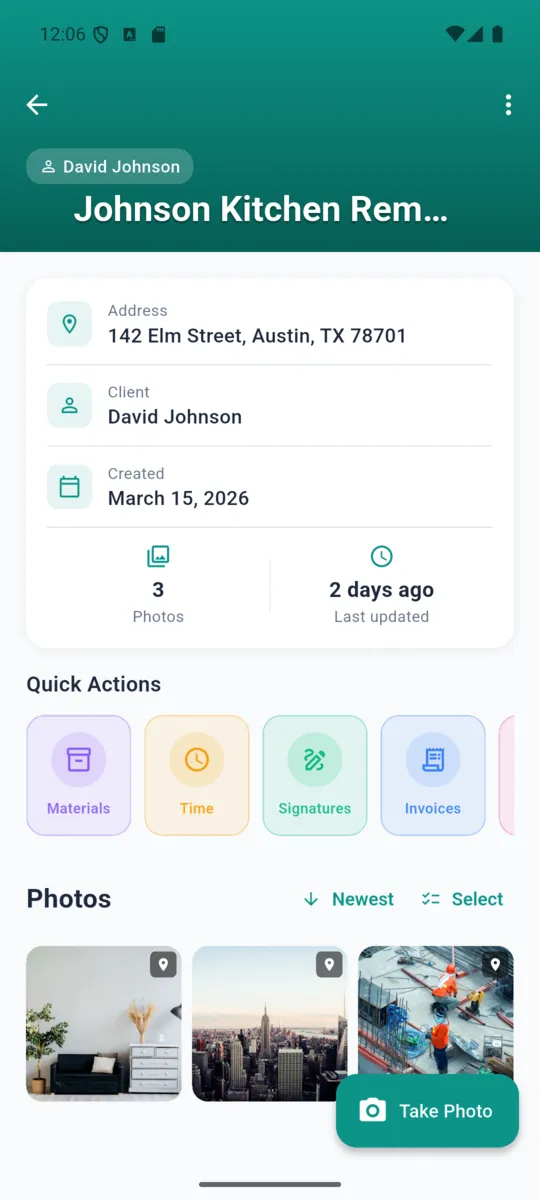
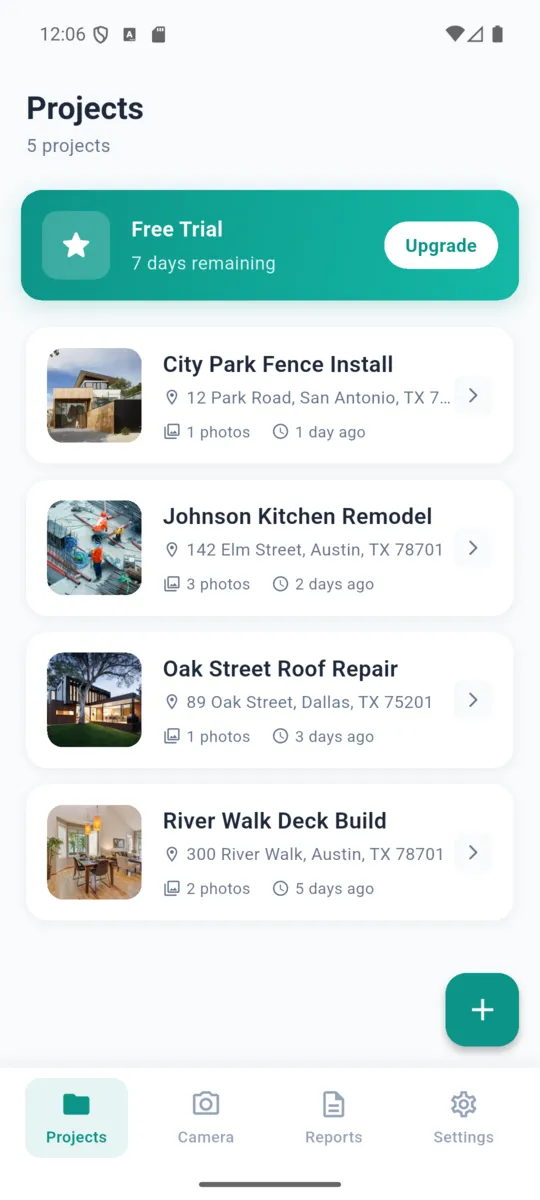
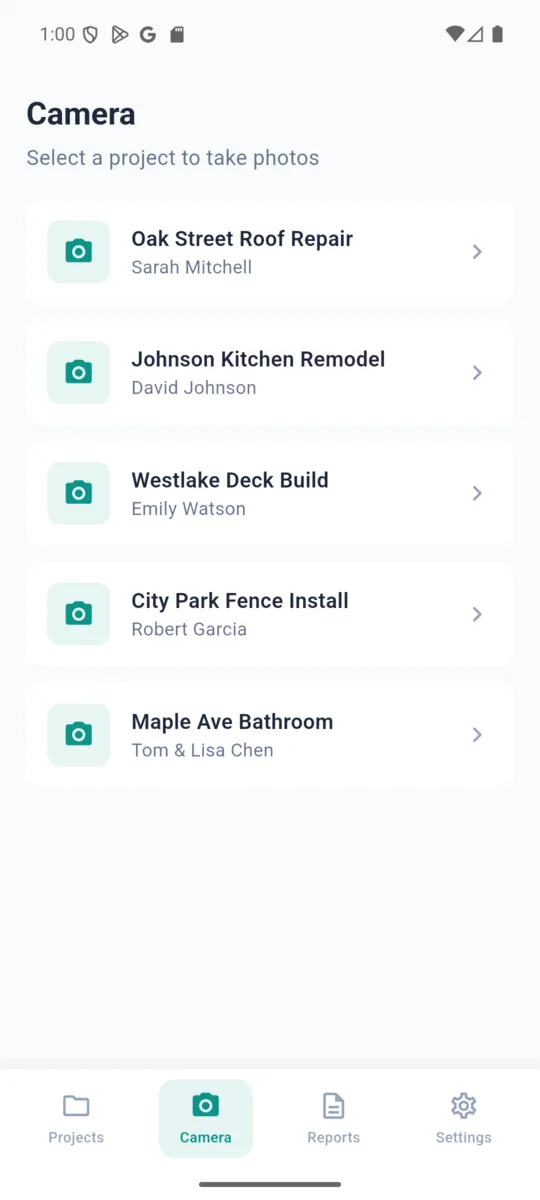
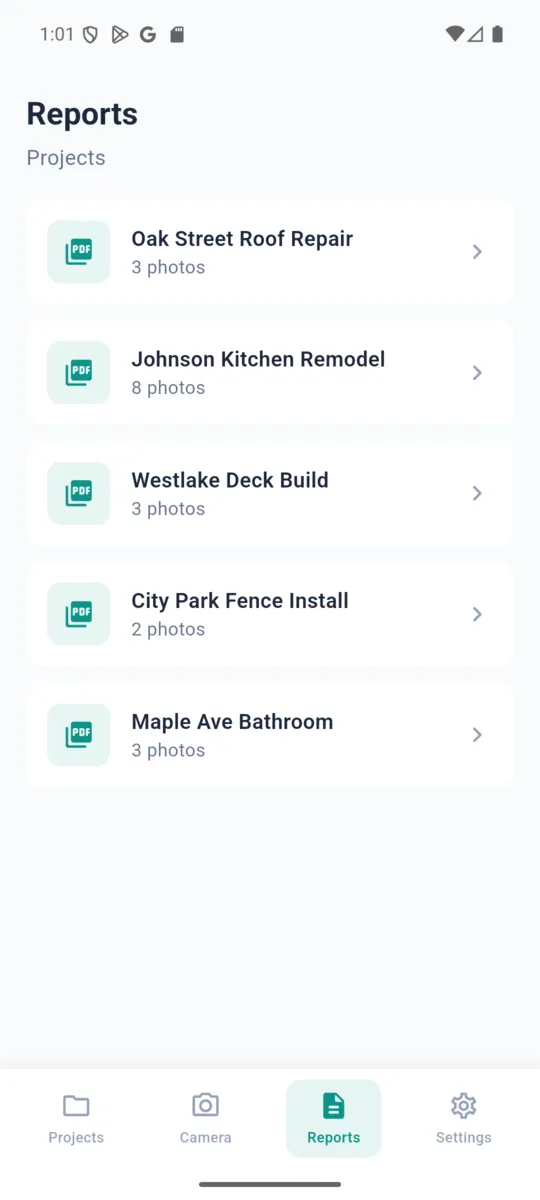
A photo log on its own leaves you juggling three other apps. These sit on the same job, so there is one place to look.
Draw arrows, drop boxes and write on a photo to point at the crack, the gap, the wrong fitting. The original file stays intact underneath.
Put two photos of the same spot side by side, or drag a slider across a single frame. The labels can be shown or hidden depending on who is looking.
Select the photos for a stage, set an expiry, and send the request out as a PDF. The job keeps a list of what was sent and what has since lapsed.
Name the report, choose two or four photos to a page, then switch the cover page, your logo, timestamps, coordinates, addresses and photo notes on or off.
A timer with an hourly rate, a materials list with quantities and unit prices, and invoices with line items and a tax rate. Each one exports as CSV.
Sign in and jobs and photo files upload in the background, so a lost phone is an annoyance rather than a lost year. Deleting the account wipes the cloud copy and leaves the phone alone.
PRICING
£59a year
Or £6.99 a month, or £99 once and never again. Seven days of the whole thing first, with no card asked for.
Without paying: one job, ten photos a month, and reports of up to five photos.
Get SiteProofThe moment it was taken, the latitude and longitude to six decimal places, the street address looked up from those coordinates, the project it belongs to, and any note or mark-up you added.
Yes. Photos, projects, time entries and reports are held in a database on the phone. GPS is satellite rather than internet, so coordinates still arrive underground and out of range. The street address is the one part that wants a connection.
No. The app opens straight into your projects. Signing in is optional and exists only to keep a cloud copy you can pull back onto a new phone.
One project, ten photos a month, and PDF reports of up to five photos. Nothing you have already shot is hidden or deleted when the trial ends.
You pick the photos, create an approval request with an expiry date, and send it as a PDF. They read it in whatever opens PDFs on their phone.
There is a language setting with ten options, and the main screens — projects, camera, photos, reports, time, materials and invoices — are translated. Some of the newer screens are still English only.
Nothing. The old one-time unlock is still honoured. Restore your purchase and you keep full access with no subscription.
Longer read: documenting a job site with photos.
A record is only worth something if it was made at the time. Seven days free covers a whole job, strip-out to sign-off.