TempCam
No-Trace Privacy Camera
Shoot. Share. Disappear. Photos that don't stick around.
How It Works
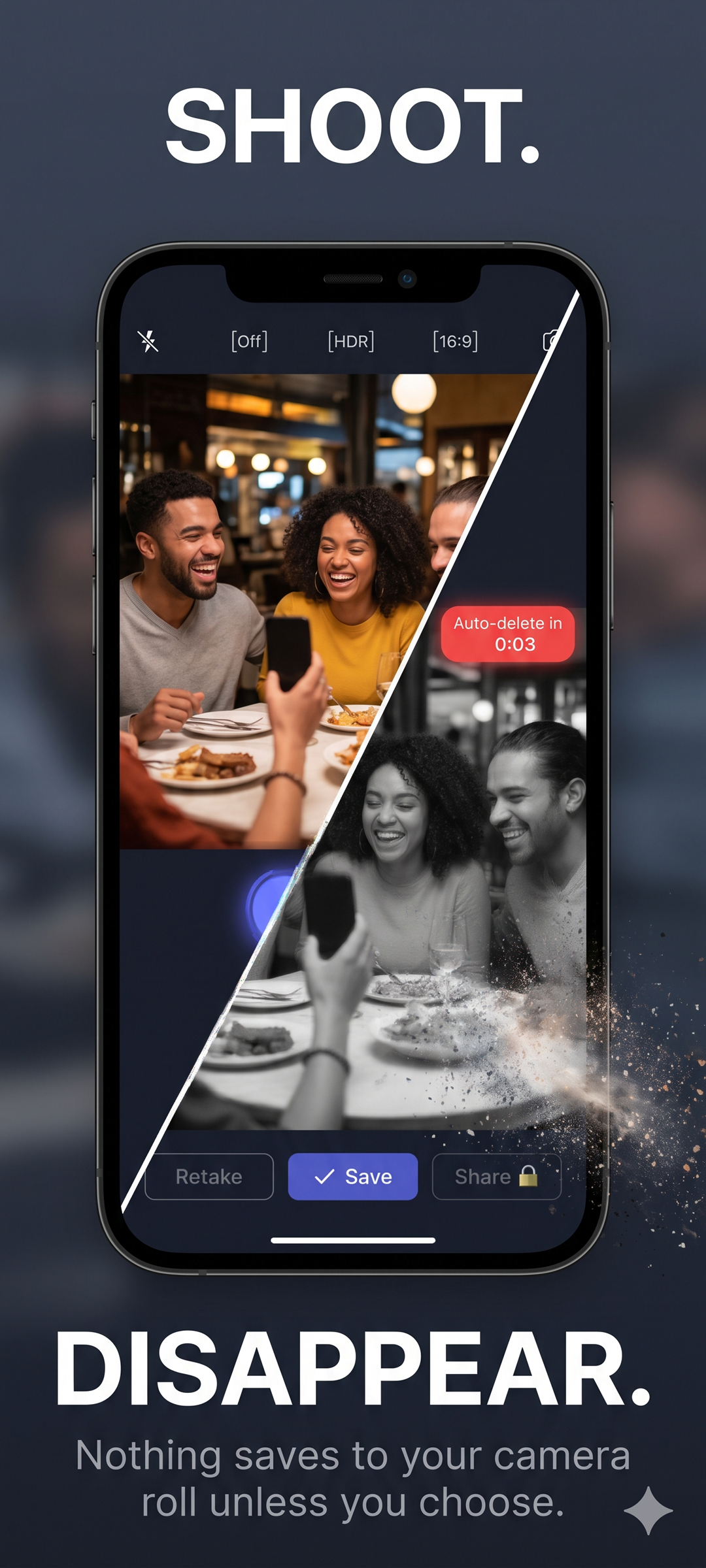
Shoot
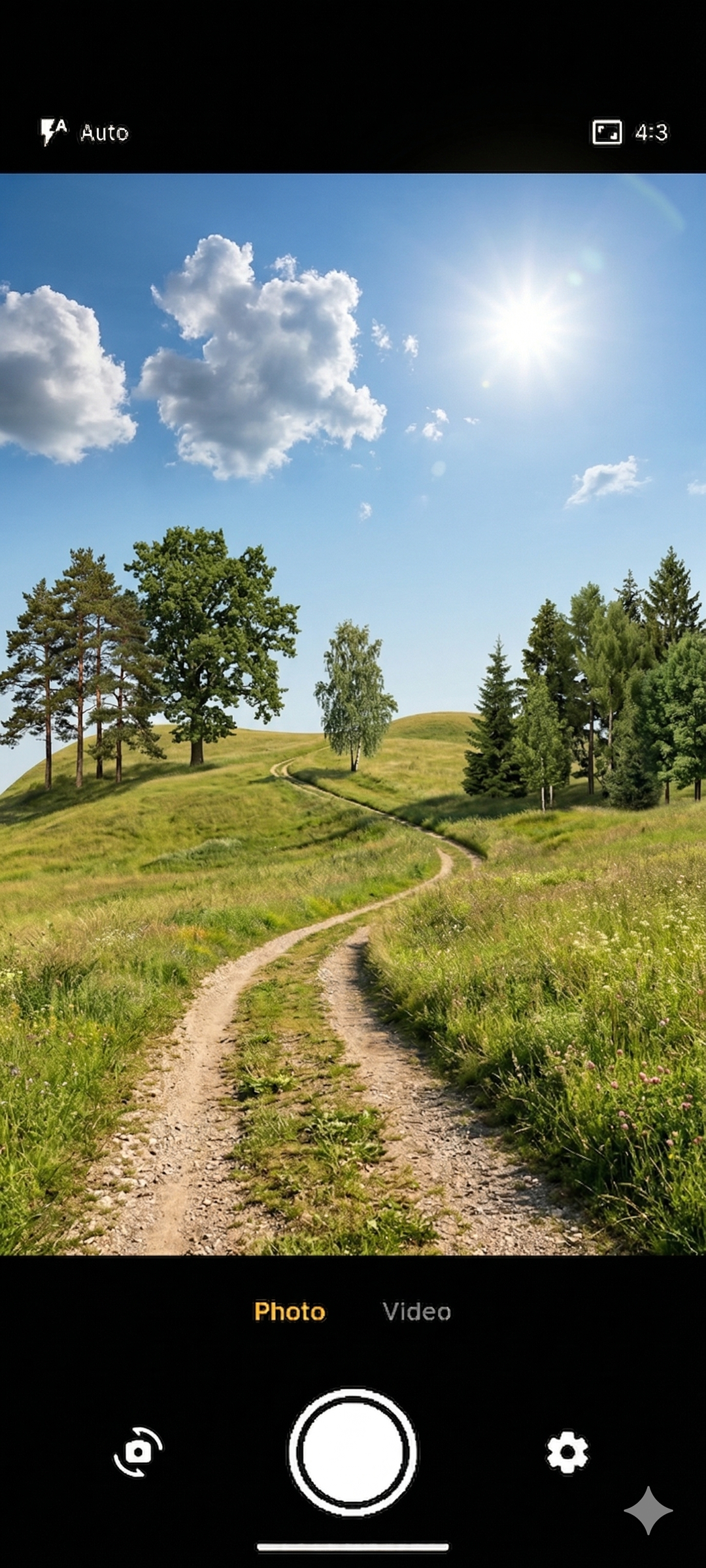
Open TempCam and take your photo. No auto-save — nothing goes to your gallery yet.
Review
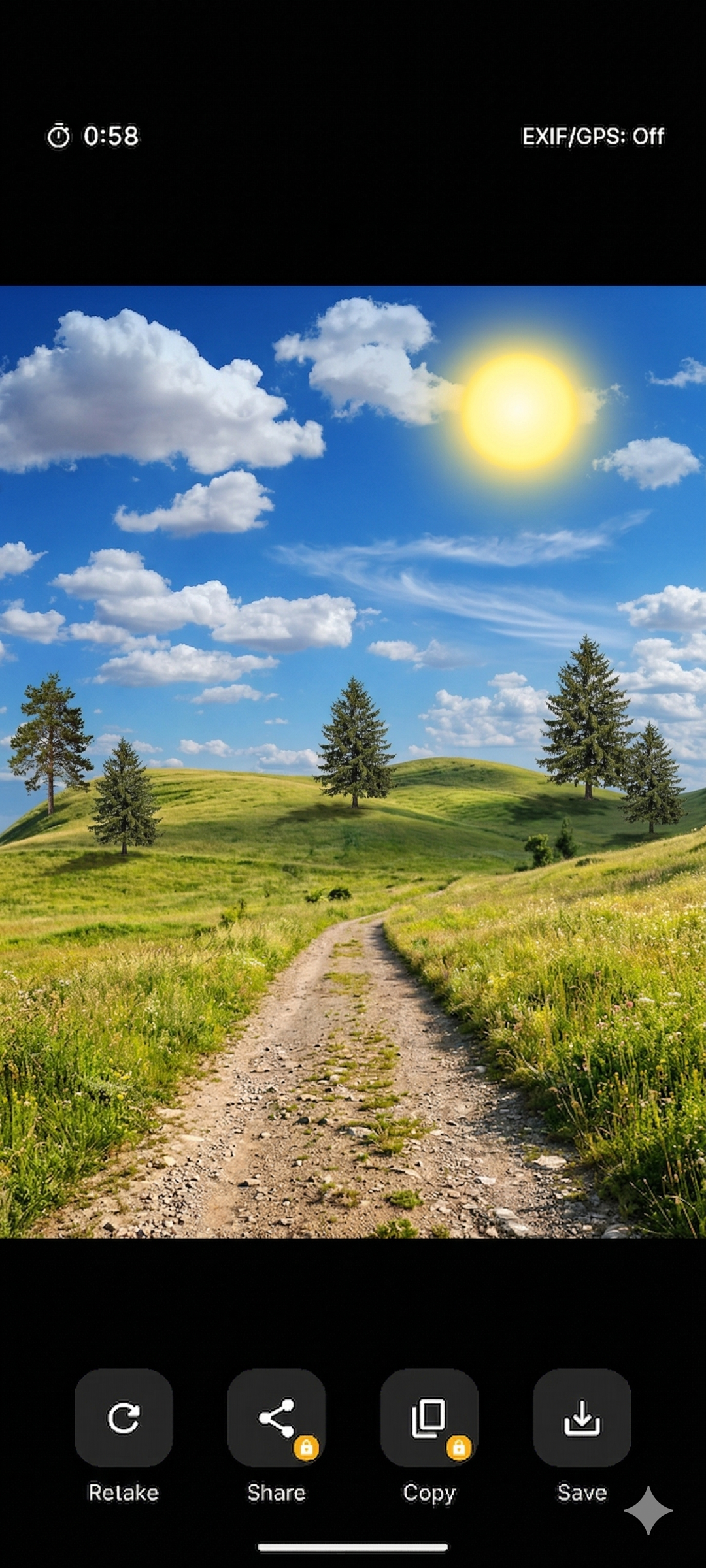
See your photo with a live countdown. Share, copy, or save it — before time runs out.
Disappear
When the timer ends, the photo is gone — permanently deleted from the cache. No trace left.
TempCam in Action
Privacy camera
Auto-delete countdown
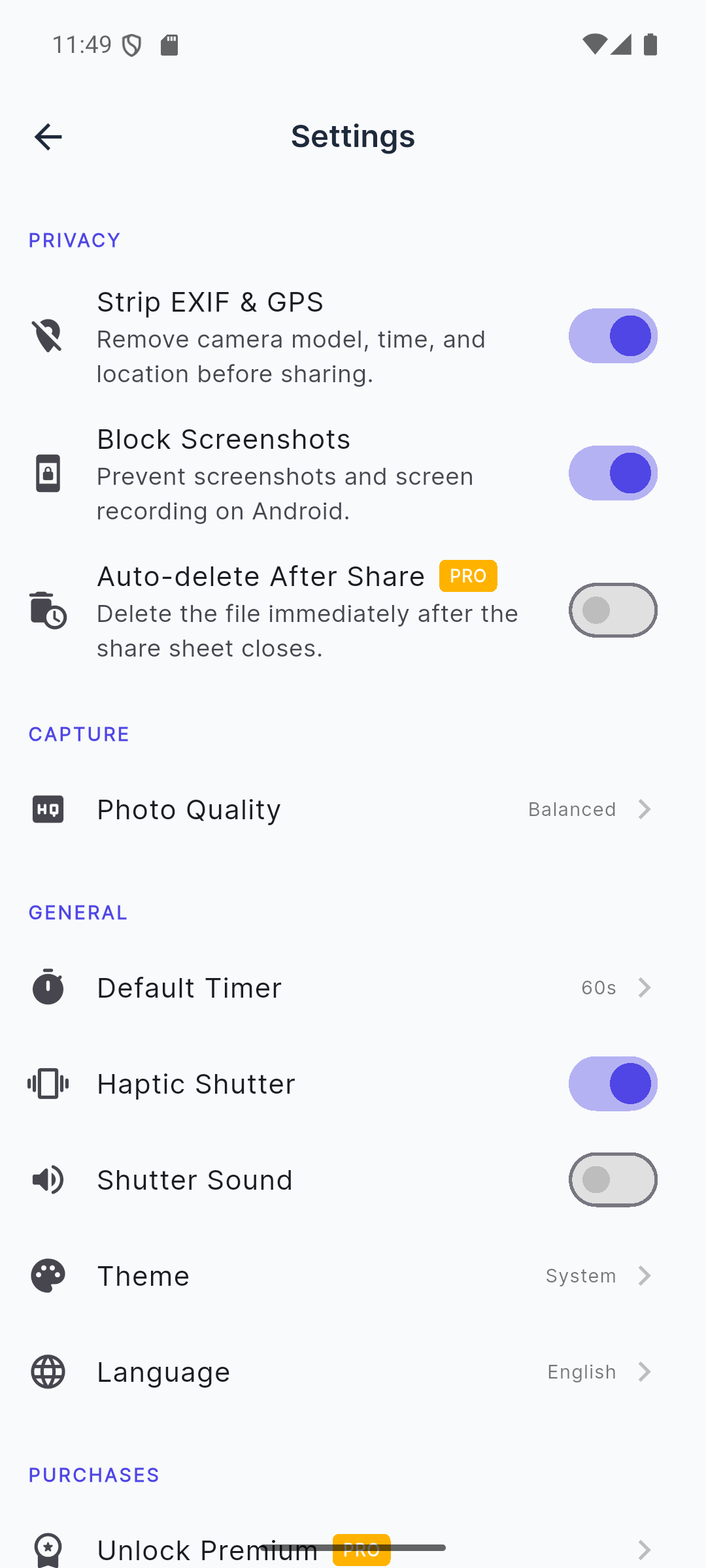
Full control
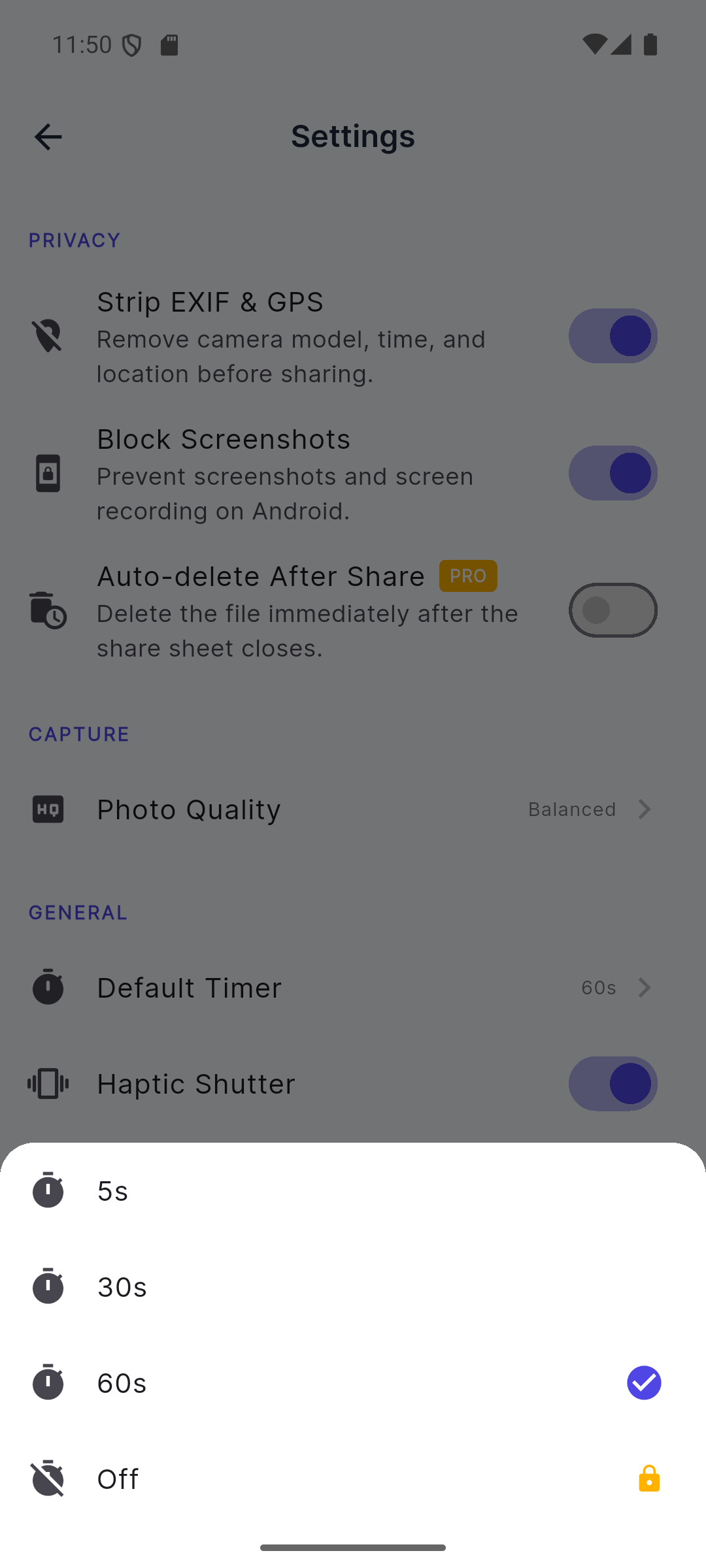
Choose your timer
Privacy That Works by Default
Auto-Delete Timer
Photos auto-delete after 5s, 30s, or 60s. Premium users can disable the timer for manual deletion only.
EXIF & GPS Stripped
All metadata — GPS coordinates, device model, date, time — is removed before any photo is shared or saved. Zero tracking.
Screenshots Blocked
Android's FLAG_SECURE prevents other apps and system tools from capturing screenshots of your photos on the review screen.
No Cloud. Ever.
Everything stays on your device. No account required, no uploads, no external servers involved with your photos.
Share Without Saving
Premium: share photos directly to any app without them ever touching your gallery. Send and forget.
Copy to Clipboard
Premium: copy the photo to clipboard for pasting into chats or documents — then it auto-deletes from TempCam.
Background = Gone
Switch away from TempCam and the photo is immediately deleted. No photos left in a suspended background state.
10 Languages
Available in English, Spanish, French, German, Portuguese, Hindi, Arabic, Japanese, Korean, and Chinese (Simplified).
Simple, Honest Pricing
Free to use. No subscription. Upgrade once, own it forever.
- Camera with auto-delete timer
- EXIF & GPS stripping
- Screenshot blocking
- 5s / 30s / 60s countdown
- Ads shown
- Share requires saving first
- Everything in Free
- No ads
- Share directly without saving
- Copy to clipboard
- Auto-delete after sharing
- Disable timer (manual delete)
Common Questions
Frequently Asked Questions
Are photos saved to my gallery automatically?
No. TempCam never saves photos to your gallery unless you explicitly tap the Save button. Every photo lives only in a temporary cache and is deleted when the timer expires or when you leave the app.
What is EXIF stripping?
EXIF data is hidden metadata embedded in every photo — it includes GPS coordinates, device model, date, time, and more. TempCam strips all EXIF data before sharing or saving, so no one can track where or when a photo was taken.
Why are screenshots blocked?
TempCam sets the Android FLAG_SECURE flag on the photo review screen, which prevents other apps and system tools from capturing screenshots of your photos. This adds an extra layer of privacy.
What happens when I leave the app?
If you leave TempCam while a photo is being reviewed, it is automatically deleted from the cache. No photo is ever left behind in a background state.
What does Premium unlock?
Premium ($4.99 one-time) removes all ads, enables direct photo sharing without saving to gallery, enables copy to clipboard, enables auto-delete after sharing, and lets you disable the countdown timer for manual-only deletion.
Does TempCam upload anything to the cloud?
Never. TempCam is fully local — no account required, no cloud uploads, no external servers involved with your photos. The only network use is for ads (free version) and in-app purchase verification.
How do I restore my purchase on a new device?
Go to Settings > Restore Purchase. Make sure you're logged into the same Google account that made the original purchase.
Can I choose how long before photos auto-delete?
Yes — you can set the countdown timer to 5 seconds, 30 seconds, or 60 seconds. Premium users can also disable the timer entirely for manual deletion only.
Take Photos That Don't Stick Around
Download TempCam — the privacy camera that auto-deletes everything.
Have questions? Get in touch
Why Use a No-Trace Camera?
Every standard camera app saves photos permanently to your gallery. That works for most situations — but not all. When you need to photograph a sensitive document, share a temporary reference image, or simply take a photo you don't want stored on your device forever, a no-trace camera changes everything. TempCam is built for exactly those moments.
Auto-Delete: Photos That Expire Automatically
TempCam's countdown timer starts the moment you finish taking a photo. Set it to 5 seconds for quick glances, 30 seconds for sharing, or 60 seconds for a longer review window. When the timer hits zero, the photo is permanently deleted from the temporary cache — no gallery entry, no Recent Items, no recovery. Premium users can disable the timer entirely and delete manually.
EXIF & GPS Data Removal
Every photo taken by a modern smartphone embeds hidden EXIF metadata: GPS coordinates, altitude, direction, device model, date, time, and more. This data can reveal your exact location and identity to anyone who receives the photo. TempCam strips all EXIF data automatically before any photo is shared or saved — your photos carry zero location or device fingerprint information.
Screenshot Protection on Android
When reviewing a photo in TempCam, the Android FLAG_SECURE flag is active. This prevents system screenshot tools, screen recorders, and most third-party apps from capturing what's on screen. It's an extra layer of protection for sensitive images that you're viewing momentarily before they disappear.
No Cloud, No Account, No Tracking
TempCam is designed with an offline-first, privacy-first architecture. There are no servers receiving your photos, no cloud backup, no account to create, and no analytics watching what you photograph. The app functions entirely on-device. The only network requests are for the AdMob ad network (free version) and Google Play's in-app purchase verification (premium).
Who Uses TempCam?
TempCam is used by anyone who needs a camera without the permanence. Journalists photograph sensitive documents without evidence trails. Healthcare workers capture patient information for immediate sharing with EXIF stripped. Lawyers photograph opposing party documents during discovery without creating permanent copies. Privacy-conscious individuals photograph locations or people without leaving a GPS-tagged record. Anyone who's ever taken a photo "just for a moment" and wished it would delete itself.
Share Without Saving
With TempCam Premium, you can share a photo directly to WhatsApp, Signal, email, or any sharing target without the photo ever appearing in your gallery. The photo exists temporarily in the app cache, is shared, and then deleted automatically after sharing completes. No gallery pollution, no accidental backups, no traces left on the device.