Stations, with the target already in them
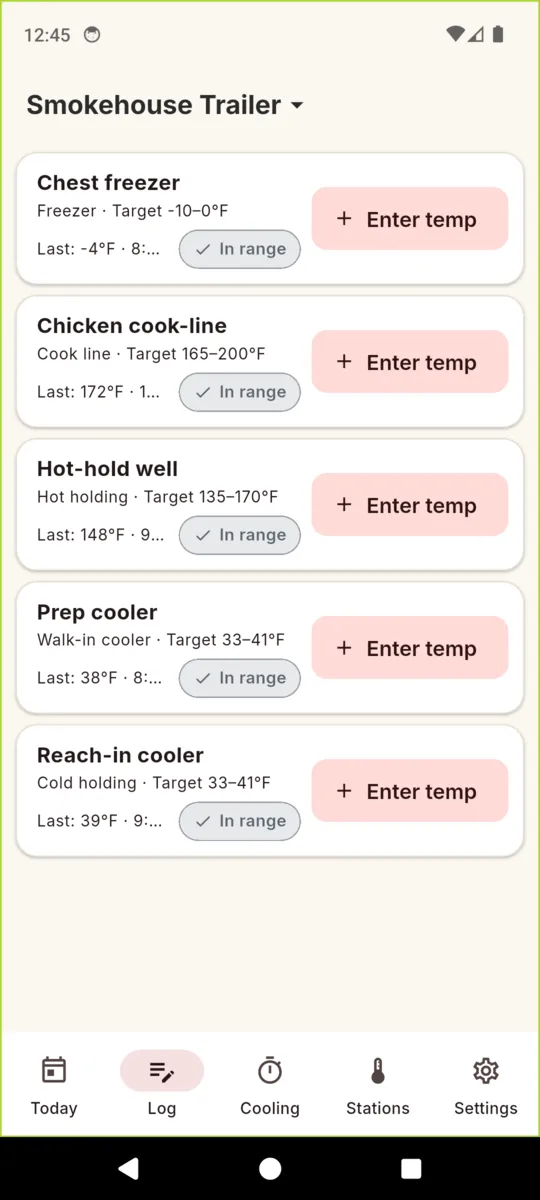
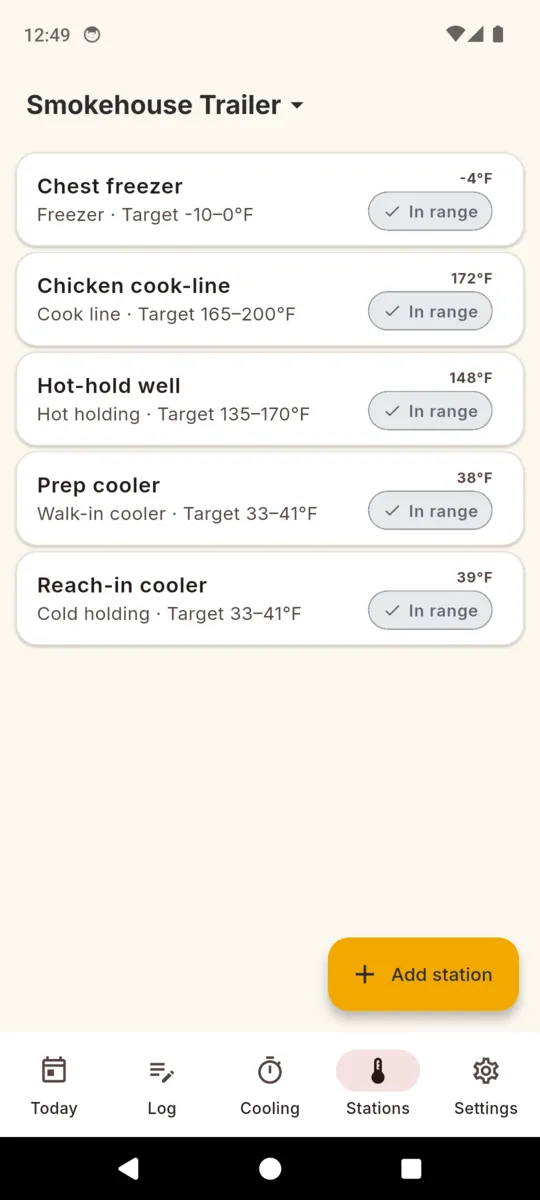
Add a cold-hold, hot-hold, freezer, cook line or walk-in station and the FDA default
range is prefilled: 33 to 41°F for cold holding, 135 to 170°F for hot
holding, -10 to 0°F for a freezer, 165 to 200°F on the cook line. Edit any of
them to what your unit actually runs at.
A reading is two taps
The log screen lists every station with its target and its last reading. Tap Enter
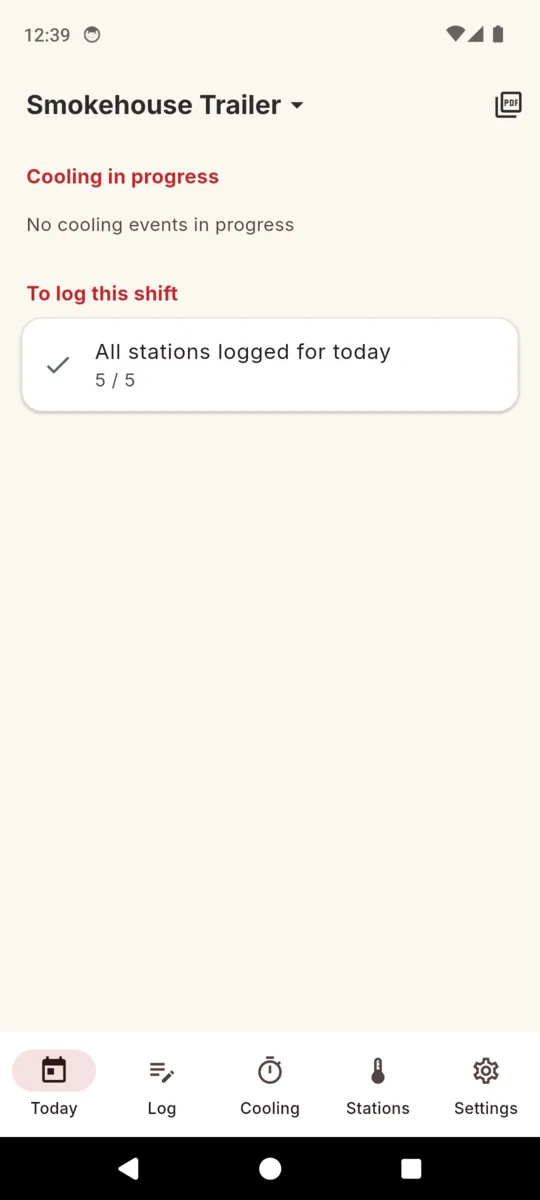
temp, type the number, done. Today tells you how many stations are still outstanding
for the shift, so you read 5 of 5 rather than trying to remember.
Out of range asks one question
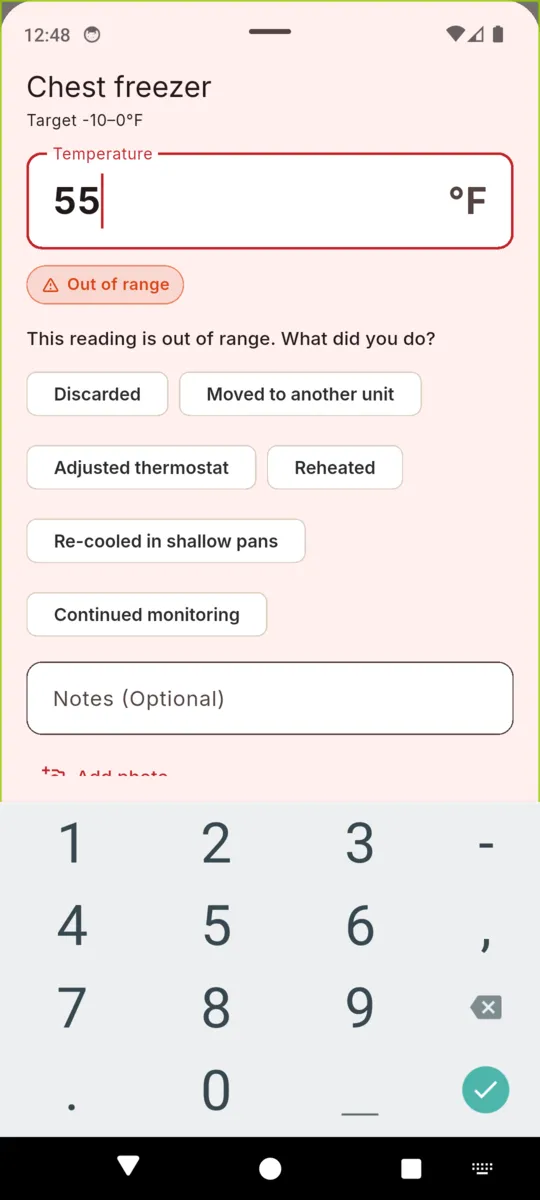
Type a number outside the target and the app flags it and asks what you did:
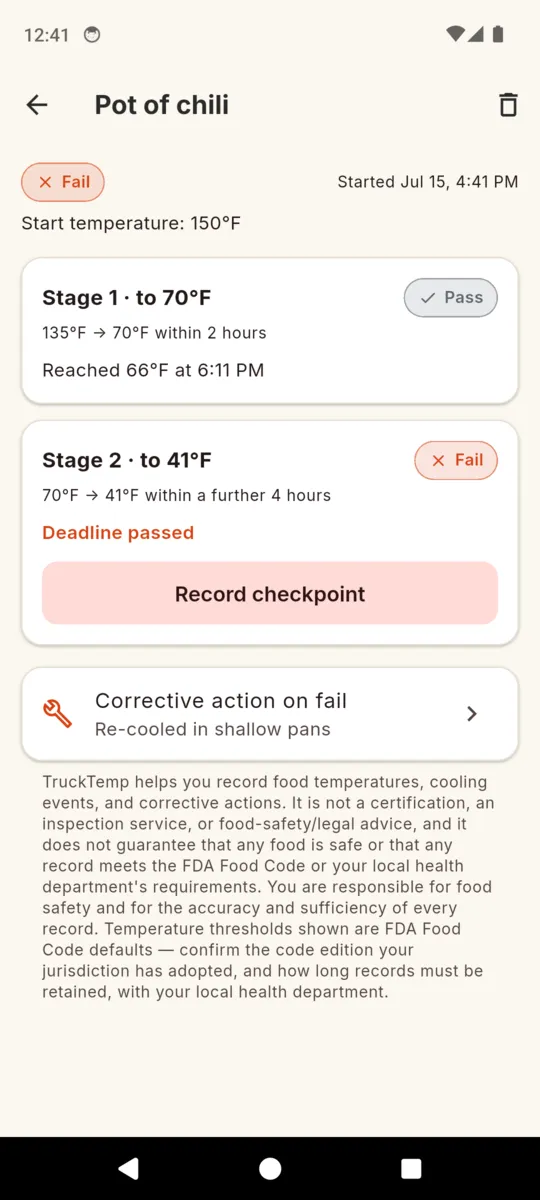
discarded, moved to another unit, adjusted thermostat, reheated, re-cooled in shallow
pans, or continued monitoring. The number and the response are saved together. An
out-of-range reading with an action is a record; a hidden one is not.
Opening and closing nudges
Set an opening time and a closing time and TruckTemp reminds you to log. The
reminders are deliberately inexact, so the app never asks for the exact-alarm
permission. The in-app worklist is the part that actually keeps you honest.
More than one unit
A truck, a trailer and a commissary prep kitchen each get their own stations,
readings and cooling events, and each carries its own permit number and jurisdiction
onto its PDFs. Switch between them from the header.
Fahrenheit or Celsius
Pick the unit in Settings and everything converts on entry and on display.
Underneath, every reading is stored in Fahrenheit, so a Celsius entry can never be
compared against a Fahrenheit target by accident.