
NotaryLog
Digital Notary Journal
Log every notarial act in 30 seconds. Encrypted on-device, exportable to PDF — and yours to keep.
How It Works
Quick entry
Single fast-entry screen for signer, ID, document, fee, and signature. Free-text or pick-list — fill it the way your state requires.
Sign & capture
Capture signer signature with finger or stylus. Optional thumbprint photo and auto GPS tag for mobile notaries.
Export & archive
Search any past entry. Export a date-range PDF for audits or reviews. Export fee CSV for QuickBooks, taxes, or 1099s.
NotaryLog in Action
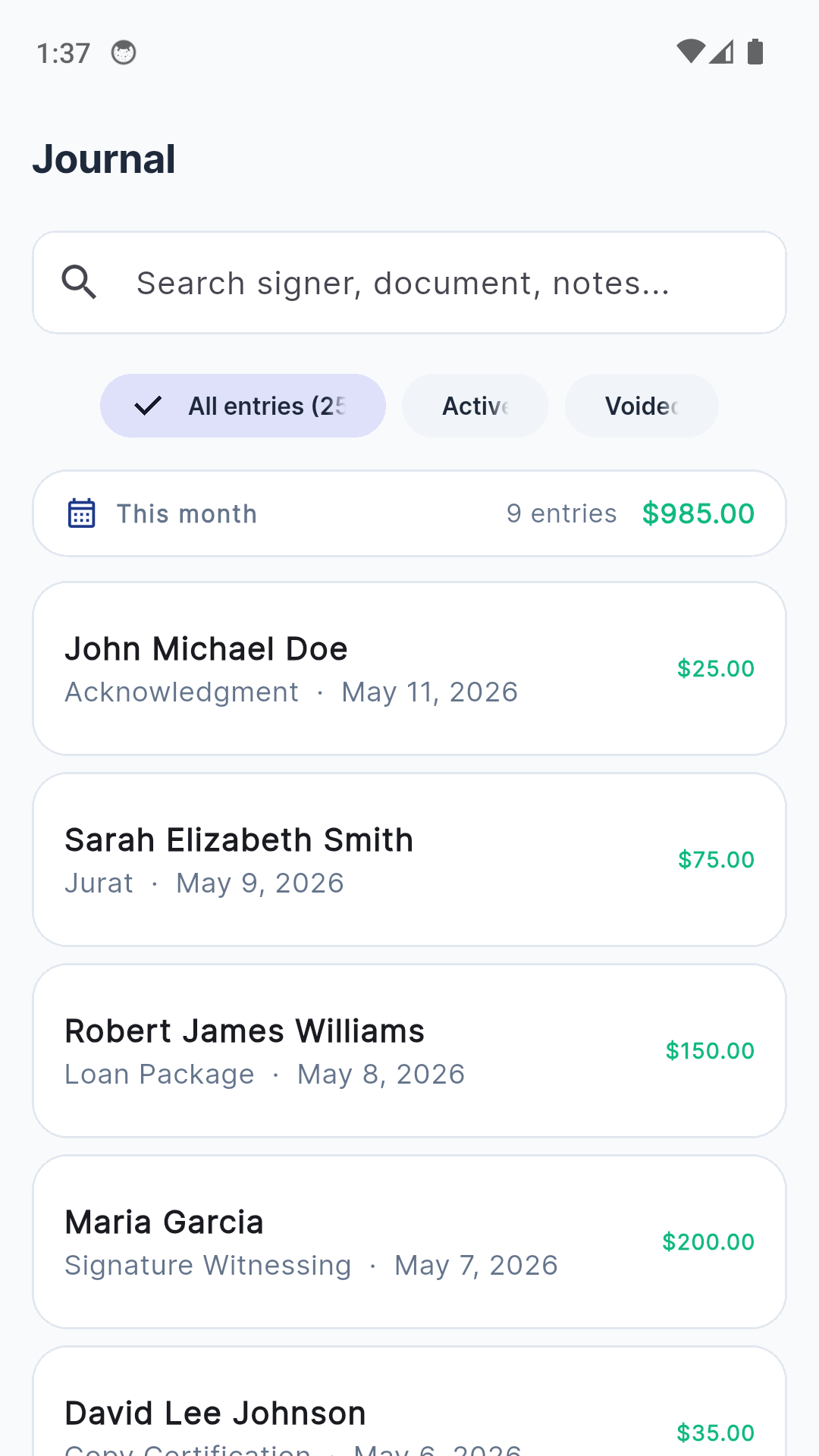
Journal — every act, searchable
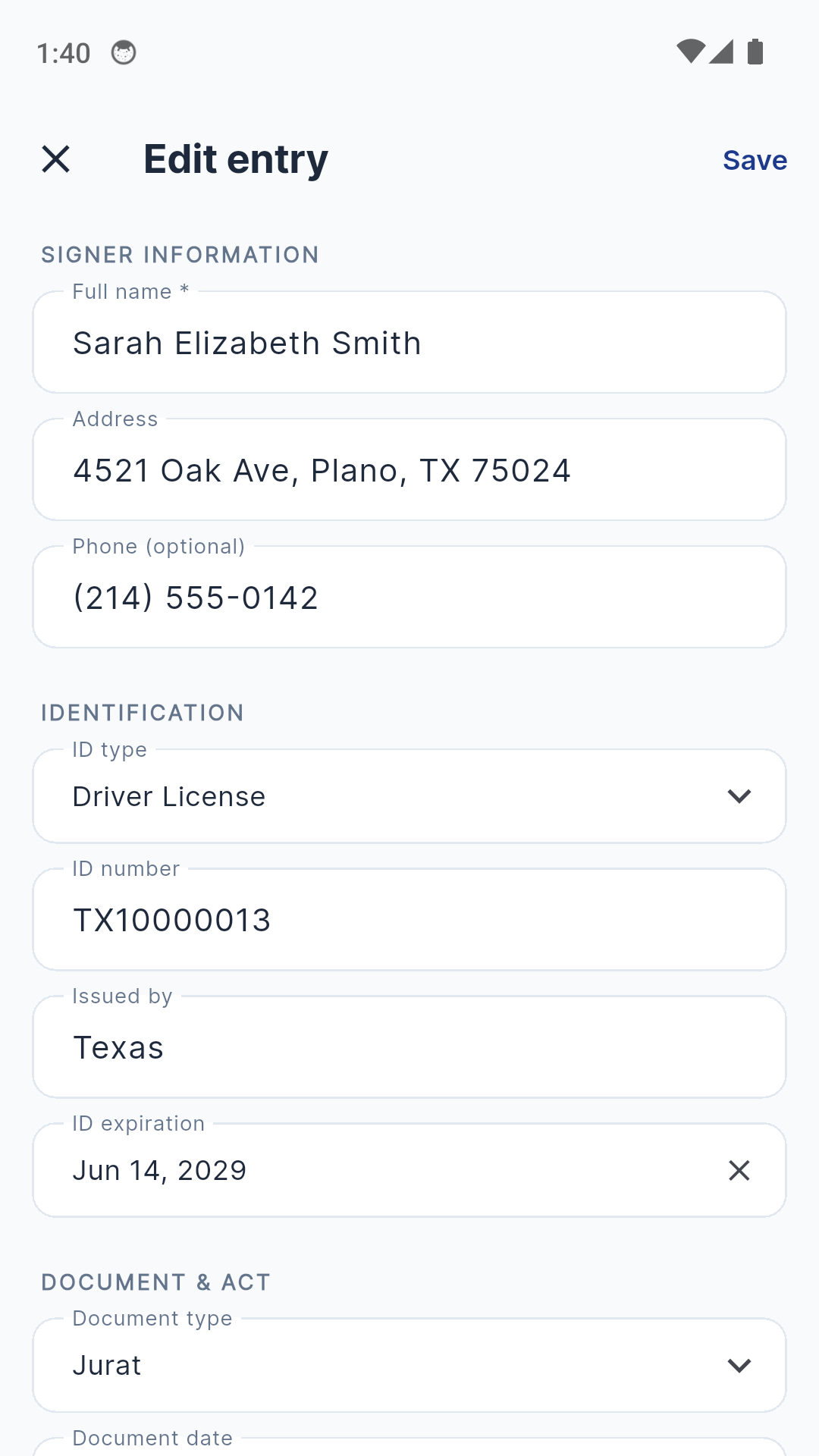
30-second entry screen
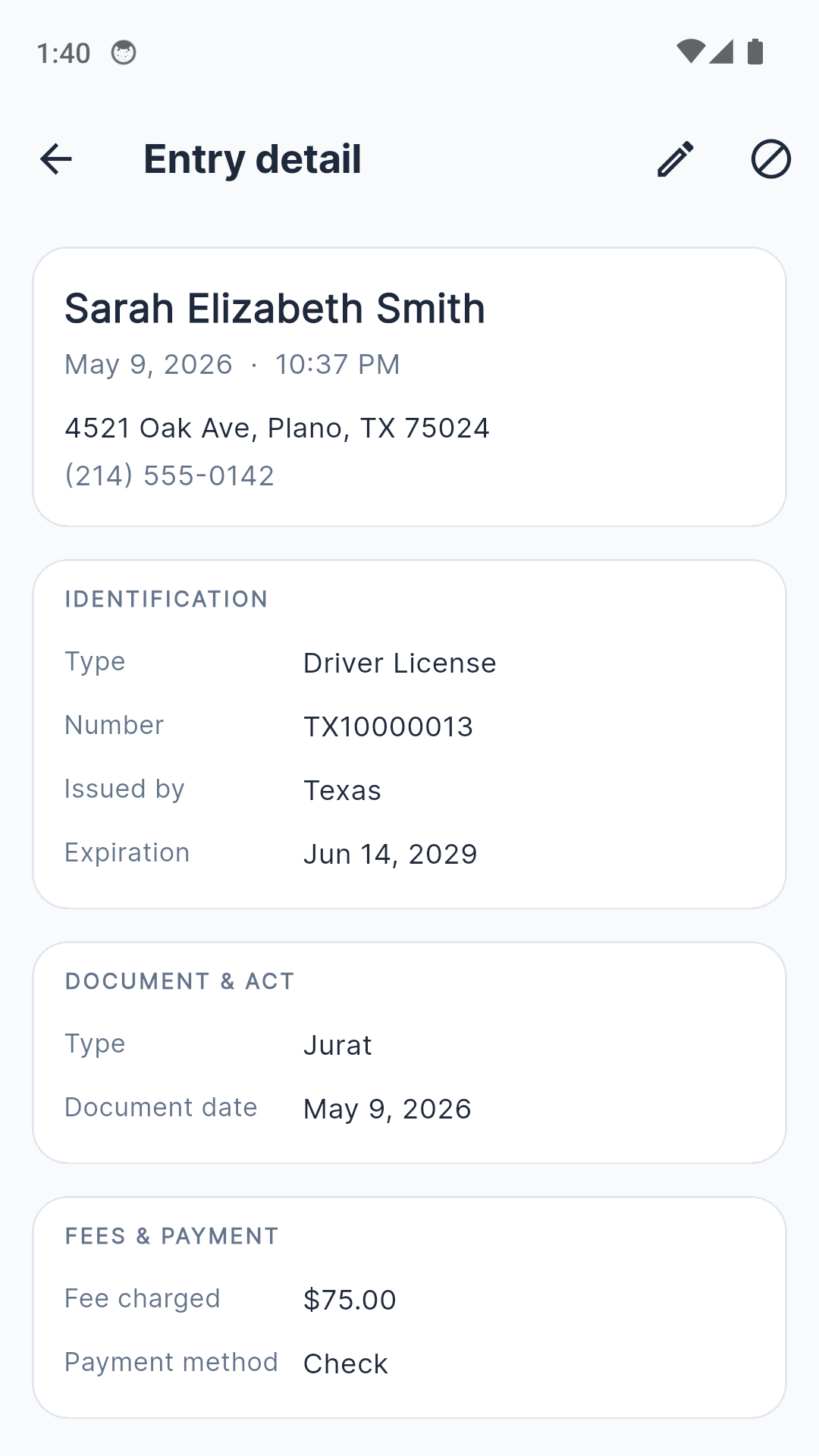
Entry detail with signature
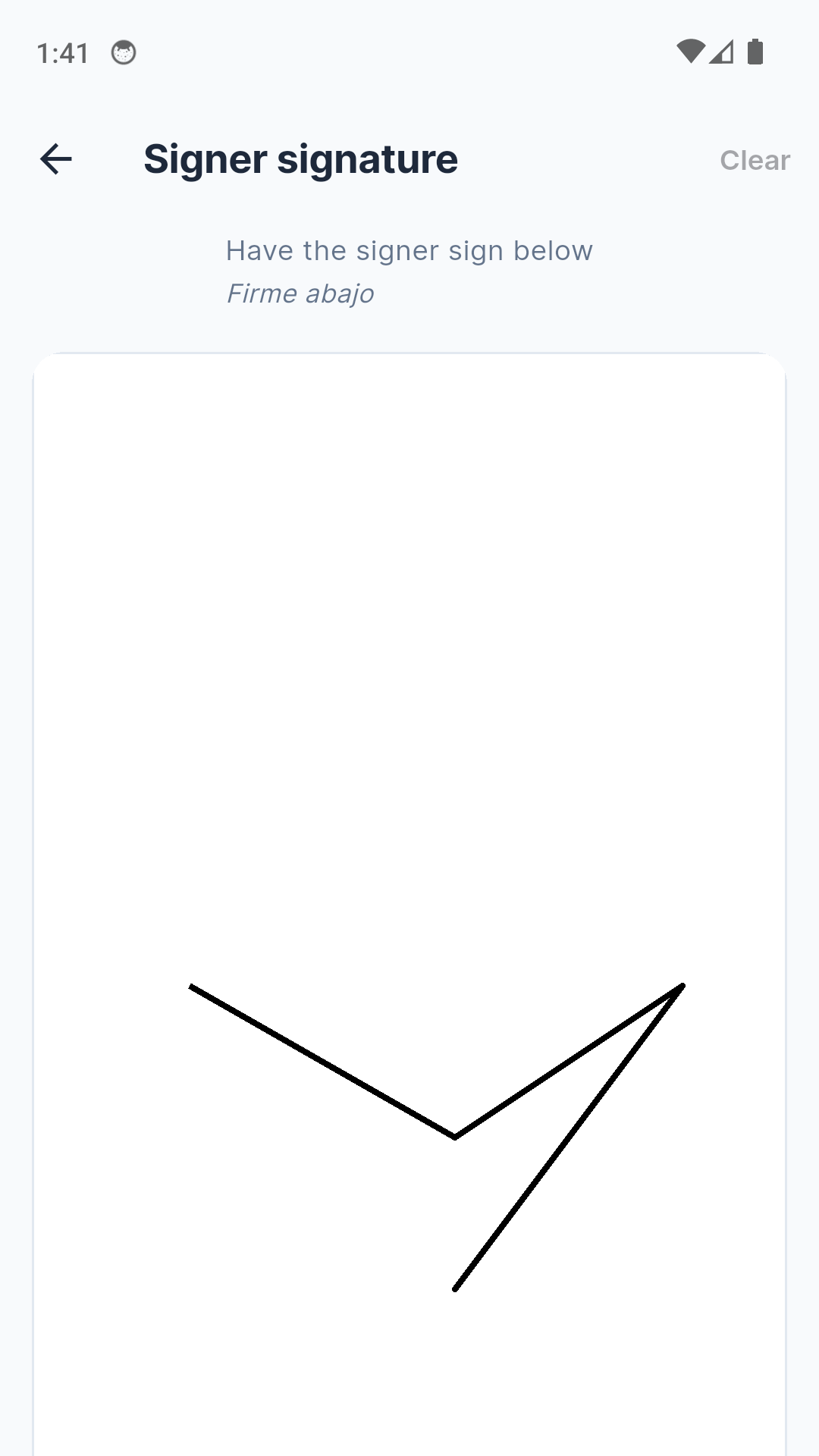
Signature capture
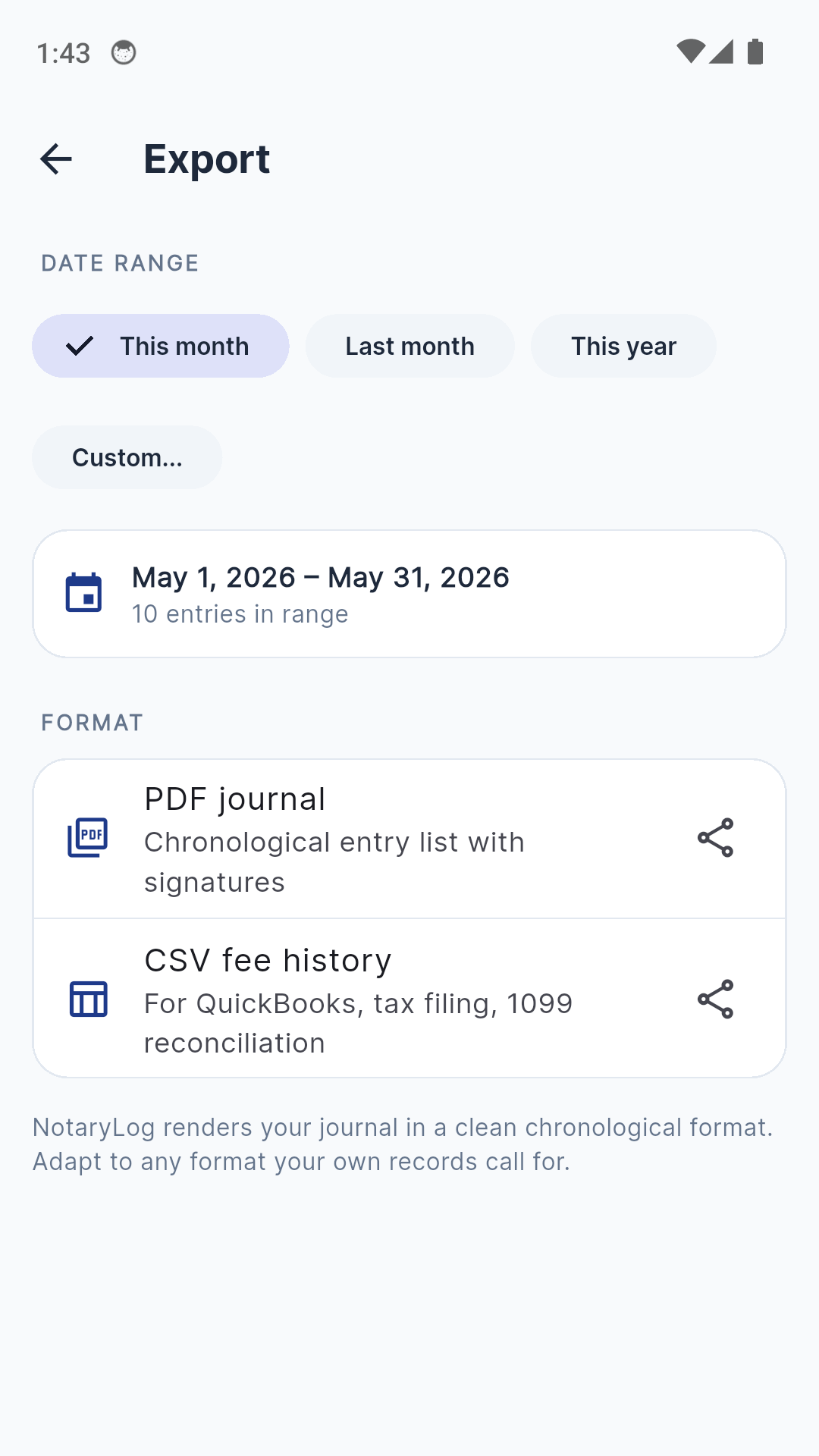
PDF export by date range
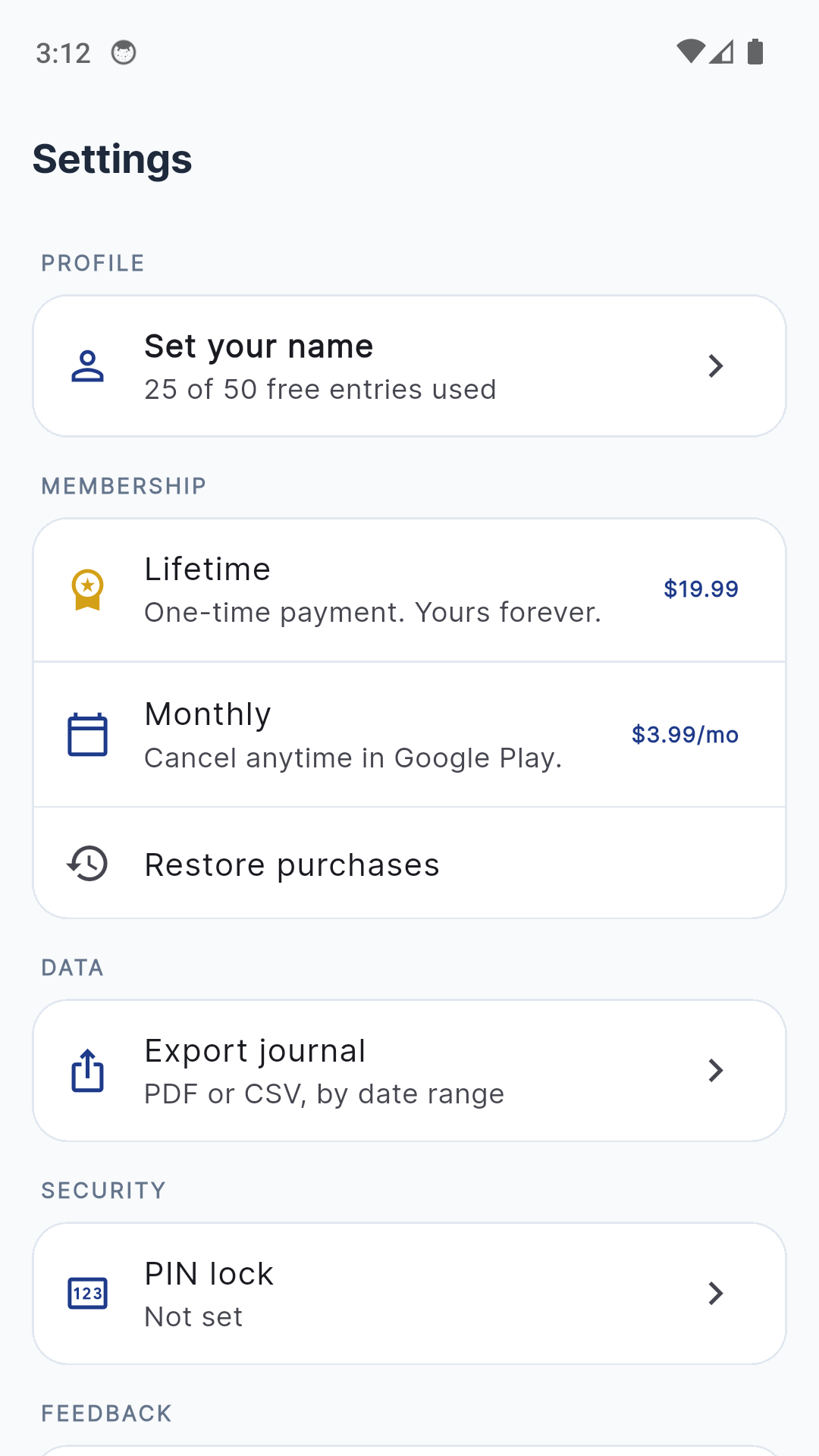
Biometric lock & privacy
A Notary Journal That Doesn't Get In The Way
30-Second Entry
One fast-entry screen for signer, ID type, document type, fee, payment method, and signature. Defaults remember your last fee and last document type for faster repeats.
Signature & Thumbprint
Capture signer signature with finger or stylus. Optional thumbprint photo when your state requires it. Both stored encrypted on-device.
Auto GPS Tagging
Optional location tag for every entry — useful for mobile notaries documenting where a signing took place. Toggle on or off per entry; never leaves your device.
Search & Filter
Find any past entry by signer name, document type, or notes. Filter active vs voided entries. The journal scales from 50 to 50,000 entries without slowing down.
PDF Date-Range Export
Generate a clean chronological PDF of any date range — every entry with signatures and thumbprints. Email it, archive it, or hand it to your Secretary of State.
CSV Fee Export
Export your fee history as CSV for QuickBooks, your accountant, or 1099 reconciliation at year-end. Notary income tracking without a spreadsheet.
Encrypted & Locked
Hive AES local encryption. PIN + biometric lock on launch. No analytics on entry contents. Signer PII never leaves your device.
No Annual Subscription
Pay $3.99/month for full Premium, or $19.99 once for a lifetime unlock. Half the price of competitors that charge $99/year for the same job.
Simple, Honest Pricing
Free to try. Premium when you're ready. No annual fee trap.
Free
Up to 50 lifetime entries
- Signature capture
- Search & filter
- Encrypted local storage
- 50 entries lifetime
- Banner ad
Premium Monthly
per month — cancel anytime
- Unlimited entries
- PDF date-range export
- CSV fee export
- GPS auto-tagging
- Thumbprint capture
- PIN + biometric lock
- Ad-free
Premium Lifetime
One-time purchase — yours forever
- Everything in Monthly, forever
- Unlimited entries
- PDF + CSV export
- GPS, thumbprint, biometric
- Ad-free
- No renewals, no fees
Two signings pay for the lifetime unlock. Notary apps that charge $99 a year cost you the same as 25 signings annually for the same job NotaryLog does for $19.99 once.
Common Questions
Frequently Asked Questions
Is NotaryLog a state-compliant notary journal?
NotaryLog is a personal recordkeeping tool, not a compliance app. It does not interpret your state's notary laws, enforce fee caps, or generate state-approved submissions. Your state's rules are your responsibility — always verify with your Secretary of State. The app is designed for working notaries who already know their state's requirements and want a fast, durable, searchable digital log.
How fast can I log a notarial act?
Under 30 seconds. NotaryLog uses a single fast-entry screen for signer name, ID type, document type, fee, and signature — with optional thumbprint photo and auto GPS tag for mobile notaries. Free-text or pick-list for every field, so you fill it the way your state requires.
Can I export a journal as PDF for an audit?
Yes. Premium users can export any date range as a clean, chronological PDF that includes every entry with signatures and thumbprints. CSV export of fee history is also available — useful for QuickBooks, taxes, or 1099 reconciliation.
Is signer data secure?
Yes. NotaryLog uses encrypted local storage (Hive AES) — signer PII never leaves your device. Premium adds a PIN + biometric lock on launch, and there's no analytics on entry contents (only anonymous app-usage events).
Why monthly $3.99 instead of an annual $99 like other notary apps?
Annual subscriptions punish notaries who only do a handful of signings per month. NotaryLog's $3.99 monthly works out to under $48 per year — half what most competitors charge. Or pay $19.99 once for a lifetime unlock and never see another renewal email.
Is GPS tagging required?
No — it's optional. Mobile notaries who want to record where each signing took place can enable GPS tagging per entry. Toggle it off any time. The location data stays on your device, never synced to a server.
What's the difference between Free and Premium?
Free covers up to 50 lifetime entries with signature capture — enough to test the app on real signings before deciding. Premium ($3.99/mo or $19.99 lifetime) unlocks unlimited entries, PDF + CSV export, GPS tagging, thumbprint capture, biometric lock, and removes ads.
Does it work offline?
Yes. NotaryLog works completely offline. Every entry, signature, and thumbprint is stored locally on your device. Useful for signings in basements, parking garages, or rural homes where there's no signal.
Stop Carrying a Paper Journal
Download NotaryLog and log your next signing in 30 seconds.
Have questions? Get in touch
The Digital Notary Journal Built for Working Notaries
Most notaries still carry a leather-bound paper journal because the digital alternatives either cost $99 a year or try to be a full compliance platform with state law lookups, fee enforcement, and approval workflows nobody asked for. NotaryLog is the simplest digital journal for notaries who already know their state's rules and just want a fast, durable, searchable log on the device they already carry.
Mobile Notaries, NSAs, and In-House Notaries
NotaryLog was built for the three notary populations that do most of the volume: mobile notaries driving between signings with a stack of loose paper, notary signing agents (NSAs) running loan packages where every entry needs to be tied to a borrower and a closing, and in-house notaries at banks, title companies, and law offices who notarize a handful of documents daily but want a clean record at year-end. The fast-entry screen works the same for all three — pick your fields, capture the signature, move on.
What Makes the 30-Second Entry Possible
NotaryLog's entry screen is a single scrollable form with smart defaults. Your last document type, your last fee, and your last payment method are pre-filled from your previous entry. ID type and document type are free-text with autocomplete, so you can type "DL" and pick "Driver's License" from the dropdown — or type your state's exact terminology if you prefer. The signature pad opens with one tap and saves on lift. GPS tagging happens in the background if you've enabled it. The whole flow is built around the assumption that your hands are full of paperwork and your time is limited.
Why On-Device Encryption Matters
Notary journals contain personally identifying information for every signer — names, ID numbers, document types, sometimes thumbprints. Cloud-synced notary apps put that data on a server somewhere. NotaryLog uses Hive AES local encryption, which keeps every entry encrypted on the device with no cloud sync at all. The only way data leaves the app is when you choose to export a PDF or CSV. Combined with the PIN + biometric lock on Premium, your journal is harder to compromise than the leather-bound book in your bag.
PDF Export for Audits and State Reviews
If your state asks for a journal review — or if your bond company requests records during a claim investigation — NotaryLog generates a clean, chronological PDF of any date range. Each entry includes the signer name, ID, document, fee, date, GPS coordinates (if captured), signature, and thumbprint photo. The PDF is paginated, timestamped, and saved to your device's Downloads folder for sharing.
Fee Tracking for Tax Season
Notarial fees are taxable income, but most notaries reconstruct their fee history from memory at tax time. NotaryLog's CSV export gives your accountant a clean spreadsheet of every fee charged in any date range — date, signer, document type, fee amount, payment method. Useful for QuickBooks import, 1099-NEC reconciliation if you work for a signing service, or just keeping cleaner books.
No Annual Subscription Trap
The notary app market is dominated by $99/year subscriptions that escalate over time and lock your journal data hostage. NotaryLog charges $3.99/month for full Premium — under $48/year, half what competitors charge — or $19.99 once for a lifetime unlock that pays for itself in two signings. Both unlock identical features. Pick monthly if you want to test before committing; pick lifetime if you're done paying yearly forever.
Privacy and Honesty About What This App Is
NotaryLog is a recordkeeping tool, not legal advice. It does not interpret your state's notary statutes, enforce statutory fee caps, or tell you what your state requires for journal entries. Your state's rules are your responsibility — always verify with your Secretary of State. We deliberately avoid words like "compliant," "approved," "state-ready," or "required by your state" because making those claims would put your commission at risk if the app ever drifted out of sync with a statute change. We give you the tool. You bring the expertise.