















































































































































































How to Document Pre-Existing Damage Before a Detail
Record what is already wrong with a customer's car before you wash it: photos by side, a damage diagram, paint readings, keys and a report sent the same day.
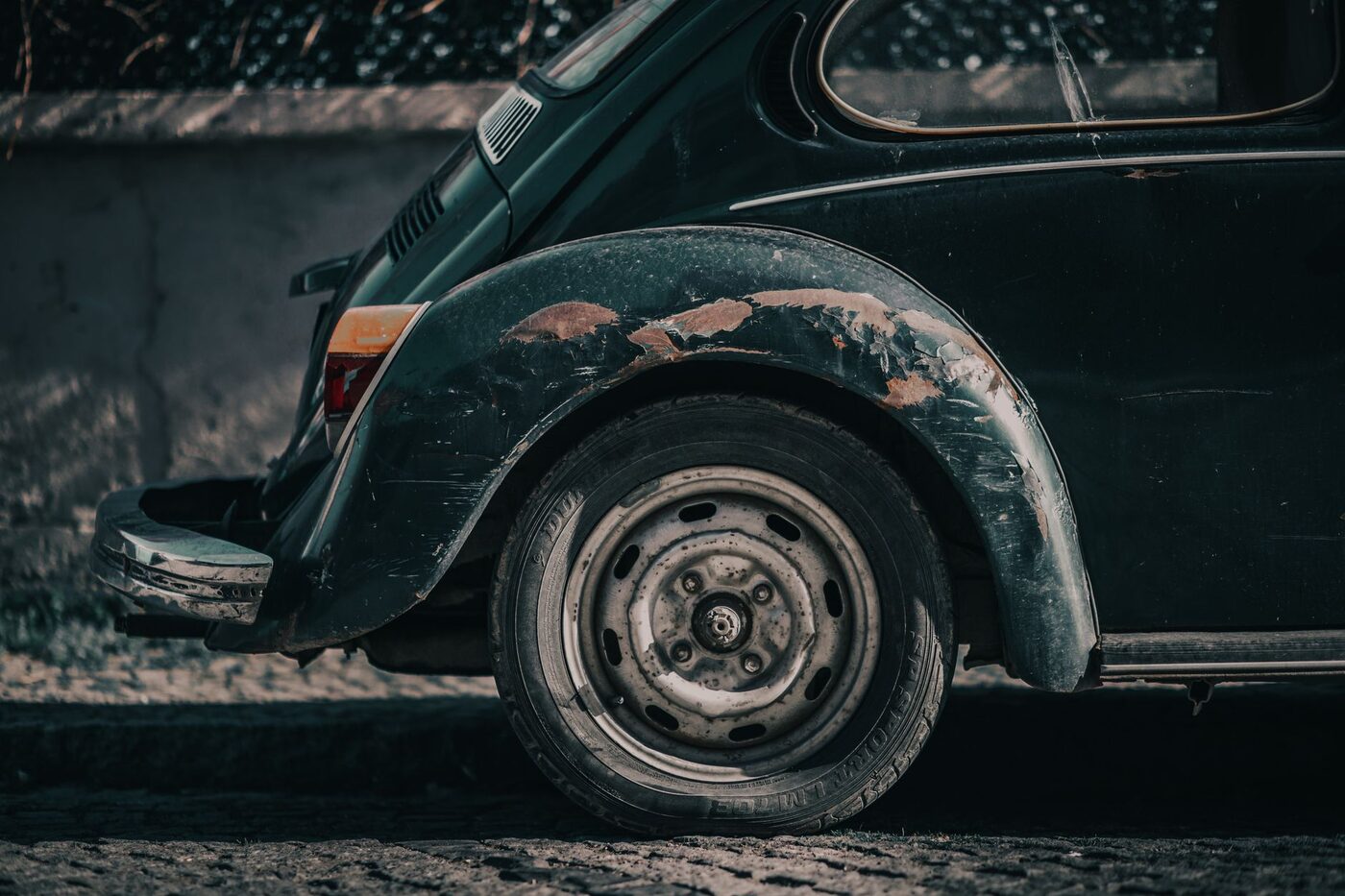
The message often comes a few days later, and it is short. “There is a scratch on the passenger door that was not there before.” Whether that becomes a free respray or a two-line reply depends on what you did in the few minutes before the car got wet.
Documenting pre-existing damage comes down to eight things done in order, all before any water or product touches the paint: walk the car dry in good light, photograph each side wide and every flaw close, mark each flaw on a diagram by panel, check the places customers notice after a detail, take paint readings on panels you plan to polish, write down the miles, the fuel and the contents, get a signature or a note of who gave you the keys, and send the customer a dated report the same day.
Why the record has to exist before the wash
A clean car shows everything. Dirt hides fine scratches and chips, and so does a film of water, so the first moment the customer sees their paint clearly is after you have finished with it. That is when old damage gets found, and whoever finds it assumes it is new.
In the UK you cannot contract your way out of this with a private customer. Every service contract between a trader and a consumer carries a term that the trader “must perform the service with reasonable care and skill”, and section 57 of the Consumer Rights Act 2015 says a term trying to exclude that duty is not binding on the consumer. So the waiver at the bottom of your booking form does not settle the argument. What settles it is evidence of what the car looked like when you took it, made before you could have caused the damage.
1. Walk the car dry, in daylight, before the hose comes out
Do the walk-around while the customer is still there if you can. Go round in the same direction every time, so no panel gets skipped because you started at a different corner.
Dry paint in daylight, or under a bright handheld light held low and at an angle, shows scratches that overhead light flattens out. Look along each panel rather than straight at it. Crouch for the sills and lower doors, where kerbs and other people’s doors leave their marks.
Point things out as you find them. A customer who has watched you put a finger on the chip in their bonnet is far less likely to message you about it on Thursday.
2. Shoot each side wide, then go close on every flaw
Start with five wide shots: front, rear, the two sides and the roof. Stand far enough back that the whole side fits in the frame with the number plate or a wheel visible, because a close-up with no context could be any car.
Then go close on each flaw. Put something in the frame for scale, your fingertip or a key, and take a second shot a step back so the flaw can be placed on the panel. Shoot along the panel as well as straight on; a straight-on photo of a light scratch often shows a clean panel.
If your camera adds a location, know its limits. The US government’s GPS accuracy page puts smartphone GPS at about 4.9 metres under open sky, and says accuracy gets worse near buildings, bridges and trees. That puts the job on the right street, not in the right bay of a multi-storey car park.
3. Mark every flaw on a diagram, panel by panel
Photos show what a flaw looks like. A diagram shows where it is and how many there are. Mark the type of damage, not just a dot: a scratch, a dent, a stone chip and a scuff from a careless parking job are different conversations.
This is the part a camera roll cannot do, and it is the job a car detailing log with a damage diagram is built around. DetailProof has five view tabs (front, rear, left side, right side and roof) over an outline of the car. You pick the view, choose scratch, dent, chip or scuff, tap where the flaw is, and can add a note to the mark. The screen says it records only what you mark, which is the honest limit of any walk-around.

4. Check the places customers notice after a detail
Some damage only shows once the car is clean and glossy, and it is nearly always in the same few spots.
Bird etching is the classic. A dropping that has sat on the paint can leave a dull, cratered patch that stays after the dropping is washed off. A 2011 study of how bird droppings degrade automotive clearcoat, in the Journal of Coatings Technology and Research, found highly etched areas on the coatings and concluded that enzymes in the droppings, more than acid, were mainly responsible. The customer saw a dropping before. Now they see a mark. Photograph droppings where they are, before you remove them.
The windscreen is the other one. In the UK, the MOT checks for damage over 10mm across in zone A of the windscreen, a strip 290mm wide centred on the steering wheel, and over 40mm in the rest of the swept area. A small chip in the driver’s line of sight deserves a photo with a coin beside it. If it spreads into a crack next month, you want it on record that it was there when the car arrived.
After that: kerbed rims, the lower edge of the front bumper, door edges and the driver’s seat bolster. Interiors get forgotten, and a burn in the headliner is damage too.
5. Take paint readings before the polisher touches a panel
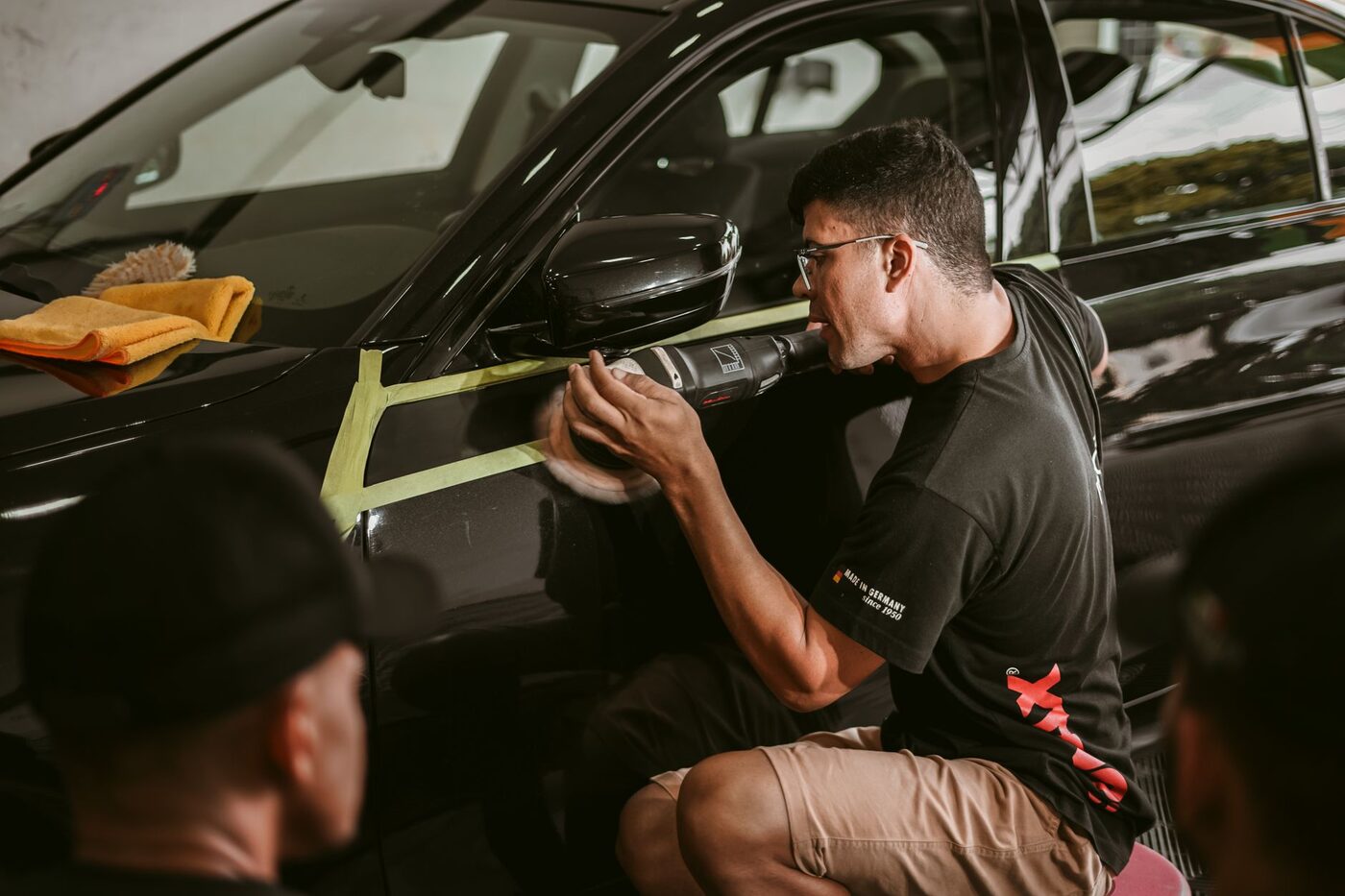
If the job includes machine polishing, a paint thickness gauge belongs in the inspection. The readings tell you what you are working with and become part of the before record.
DeFelsko, which makes these gauges, says in its guidance on paint thickness gauges for detailing that most factory paint reads between 4 and 7 mils, which is 100 to 180 microns, and that thicker readings are often a sign the panel has been repainted. The same page notes that most car makers recommend taking off no more than 0.3 mils, about 8 microns, of clear coat, to protect the layers underneath from UV damage. The standard practice for using these instruments is ASTM D7091, which covers magnetic and eddy current dry film thickness gauges, and a reading covers every layer at once: primer, colour, clear, any filler and any repaint.
That last point is why readings matter in a dispute. A door reading far above its neighbours has had work done. If the customer later says your polishing went through their clear coat, a note made before you started, showing the door was already a respray, changes the conversation. Write the readings into the note on the panel mark, or into the job notes, with the panel they came from.
Plastic bumpers need an ultrasonic gauge. On bumpers with driver assistance sensors behind them, General Motors, quoted by DeFelsko, caps paint at 13 mils (330 microns), so note a thick reading there too.
6. Write down the miles, the fuel and what is inside
These three settle the disputes that are not about paint. “My car came back with less fuel.” “Someone has been driving it.” “There was a pair of sunglasses in the console.”
Photograph the dashboard with the ignition on so the odometer and fuel gauge share one frame, and write both down. Then note what is in the cabin: a child seat, a laptop bag in the boot, cash in the door pocket. You need enough that “the glovebox was empty” is your word written at the time, not your memory three days later.
DetailProof puts these on the new job screen under intake condition: odometer, a fuel level from empty to full in quarters, and a box for items in the vehicle and interior pre-condition.
7. Get a signature, or a note of who handed over the keys
When the customer is there, show them the marks and ask them to sign that they have seen the condition of the car. Keep the wording plain. It is an acknowledgment of what was found, not a release from liability.
Many mobile jobs happen with nobody home: keys left with a neighbour, or a fleet car dropped off by a driver who has never met the owner. Then the record should say so. Write down that the customer was not present and who gave you the keys, and send the report straight after the job so the owner can query it while the job is fresh. DetailProof has a customer-present switch for this; turn it off and it asks who the keys came from, and the report says the customer was not present instead of showing a blank signature box.
8. Shoot the after set from the same spots, and send the report the same day
Match the before photos angle for angle: the same five wide views and the same close-ups, including the flaws that are still there. A chip you photographed going in and photograph again coming out is the best evidence you have that you did not cause it.
Then send it. A report in the customer’s inbox the same afternoon turns your notes into something they have seen. In DetailProof the PDF carries your business name and logo, the intake condition, every pre-existing mark, both photo sets with their date and time, the services ticked off and the signature or the not-present note. On a paid plan it goes out without the DetailProof watermark and there is no cap on how many jobs you keep; the standard tier holds three.
Before you hit send: under UK GDPR, location data is one of the identifiers that makes information personal, and at a home job the GPS position on a photo is the customer’s address. Keep it in your own copy and strip it from the shared one unless you need it there. DetailProof asks which you want whenever a report contains location.
Where a customer can take a complaint, and the limits
A customer your reply does not satisfy has other routes, each with its own limit. These are the ones that matter most to a mobile detailer.
| Route | Where | The limit in the rule |
|---|---|---|
| Card billing error (service not delivered as agreed) | US | Notice must reach the issuer within 60 days of the first statement showing the charge |
| Card quality dispute | US | Purchase over $50, in the cardholder’s state or within 100 miles |
| Section 75 claim against a credit card issuer | UK | Single item priced over £100 and up to £30,000 |
| Small claims court | England and Wales | Normal track for claims up to £10,000 |
| Small claims court | California | Up to $12,500 for an individual, $6,250 for a business |
The quality dispute rule comes from the Fair Credit Billing Act, and its text at 15 U.S.C. 1666i adds a condition that matters to you: the cardholder must first make a good faith attempt to resolve it with the business. The 100 mile limit rarely helps a mobile detailer, whose customers are local by definition. In the UK, section 75 makes the credit card issuer jointly liable with you, so the issuer has every reason to ask you for your side.
When the message arrives anyway
Answer with the record, not an argument. Find the job, look at the before photo of that door, and send it with the time on it. Most of these end there, because most of them are honest mistakes by someone who had never seen their car that clean.
If it goes further, under the Civil Procedure Rules for England and Wales, claims up to £10,000 go to the small claims track, and GOV.UK’s money claim guide says a claim of that size must first go to a free telephone mediation organised by the court. In California, the courts’ self-help guide to small claims says you can take advice from a lawyer beforehand but cannot have one with you in court. In both places that means your paperwork speaks for you, so it needs to be dated and made at the time.
This is general information, not legal advice. Rules differ by country and state, so check the limits with your local court service or card issuer, and speak to a solicitor or attorney about a specific claim.
If you have not settled on a sequence for the wash and correction that follow the inspection, the order in our guide to car detailing steps keeps each stage from undoing the last. And if you want the walk-around, the diagram, the intake and the report on the phone you already carry, set up DetailProof before your next booking and do the first inspection with it on a car you know well.
Common questions
Does the customer have to sign the condition report?
It helps, but the record does not depend on it. Dated photos and a marked diagram still show the condition of the car without one. A signature adds the customer's acknowledgment that they saw the marks before the work started. When nobody is there to sign, write down who handed you the keys and send the report the same day so the customer can raise a concern while the job is fresh.
Can a waiver stop a customer claiming I damaged their car?
Not in the way most people hope. In the UK, section 57 of the Consumer Rights Act 2015 makes a term that excludes your duty to work with reasonable care and skill non-binding on a consumer. A waiver also cannot tell anyone which marks were there before you started. The photos, the diagram and the readings are what answer that.
When can a customer dispute a card payment for a detail?
In the US, a billing error notice must reach the card issuer no later than 60 days after the first statement showing the charge, under Regulation Z. Quality disputes follow a separate rule for purchases over $50 made in the cardholder's state or within 100 miles. In the UK, a customer who paid by credit card can also claim against the card issuer under section 75 for a single item priced over £100 and up to £30,000. Keep the job record well past all of those windows.
Should my before photos include a GPS location?
It helps show where the job happened, but a phone's GPS is typically good to about 4.9 metres under open sky and worse beside buildings and trees, so it proves the street rather than the parking space. Location is also personal data under UK GDPR, and at a home job it is the customer's address. Keep it in your own record and remove it from the copy you send unless you need it there.