































































































































































Desk Neck Pain: Stretches and Setup Fixes
How to set your screen height, four NHS stretches to run at your desk, what the trials found, and the symptoms that need a doctor rather than a stretch.

For most desk neck pain, start with two jobs: get the top edge of your screen to eye level or slightly under it, and stop holding any one position for long. Then add a stretch set, twice a day, for four weeks. That dose comes from a 2016 trial of 96 office workers in Clinical Rehabilitation, all with months of moderate-to-severe neck pain. Those who stretched finished 1.4 points further down a 10-point pain scale than those who only got an ergonomics brochure.
One point four isn’t a miracle. It is a number, though, so each step below says what to change and how much evidence sits behind it. Stretches and a better desk can reduce the ache. Nothing in this guide claims to cure it.
Why posture gets less blame than it used to
Chelsea and Westminster Hospital says two in three of us will get neck pain at some point. Desk work is the usual suspect, and the sources don’t fully agree on why.
The NHS still lists bad posture at a desk among the common causes. The Chartered Society of Physiotherapy’s page on causes of neck pain goes the other way: posture plays a much smaller part than people used to think, it says, and the trouble looks more like holding the body in one position for long periods.
Two studies back the first half of that, though neither measured how long people held a position. The Raine Study measured sitting posture from photographs at age 17 and asked 686 people about neck pain at 22. In men, posture made no difference. Women who had sat upright at 17 did worse than those who had slumped, and the authors wrote that “generic public health messages to sit up straight” need rethinking.
Tech neck has taken a similar knock. A 2025 study enrolled 457 adults with no neck pain, followed 396 of them for the full year, and found the angle of the neck during phone use was not a risk factor. Low sleep quality and too little physical activity were linked to pain, with odds ratios of 1.76 and 2.41.
One study followed teenagers, the other looked at phones rather than monitors, so I wouldn’t read them as permission to hunch. OSHA’s line fits better: however good your posture, staying in it for too long isn’t healthy. Treat the setup as what makes a comfortable position possible, then keep moving out of it.
Step 1: Check this is a stretching problem at all
Some symptoms mean a stretch is the wrong move. The NHS page on cervical spondylosis sets out these two lists.
Call 999, or your local emergency number, for:
- new problems walking
- loss of bladder or bowel control
- a sudden lack of co-ordination, such as struggling to button a shirt
- a face drooping on one side
- someone unable to lift both arms and keep them there
- difficulty speaking, or slurred or garbled speech
Ask for an urgent GP appointment or contact NHS 111 for:
- severe neck pain that starts suddenly or gets worse quickly
- heaviness or weakness in your arms or legs
- pins and needles in an arm, along with neck or arm pain
- pain between your shoulder blades
Chelsea and Westminster adds its own reasons for A&E: a significant injury, a collapse, neurological symptoms like double vision or slurred speech, or a history of cancer with neck pain that is worse at night.
Step 2: Set the screen height with a tape measure
The two regulators word this differently. OSHA’s computer monitor guidance wants the top of the screen at or slightly below eye level, the centre 15 to 20 degrees below your eye line, and a viewing distance of 20 to 40 inches (50 to 100 cm). The HSE’s good posture guidance for screen users says top of screen level with the eyes, about an arm’s length away.
They agree more than it looks. Take an illustrative example: you sit 60 cm from a 27-inch widescreen, which is about 34 cm tall. With the top edge at eye level, the centre is about 17 cm down, roughly 16 degrees, and that’s inside OSHA’s range.
To check yours, sit the way you normally sit and look straight ahead. Measure from the desk to your eye line, then from the desk to the top edge of the screen. The second number should match the first or come in slightly under it. A stack of books does this as well as a monitor arm.
If you’re unsure, go low. Chen and colleagues’ 2018 review in Physical Therapy found one 52-week trial of 150 people in which a line of sight 30 degrees below horizontal beat one 15 degrees below for reducing neck pain. One trial, graded low quality, and 30 degrees is lower than OSHA’s range, so I’d use it only to settle at the low end of the guidance.
Bifocal wearers need different numbers. OSHA says to set the monitor lower than usual, or raise the chair until you can read without tipping your head back, or get single-vision lenses made for computer work.
Step 3: Stop working directly on a laptop
A laptop can’t pass Step 2. The screen and keyboard are joined, so one of them is always in the wrong place. The HSE’s answer is a separate keyboard and mouse with the laptop up on a riser, or a separate display.
If you work from a laptop, make this change first.
Step 4: Take the load off your shoulders
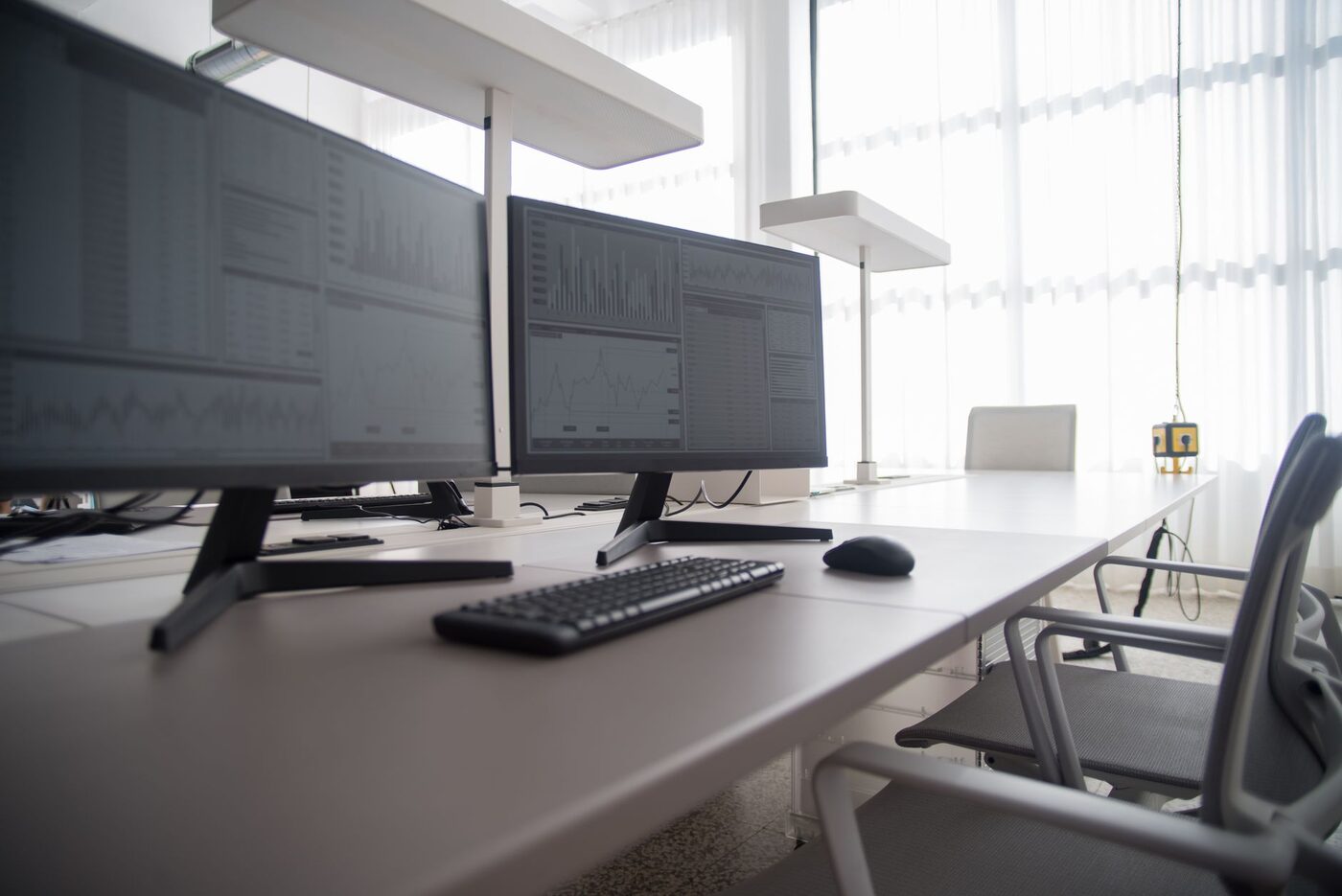
OSHA’s picture of a good working position has the shoulders relaxed and the upper arms hanging normally at your sides. A keyboard set too high makes that hard, so bring it down until your elbows sit open at 90 to 120 degrees.
Long calls with a phone pinched between ear and shoulder may cause neck pain, OSHA says, so use a headset or the speaker.
OSHA also wants the monitor straight ahead and no farther than 35 degrees to either side. It doesn’t cover a second screen, so I’d put the one you use most in the middle and hold any other to the same limit.
The figures for the rest of the desk:
| Check | Aim for | Guidance |
|---|---|---|
| Elbows | Bent 90 to 120 degrees, close to the body | OSHA |
| Keyboard | Slightly below elbow height | HSE |
| Mouse | In line with the elbow | HSE |
| Seat front | 2 to 3 cm gap behind the knee | HSE |
Step 5: Learn four stretches
If you have a recent neck injury or a disc problem, or have had neck surgery, ask your physio or doctor before doing these.
They come from the NHS flexibility exercises, the NHS sitting exercises and Chelsea and Westminster Hospital’s neck pain leaflet, with their doses left as they wrote them.
- Neck rotation (NHS). Sit upright, shoulders down, looking ahead. Turn your head slowly towards your left shoulder, only as far as is comfortable, hold for 5 seconds and come back. Do the same to the right. Three on each side.
- Neck stretch (NHS). Sit upright, look ahead and use your right hand to hold your left shoulder down. Slowly tilt your head to the right, keeping that shoulder down, then swap sides. Hold for 5 seconds, three times each way.
- Chin tuck (Chelsea and Westminster). Draw your chin in with your neck and back straight, and don’t let your head tip forward. Hold at the end, where you feel the stretch in your neck. About 10 times.
- Chest stretch (NHS). Sit away from the chair back, pull your shoulders back and down, and take your arms out to the sides. Ease your chest forward and up until you feel it stretch across the front. Hold for 5 to 10 seconds, five times.
By my estimate the whole set takes about three minutes.
Keep it gentle and within pain limits, as the hospital leaflet says. Sharp pain, or anything travelling down an arm, means stop and go back to Step 1.
Step 6: Put the stretches on the calendar
The trial’s schedule was twice a day, five days a week, for four weeks. The trial used its own neck and shoulder stretches, not these four, so borrow the schedule and don’t expect the 1.4 to carry over exactly.
Stretching isn’t a sure thing. The Chen review describes one trial where eight weeks of neck and shoulder stretching alone did not reduce pain intensity. On strengthening, the same review found the greatest effects in the studies with the highest participation, and I’d expect stretching to work the same way. A plain set you do beats a clever one you skip.
Between sessions, move. The HSE says 5 to 10 minutes every hour is better than 20 minutes every 2 hours. I’d hang the stretches on two fixed points, say after the morning coffee and mid-afternoon, and stand up once an hour in between.
If you’d rather not count seconds, NeckReset has a desk neck stretch routine called the Mid-Day Desk Break: six movements in a chair, from a chin tuck to a seated chest opener, at an estimated five minutes. A ring counts down each hold, and you can pause or move on.

The home screen offers that routine from noon to six, and it plays on a fresh install with nothing to unlock. Reminders stay off until you turn them on; the Weekdays only setting sends “Reset your posture with a quick desk break.” at a time you pick. The app calls itself an exercise library, not physical therapy.
Step 7: Run it as a four-week test
Score your neck from 0 to 10 once a day, at the same time, and note what you’d been doing.
Be careful what you credit. Both groups in the trial improved, brochure-only included, and the NHS says most neck pain lasts only a few weeks. So the 1.4 is the gap between the groups, not how far either one fell, and part of any drop you see would have come anyway. A flat line after a month is useful information for whoever you see next.
A notebook works. So does NeckReset’s pain log, which takes a 0 to 10 severity, an area and a trigger such as Sitting. Its 30-day trend view, part of the Pro unlock, is the one that covers a four-week test end to end.
Step 8: Add strength if the ache keeps returning
Strengthening has the stronger case. The Chen review covered 27 trials. In office workers who already had symptoms, five trials pooled gave strengthening a medium effect of 0.59, moderate-quality evidence, larger when the exercises targeted the neck and shoulders. General fitness training, from two trials, helped less, at 0.43. Across office workers generally, strengthening made no measurable difference, so don’t take it up as insurance.
On dose, a 2017 review of eight trials in the South African Journal of Physiotherapy encourages about an hour of strengthening a week.
I won’t list strength moves in this guide. Loads and progressions depend on your neck, and that’s a physiotherapist’s job. The NHS says many areas let you refer yourself to a community musculoskeletal service without seeing a GP first.
What I’d hold off buying
The setup steps rest on thin evidence too. The Chen review grades ergonomic changes as low quality. A Cochrane review of office workers found workstation adjustment and sit-stand desks had no effect on upper limb pain compared with no intervention. Upper limb pain isn’t neck pain, so a standing desk isn’t ruled out, but it hasn’t earned the money yet. A riser costs little.
If you work in Britain, your employer has duties
The HSE says the display screen regulations apply if you use a screen daily for continuous periods of an hour or more, long-term home workers included. Your employer must do a workstation assessment, and a complaint of pain or discomfort is one of the things that calls for one. If that assessment says you need equipment, you can’t be charged for it.
So say it, ideally in an email: my neck hurts and I’d like a DSE assessment.
How long to give it before you see someone
Give it a few weeks. The NHS says to see a GP if the pain or stiffness hasn’t gone by then, if painkillers haven’t worked, if you’re worried, or if you also have other symptoms, like a cold arm. Pins and needles in an arm with neck or arm pain is the urgent route in Step 1. Chelsea and Westminster adds pain that keeps affecting your sleep and daily activities. The physiotherapists’ figure is that most neck problems get a lot better within three months.
This is general information, not medical advice. Check anything that worries you with your GP or a physiotherapist, and follow what they tell you over what you read on this page.
Before you close this tab, measure your eye line and the top of your screen. If the two don’t match, fix that today. Then write the four stretches on a sticky note and put it on the monitor you moved, or get NeckReset’s stretch timer and pain log and set a weekday reminder for tomorrow afternoon.
Common questions
What are good neck stretches for desk workers?
The NHS describes a neck rotation (turn the head, hold 5 seconds, 3 times each side) and a neck stretch (hold one shoulder down and tilt the head away, 5 seconds, 3 times each side). Chelsea and Westminster Hospital adds a chin tuck, repeated about 10 times, and the NHS sitting exercises include a chest stretch. Do them gently and only as far as is comfortable.
Should the top of my monitor be at eye level?
Yes, or slightly below it. OSHA says the top of the monitor should be at or slightly below eye level, with the centre of the screen 15 to 20 degrees below your horizontal eye line. The HSE says top of screen level with the eyes, about an arm's length away. If you wear bifocals, OSHA advises going lower than that.
What is tech neck, and do phones cause it?
Tech neck is a popular name for neck pain blamed on looking down at screens. The evidence for the head angle being the cause is weak. A one-year study that enrolled 457 adults, published in 2025, found neck flexion during phone use was not a risk factor for neck pain, while low sleep quality and too little physical activity were linked to it.
When should I see a doctor about neck pain from desk work?
The NHS says to see a GP if it has not gone after a few weeks, if painkillers have not worked, or if you also have other symptoms, like a cold arm. Severe pain that starts suddenly, pins and needles in an arm with neck or arm pain, weakness or heaviness in the arms or legs, or pain between the shoulder blades needs an urgent GP appointment or NHS 111. New problems walking, loss of bladder or bowel control, sudden loss of co-ordination, a face drooping on one side, being unable to lift both arms and keep them up, or slurred or garbled speech need 999.
Photos: Karola G / Pexels , Kampus Production / Pexels